
Why a T10 vehicle mount computer is more than a screen on a bracket
Buying a T10 vehicle mount computer sounds straightforward until you put it into a real fleet, real road vibration, and a real shift that runs longer than anyone planned. On paper, these units look like ruggedized tablets or terminals with a 10.1-inch display. In practice, the decision affects dispatch speed, driver safety, warehouse-to-vehicle workflow, and how much maintenance your team will absorb six months later.
That is why engineers and sourcing managers usually need more than a product page. They need a clear view of what the device has to survive, where it will be mounted, how operators will actually use it, and whether the supplier can support the broader program, not just ship hardware. A vehicle mounted terminal is often judged by the screen size first, but the better questions are about mounting stability, power management, data entry, and serviceability.
This article is aimed at buyers trying to decide whether a 10.1-inch vehicle mount computer is the right fit, and what to ask before placing an order. The right answer depends less on marketing language and more on duty cycle, vehicle type, and the workflow in the cab.
What the T10 class usually means in practice
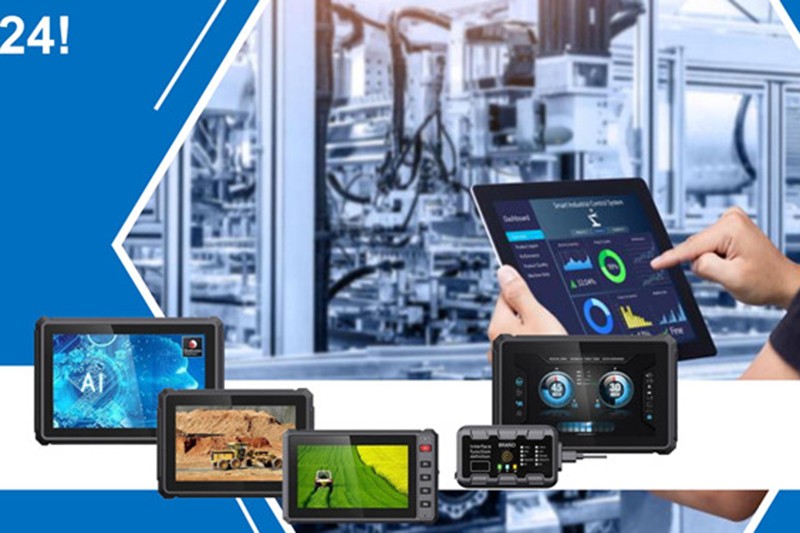
In industrial buying language, T10 typically points to a 10.1-inch format. That size has become popular because it sits in a useful middle ground: large enough for maps, inventory screens, route data, and forms, but not so large that it dominates the dashboard or becomes awkward in compact cabins. For fleets that need a readable display without turning the vehicle into an office, the format makes sense.
A T10 vehicle mount computer is often used in logistics vehicles, forklifts, service vans, yard trucks, and other mobile workstations. The value comes from keeping the interface in view while the operator is moving through a job. In other words, it is not just computing hardware. It is a workflow tool that can reduce paper handling and reduce the need for drivers to move back and forth between vehicle and dock.
Key features buyers usually compare first
When teams compare models, they tend to start with the visible details, which is reasonable. Screen size, brightness, and touch behavior affect day-to-day adoption quickly. But the hidden details often matter more over time.
Typical comparison points include mounting method, power input stability, connector durability, enclosure protection, and whether the unit is designed for glove-friendly use. Some buyers also pay close attention to whether the interface is optimized for vehicle work rather than adapted from a desktop form factor. If the menu structure is clumsy, drivers will work around it, and that usually creates more errors, not fewer.
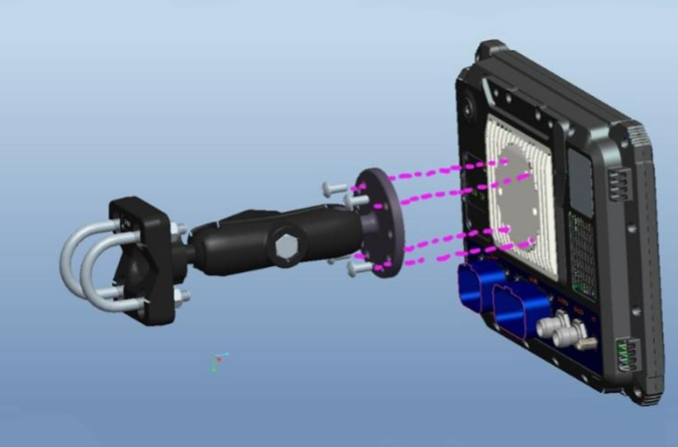
The 10.1-inch vehicle mount computer category also raises a practical issue: placement. A screen that is comfortable to read may still be poorly placed if it blocks sightlines or forces awkward reach. That is one reason installation planning should be part of the purchase discussion, not an afterthought.
Where a vehicle mounted terminal helps most
These devices are best suited to repetitive, field-facing tasks: dispatch updates, proof-of-delivery workflows, barcode-assisted picking, route guidance, or vehicle-based inspection logging. If the work requires occasional touch input and constant readability, a mounted terminal makes sense. If users need heavy text entry, the project may also require a companion keyboard, scanner, or software redesign.
Selection criteria that actually affect performance
Display size alone will not tell you whether a system is a fit. Buyers should look at the operating environment first. Heat, dust, cold starts, vibration, and frequent power cycling all put stress on vehicle electronics. A terminal that works well in a clean indoor dock may not survive the same workload in a mixed fleet.
One useful way to evaluate a T10 vehicle mount computer is to ask how it behaves under the least convenient conditions: startup after an overnight park, use with wet hands or gloves, and repeated mount-and-unmount cycles if the unit is not fixed permanently. Those are the moments when design quality shows up. A device can look rugged and still be frustrating if the connectors are exposed, the mount loosens, or the touch layer is overly sensitive.
Buyers should also think about software compatibility. A vehicle mounted terminal is only as useful as the application stack running on it. Integration with fleet systems, WMS software, ERP touchpoints, or routing tools should be checked early. It is better to confirm that now than to discover the issue after hardware has already been approved.
Common mistakes in sourcing vehicle-mounted hardware
One common mistake is buying for the spec sheet instead of the job. A flashy display does not help if the mounting arrangement is poor or if the unit is too bulky for the cab layout. Another mistake is underestimating service access. If the device needs frequent cable replacement or bracket adjustment, the maintenance burden can become annoying very quickly.
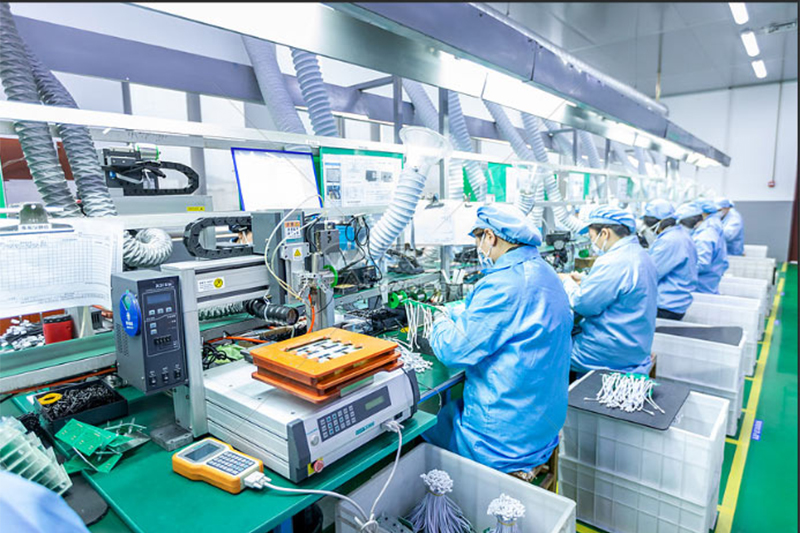
There is also a tendency to ignore supplier capability. For a program that may need custom housings, software coordination, labeling, packaging, or repeat orders, the supplier’s manufacturing model matters. Hanlin Industrial Co., Ltd., for example, operates as an OEM/ODM solution provider with product design and development, material sourcing, sampling and prototype production, mass production, quality control, customized packaging, and logistics support. That kind of end-to-end support is useful when a buyer wants more than a single boxed product.
Another practical warning: do not assume every supplier’s “rugged” claim means the same thing. In the absence of exact test data or environmental ratings supplied by the vendor, ask for the details in writing. Buyers in this category should be careful about vague language.
How supplier capability changes the buying outcome
For industrial hardware, the device itself is only part of the risk profile. The other part is whether the supplier can support changes without breaking the program. That includes design iteration, material consistency, sample development, and production control. Hanlin’s background is notable here because the company describes in-house design studios, more than 100 new samples weekly, 80,000+ units monthly capacity, and a workforce of 500+ skilled employees. Those are the kinds of operating details that matter when a buyer is planning a rollout rather than a one-off trial.
Long-term stability is often underrated in sourcing discussions. Many projects do not fail because the first shipment is unusable; they fail because the second or third order changes in small ways that cause installation or compatibility problems. A supplier with an established OEM/ODM process and documented quality control is better positioned to keep those variables in check.
Practical buyer checklist before you order
Before committing to a T10 vehicle mount computer program, it helps to separate the nice-to-have features from the must-haves. Start with the vehicle environment, then map the operator task, then match the hardware. That order may sound obvious, but many projects reverse it and pay for that later.
Ask these questions early: Will the unit be fixed mount or removable? Is the display readable in bright cab conditions? How will power be managed during ignition events? Will the unit be used with gloves? What accessories are required for installation? What parts are likely to wear first? If a supplier cannot answer those questions with practical detail, the project deserves a second look.
For procurement teams, packaging and logistics are not minor points either. Hanlin notes global shipping support through sea freight, air freight, and international express, along with export documentation and customs clearance support. That may not decide the product technically, but it can simplify rollout planning, especially for distributed fleets.
When a 10.1-inch format is the right choice, and when it is not
The 10.1-inch vehicle mount computer is a good fit when the user needs enough screen area for navigation, forms, or operational dashboards without sacrificing cabin space. It is often a sensible compromise for mixed-use fleets and vehicles with limited panel room. The format also tends to work better for teams that want a single device to cover multiple workflows.
It may be the wrong choice if the operator needs a highly specialized interface, if the cab is extremely tight, or if the application requires frequent complex data entry. In those cases, a smaller terminal or a system with external input accessories may be more practical. A slightly smaller screen can sometimes improve ergonomics more than a larger one.
FAQ
Is a T10 vehicle mount computer the same as a tablet?
Not really. A tablet can be adapted for mobile use, but a vehicle mount computer is intended for installed, in-vehicle workflows and usually places more emphasis on mounting, power handling, and durability.
Should I choose a vehicle mounted terminal based on screen size alone?
No. Screen size is only one part of the decision. Mounting, software fit, environmental exposure, and maintenance access can matter more.
What should sourcing teams request from suppliers?
Ask for dimensional drawings, interface details, mounting options, power requirements, and any available quality documentation. If customization is involved, ask how revisions are handled between sample and mass production.
What to do next
If you are evaluating a T10 vehicle mount computer for a fleet or mobile workflow, start with the use case rather than the screen. Define the vehicle, the task, and the installation constraints first. Then compare suppliers on engineering support, production stability, and their ability to adapt the product to your program.
For buyers who need OEM or ODM development support, Hanlin Industrial Co., Ltd. is positioned as a manufacturing partner rather than just a shipment source. That can be useful when the project needs sampling, customization, packaging, or repeat production with consistent execution. A good vehicle computer program is rarely won by the hardware alone; it is won by the team that can keep the hardware, the workflow, and the supply chain aligned.