

A warehouse vehicle computer is the fixed or semi-fixed computing device installed on a forklift, order picker, tow tractor, yard truck, or automated guided vehicle. It connects the operator to warehouse software while also linking to scanners, vehicle data, cameras, wireless networks, and positioning systems.
Buyers often begin with screen size or processor speed. A better process starts with the work performed on the vehicle: which decisions the driver makes, which data must arrive before the next move, and which conditions could interrupt the task. This guide explains common applications and turns them into practical buying criteria.

PDS application illustration for evaluation only. The final installation must be validated on the target vehicle.
Where warehouse vehicle computers are used
Warehouse fleets rarely share one operating pattern. A counterbalance forklift may confirm a pallet move in seconds, while an order picker displays a long sequence of locations and quantities. A yard truck crosses outdoor lanes and depends on cellular coverage. Each duty cycle changes the display, mounting, power, and interface requirements.
A 7-inch vehicle computer can suit compact vehicles that mainly display short tasks and confirmations. An 8-inch vehicle computer gives more room for mixed workflows, larger touch targets, and exception handling. The right size is the smallest display that lets the operator complete the longest routine task safely and efficiently.
Applications that drive the hardware specification
Warehouse task management
The terminal may show put-away, picking, replenishment, cycle-count, or cross-dock instructions from a warehouse management system. The software should keep the next required action visible and make confirmation possible without excessive scrolling. A reliable warehouse vehicle computer also needs predictable reconnect behavior when the vehicle moves between Wi-Fi access points.
Barcode, RFID, and sensor input
Barcode scanners may connect by USB, RS232, or Bluetooth. RFID readers and weight sensors may use RS485, Ethernet, or industrial fieldbus. The purchase team should list every device, connector, voltage level, protocol, and cable length before selecting a model. A port count alone does not prove that the required device will work.
Telematics and vehicle data
A rugged vehicle computer can read vehicle status through CAN Bus, digital inputs, or serial interfaces. Typical data includes ignition state, battery voltage, engine hours, fault codes, load status, or lift activity. The project should define whether the data is stored locally, forwarded over 4G LTE, or processed on the terminal to trigger a driver alert.
Cameras, guidance, and safety workflows
Rear-view cameras, load-view cameras, and location guidance create higher video and processing demands. Review display resolution, decoder support, latency, and the number of simultaneous streams. Safety-related interfaces should also respect the vehicle's existing control architecture and applicable site rules rather than placing safety functions entirely in a general-purpose application.
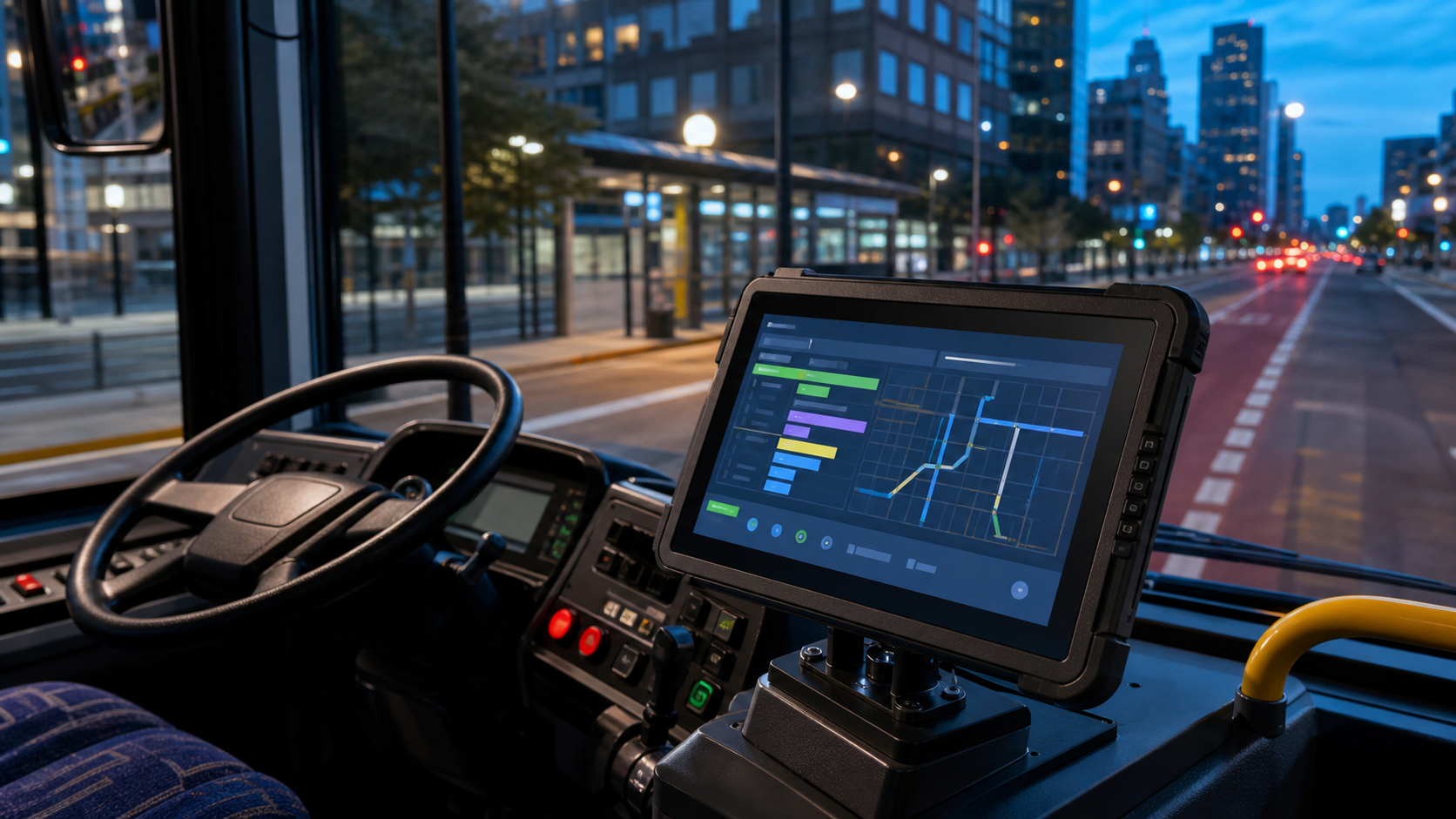
PDS workflow illustration. Application screens and scanner placement must be tested with operators.
Build a buying checklist for the vehicle and site
A rugged computer for warehouse vehicles should be selected as part of the complete installation. Mechanical fit, electrical protection, wireless coverage, software support, and maintenance access all affect whether the project succeeds.
| Requirement | What to specify | Evidence to request |
|---|---|---|
| Display and operation | Size, resolution, brightness, touch mode, viewing angle, glove use | Specification sheet and trial from the normal seated position |
| Power | Nominal voltage, input range, transient protection, ignition behavior | Electrical drawing, fuse guidance, and startup test |
| Connectivity | Wi-Fi, 4G LTE, GNSS, Bluetooth, antenna placement and supported bands | Modem details, regional approval, and coverage test |
| I/O integration | CAN, RS232, RS485, USB, GPIO, Ethernet, video and audio requirements | Pinout, driver or SDK support, and protocol test |
| Environment and mounting | IP rating, temperature, vibration, condensation and available clearance | Ingress rating, bracket drawing and sample fit check |
| Lifecycle support | OS version, security updates, spare parts, repair path and supply term | Support policy, software image and change notification |
Choose an operating system that fits the software plan
Android can simplify application development and touch-oriented deployment. Linux can offer tighter control over services, networking, and industrial interfaces. OpenHarmony may suit projects that need a managed domestic platform. The operating system matters only when it supports the software team's maintenance plan and the required device APIs.
Ask how the supplier controls firmware images, security patches, device enrollment, and remote configuration. A warehouse vehicle computer may remain in service for many years, so the buyer should understand who owns the OS image and how a replacement unit receives the correct software version.
Test wireless performance in the real warehouse
Warehouse radio conditions change with racking, metal stock, doors, trailers, and vehicle position. Testing near an access point can produce a false pass. Walk every aisle and record signal quality, roaming time, packet loss, and application recovery.
If the site uses 4G LTE as a backup or primary link, verify carrier bands, antenna placement, roaming policy, and data cost. The application should queue transactions during an outage and show a clear synchronization state. For GNSS-enabled yard operations, confirm sky visibility after the antenna is installed on the actual vehicle body.
A fleet management solution can combine location, vehicle data, and operational records. The warehouse project should define which data stays on the vehicle, what is sent to the cloud, and how long records are retained.
Plan power, mounting, and maintenance
Forklift electrical systems can experience starting transients, regenerative events, and accessory switching. Confirm the terminal's input range, protection specification, fuse recommendation, and ignition timing. Route cables away from sharp edges, heat, and moving parts, and provide strain relief at every connector.
IP66 protects against dust and powerful water jets, but it is not a universal cleaning instruction. The International Electrotechnical Commission explains the meaning of IP ratings. Confirm temperature limits, condensation control, chemical exposure, and washdown practice with the supplier.
Mount the display after seating an operator in the vehicle. Check sight lines, controls, mirrors, connector clearance, and the angle needed to reduce glare. Maintenance staff should be able to replace a unit or reconnect a cable without removing major cab components.
Run a pilot with acceptance criteria
Install one unit on a representative vehicle and operate it through complete shifts. Measure task completion, reconnect time, screen readability, scanner success, mount stability, and the number of interactions performed while stopped. Review the results with drivers, maintenance, IT, and warehouse operations.
For fleet rollout, approve one hardware revision, software image, cable set, mounting kit, and configuration baseline. A controlled baseline makes spare units easier to deploy and prevents a repair from introducing an untested combination.
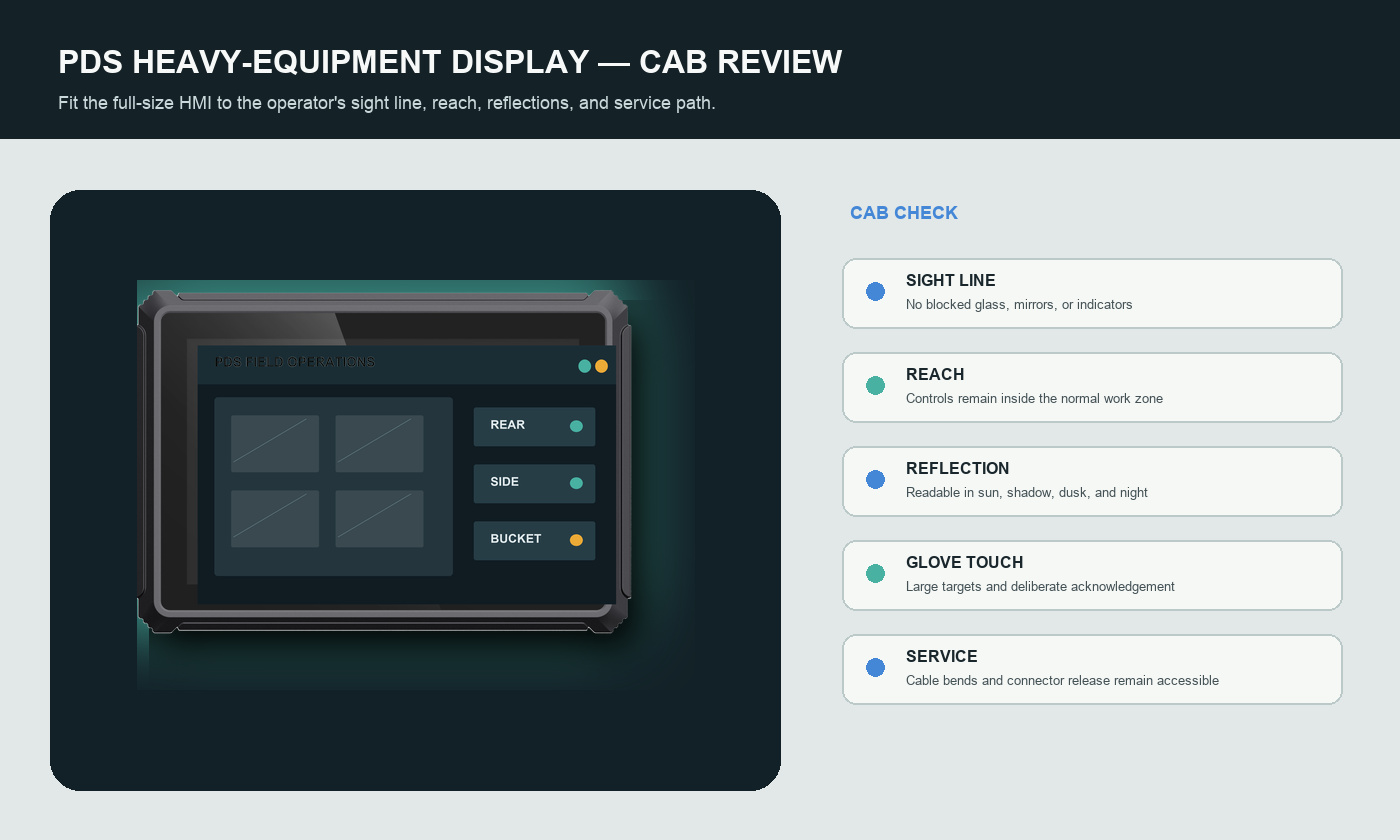
PDS selection illustration. The final BOM and configuration must be confirmed for the quoted project.
FAQs
What is the best screen size for a warehouse vehicle computer?
There is no universal size. Use the smallest display that supports the longest routine task from the normal driving position. Compact vehicles often work well with 7 or 8 inches, while camera, map, and multi-panel applications may justify a larger screen.
Can a warehouse vehicle computer connect to an existing WMS?
Yes, if the software layer and network path are designed correctly. The WMS may use a web application, a native client, or an API-based middleware service. Confirm authentication, offline behavior, data format, and support responsibility before deployment.
What interfaces should be included?
Include only interfaces required by the current and planned devices, but verify protocol support rather than port count. Common choices include CAN, RS232, RS485, USB, GPIO, Ethernet, Wi-Fi, 4G LTE, GNSS, and Bluetooth.
How should the project team compare suppliers?
Compare the complete delivered configuration, interface documentation, sample support, software control, environmental evidence, spare-part plan, and product lifecycle. PDS's OEM/ODM service can support customized hardware and software projects when a standard model needs adaptation.
Contact us
📧Email:[email protected]
📞Tel:+86 13421822024
🌐Website: www.szpds.com
Disclaimer
The information in this article is for reference only. PDS Technology Co., Ltd. assumes no responsibility for errors, omissions, or suitability of the content for specific applications. Product specifications are subject to change without notice. Buyers should verify all technical details with our team before use.
About PDS Technology
PDS Technology is a leading OEM/ODM manufacturer of high-precision RTK GNSS terminals and vehicle computers, serving agriculture, construction, mining, taxi, and logistics industries since 2011.
With 15+ years of automotive-grade R&D experience, we offer rugged, multi-OS (Android/Linux/OpenHarmony) devices featuring RTK centimeter-level positioning, IP66 protection, and AI-ready performance. Our IATF16949-certified factories have produced over 100,000 units deployed globally, holding 30%+ of China's agricultural auto-steering terminal market. We export to Japan, the US, UK, Turkey, Russia, and beyond.





