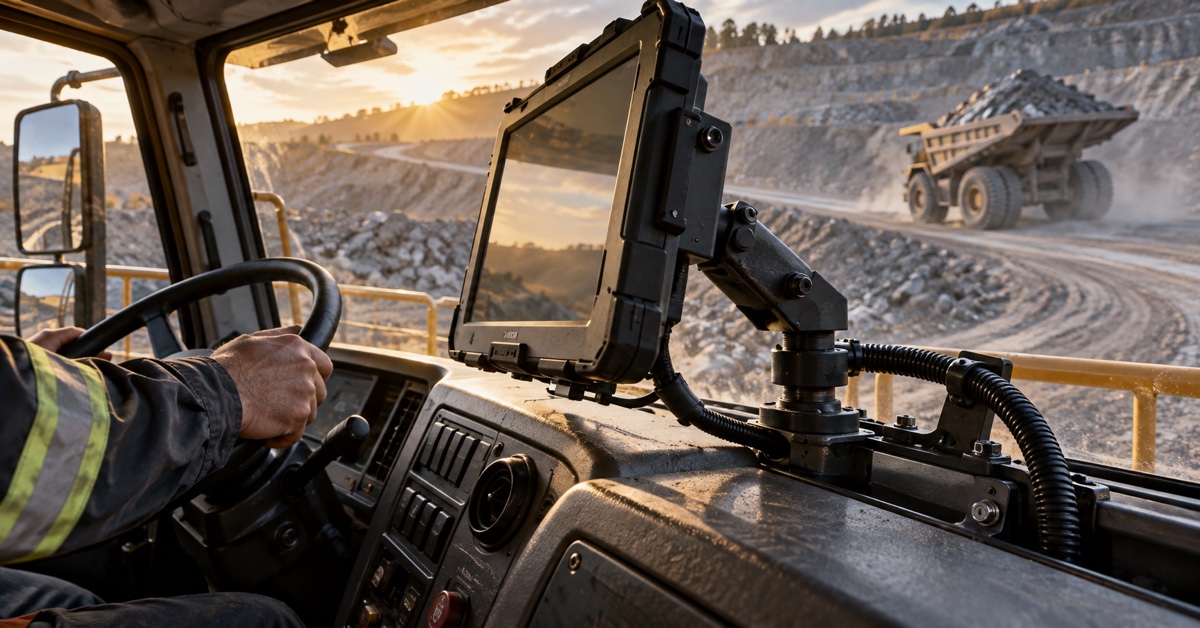
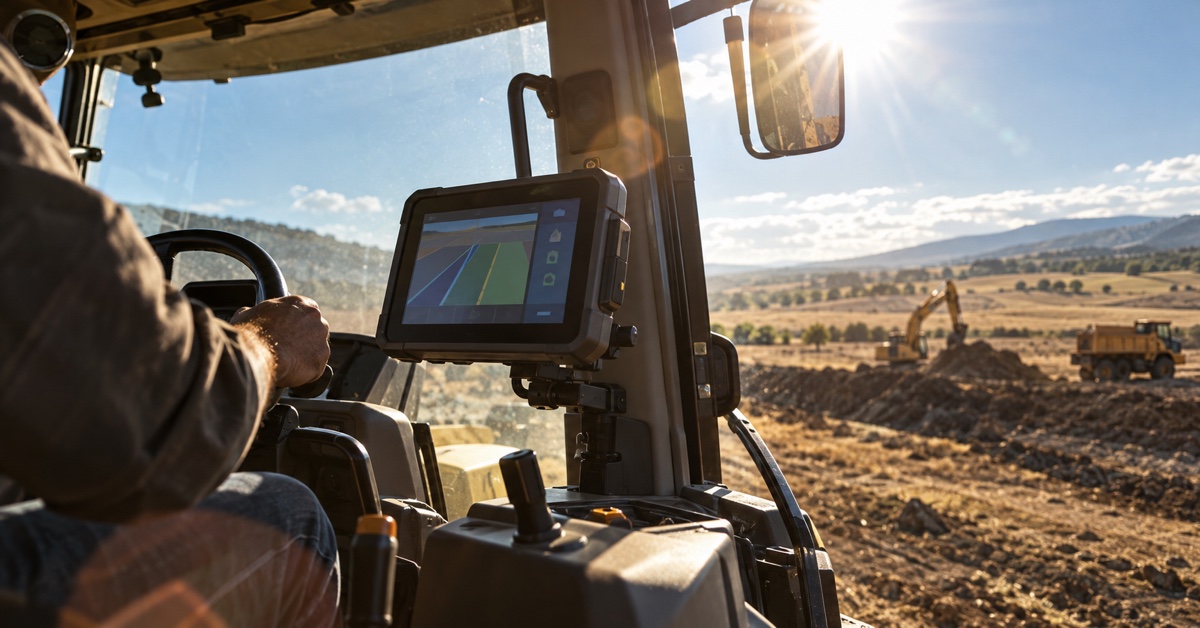
A camera input vehicle terminal can turn a blind spot, reversing area or loading zone into information the driver can act on. It is not only a display for a rear-view camera. The terminal can combine live video with vehicle status, warning rules and event recording so the fleet gets a clearer record of what happened around the vehicle.
The right configuration depends on the safety problem. A van may need a reversing view and a cargo-area camera. A municipal truck may need front, rear and side views for tight streets. A heavy vehicle may need cameras linked to CAN Bus signals so the screen changes automatically when reverse, turning indicators or a work function is active. This guide explains the use cases, interface choices and selection criteria.
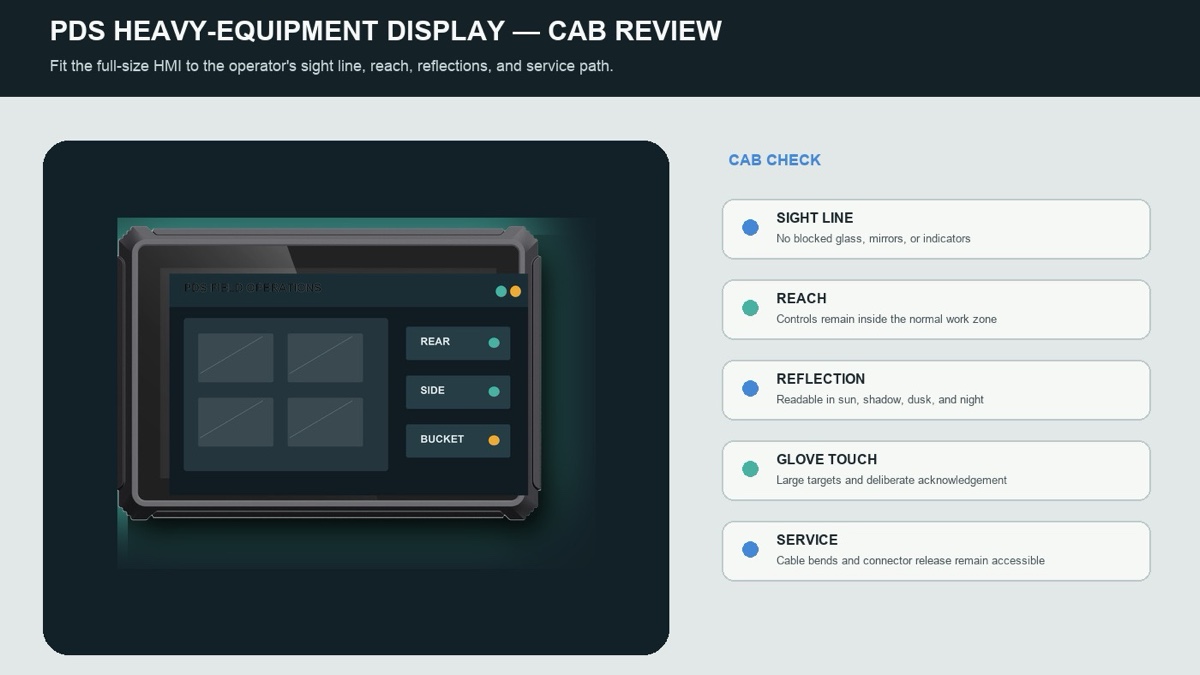
Multi-camera fleet illustration. Camera count, viewing priority, recording policy and driver interaction should be designed together.
Common camera input use cases
Reversing and close-quarters manoeuvring
A rear camera helps the driver see behind a box truck, refuse vehicle or service body where mirrors cannot cover the full area. The view should appear automatically when reverse is selected and remain large enough to judge distance. If the terminal also receives CAN Bus gear information, the switch can happen without a separate manual control.
For tight depots, side cameras can reduce the risk of contact with bollards, loading docks and pedestrians. A split-screen view may be useful, but small tiles can make hazards harder to see. The interface should give priority to the camera needed for the current manoeuvre.
Cargo, body and trailer monitoring
A camera aimed at a tank, hopper, lift gate, crane or trailer coupling can tell the operator whether equipment is secure and in the expected position. The business case may be less about entertainment and more about avoiding damage, unsafe movement or repeated walk-around checks.
Mount the camera so the lens is protected from impact and direct washdown. Use a connector and cable route that can survive vibration and weather. The image may be most useful as a short event clip linked to a vehicle state rather than a permanently visible view.
Door, boarding and passenger-area views
Buses, shuttles and specialised service vehicles may need a view of the door, aisle or boarding area. Privacy, retention and access rules become important because video may include the public. The terminal should support a clear recording policy and controlled export rather than leaving files on an unmanaged memory card.
Event-triggered fleet evidence
Camera input can be linked to harsh braking, reverse, door opening, loading activity or another digital event. A short clip around the event is often easier to review than hours of continuous footage. Decide whether recording is local, cloud-based or a combination, and define who can access the file.
Key specifications to compare
| Specification | Why it matters | What to test |
|---|---|---|
| Camera interface | The terminal must physically and electrically match the selected camera type | Connector, cable length, power, signal format and supported resolution |
| Channel count | Determines how many simultaneous views can be displayed or recorded | Startup order, split-screen latency and behaviour when one camera fails |
| Display priority | Helps the driver see the right view without searching through menus | Reverse, turn, door, speed or CAN-triggered switching |
| Recording policy | Controls storage load, privacy, evidence value and operating cost | Continuous versus event recording, retention and export permissions |
| Rugged installation | Protects the camera, cable and terminal from vibration, dust and weather | IP rating, sealed connectors, strain relief and service access |
| Vehicle integration | Links camera behavior to machine state instead of relying on manual input | CAN Bus, digital input and software API behavior |
How to choose the right configuration
Start with the safety problem, not the camera count
List the incidents or near misses the fleet wants to reduce. For each one, identify which view would have helped the driver and when it should appear. A four-camera system is not automatically safer than a two-camera system if the most important view is hidden in a small tile.
Match the terminal to the video workload
Ask how many streams are displayed, how many are recorded and whether the application runs navigation, dispatch or vehicle diagnostics at the same time. Confirm supported camera types and resolution with the exact terminal revision. Test the production software build rather than a demo application.
Design the driver interaction
The driver should not need to tap through several menus while manoeuvring. Use automatic switching where safe and keep a clear manual override. Alerts should be easy to understand and should not cover the live camera view. Test with gloves, sunlight, glare and normal cab noise.
Protect video and privacy
Define retention periods, user access, encryption and export control. If the system records public areas or passengers, follow the applicable privacy rules for each operating region. A camera system that is technically successful but unmanaged from a policy perspective creates avoidable risk.
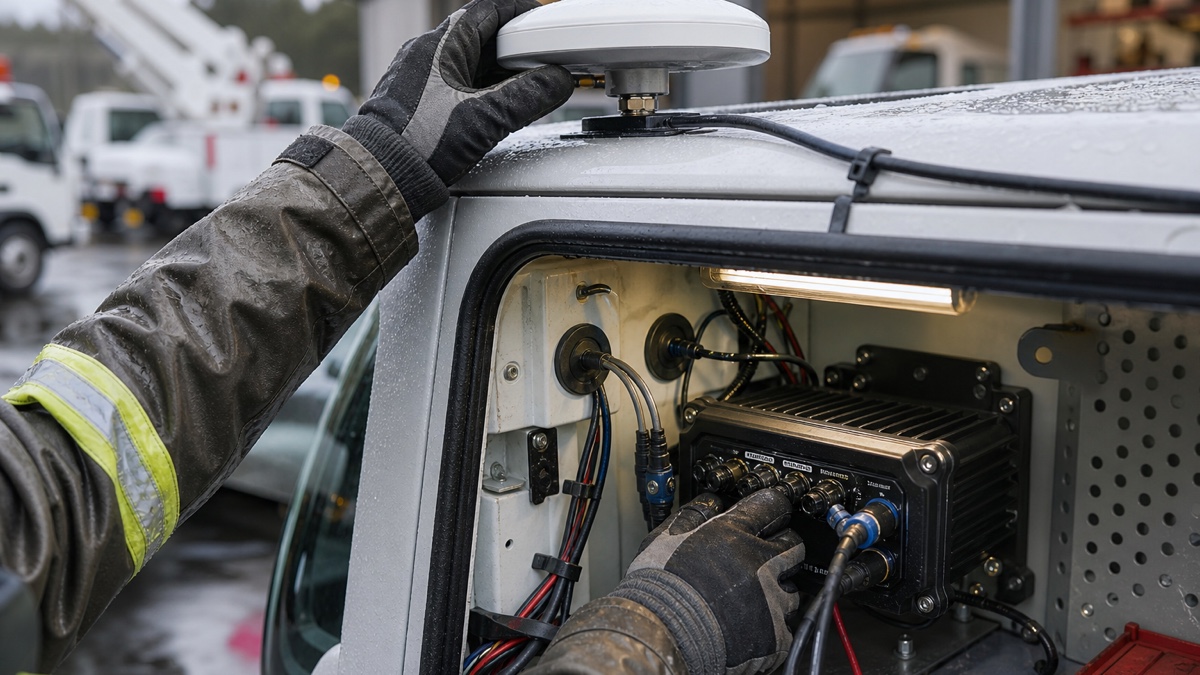
Camera installation illustration. Sealed mounting, cable routing and automatic view switching matter as much as camera resolution.
PDS options for camera-capable vehicle terminals
PDS Technology supplies rugged vehicle computers with multi-OS support and model-dependent options for camera input, CAN Bus, RS232, RS485, GNSS and 4G LTE. This allows a fleet or OEM to use one terminal family across several vehicle roles while changing the peripheral configuration.
The T8 8-inch vehicle computer is suitable for compact cabs and straightforward reversing or service views. The T10 10-inch vehicle computer provides more space for split-screen operation. The T12 12-inch vehicle-mounted computer supports larger dashboard layouts and broader expansion. Camera channel count, supported resolution, recording method and interface type must be confirmed against the exact PDS configuration.
PDS can also support OEM/ODM projects where the fleet or machine builder needs a specific camera bundle, mounting kit, application image or connector definition. Review the fleet management solutions for broader deployment planning.
Buyer checklist and recommended configurations
| Vehicle need | Suggested camera priority | Terminal consideration |
|---|---|---|
| Delivery van reversing | Rear view with automatic reverse trigger | Compact 8-inch display and simple event recording |
| Box truck depot manoeuvring | Rear plus side views with driver-selected priority | 10-inch display, CAN trigger and protected wiring |
| Municipal service truck | Front, rear, body and work-zone views | Larger display, multi-channel input and event storage |
| Specialty machine | Camera views linked to implement or hydraulic state | CAN Bus integration, rugged mounting and OEM software support |
Before ordering, confirm camera power, connector type, maximum cable length, supported signal format, display layout, recording rules and expected startup time. If the terminal will switch views through CAN or digital inputs, verify those inputs on the production harness.
FAQs
How many cameras can a vehicle terminal support?
The number depends on the terminal model, interface hardware and software configuration. Some units may support only one input, while multi-channel models may display or record several streams. Confirm the exact revision and test simultaneous operation.
Should camera input be analog, USB or Ethernet?
Different vehicle projects use different transport types. Analog cameras are common for straightforward views, while USB and Ethernet may suit other architectures. The right choice depends on cable length, interference, latency, resolution and the terminal's supported interfaces.
Does a camera input vehicle terminal need CAN Bus?
Not always, but CAN Bus makes automatic switching and machine-linked alerts easier. It can show the terminal when the vehicle is in reverse, a door is open or a work function is active.
Should the system record continuously?
Continuous recording provides broader evidence but increases storage, review and privacy requirements. Event-based recording can be more efficient when a useful clip can be tied to reverse, braking, door activity or another defined trigger.
Request a camera terminal consultation
Share the vehicle type, camera positions, required views, cable distances, CAN or digital triggers, recording policy and screen size with PDS Technology. The team can review a camera input vehicle terminal configuration and identify the interface details that must be confirmed before installation. Browse the PDS product range or contact PDS Technology.
Contact us
📧Email:[email protected]
📞Tel:+86 13421822024
🌐Website: www.szpds.com
Disclaimer
The information in this article is for reference only. PDS Technology Co., Ltd. assumes no responsibility for errors, omissions, or suitability of the content for specific applications. Product specifications are subject to change without notice. Buyers should verify all technical details with our team before use.
About PDS Technology
PDS Technology is a leading OEM/ODM manufacturer of high-precision RTK GNSS terminals and vehicle computers, serving agriculture, construction, mining, taxi, and logistics industries since 2011.
With 15+ years of automotive-grade R&D experience, we offer rugged, multi-OS (Android/Linux/OpenHarmony) devices featuring RTK centimeter-level positioning, IP66 protection, and AI-ready performance. Our IATF16949-certified factories have produced over 100,000 units deployed globally, holding 30%+ of China's agricultural auto-steering terminal market. We export to Japan, the US, UK, Turkey, Russia, and beyond.