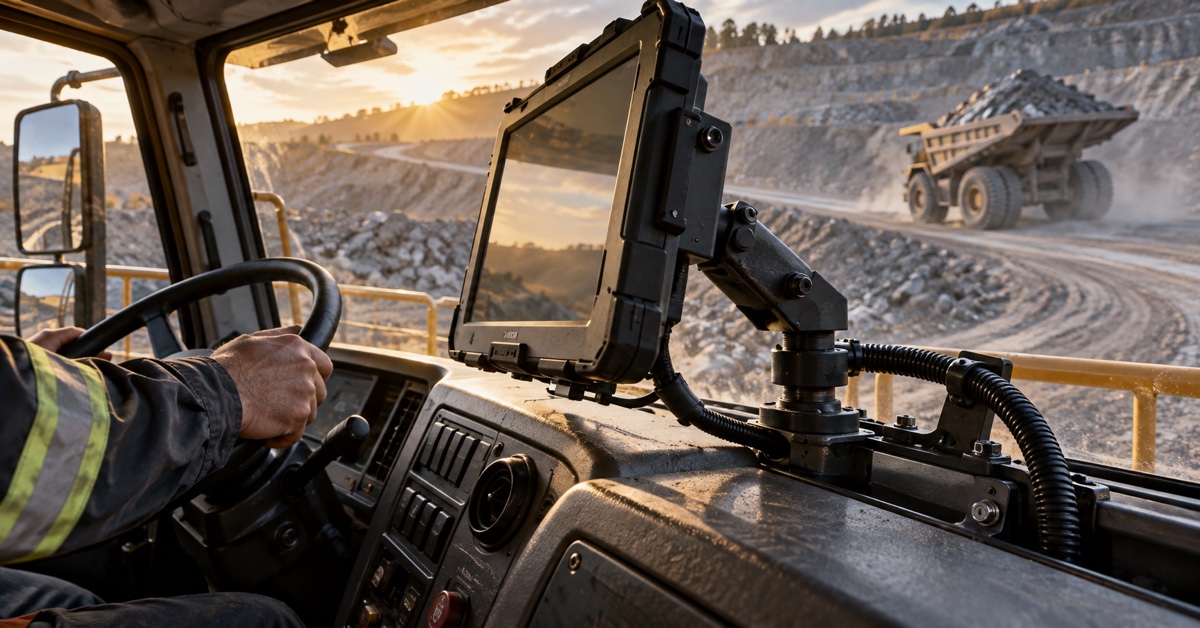
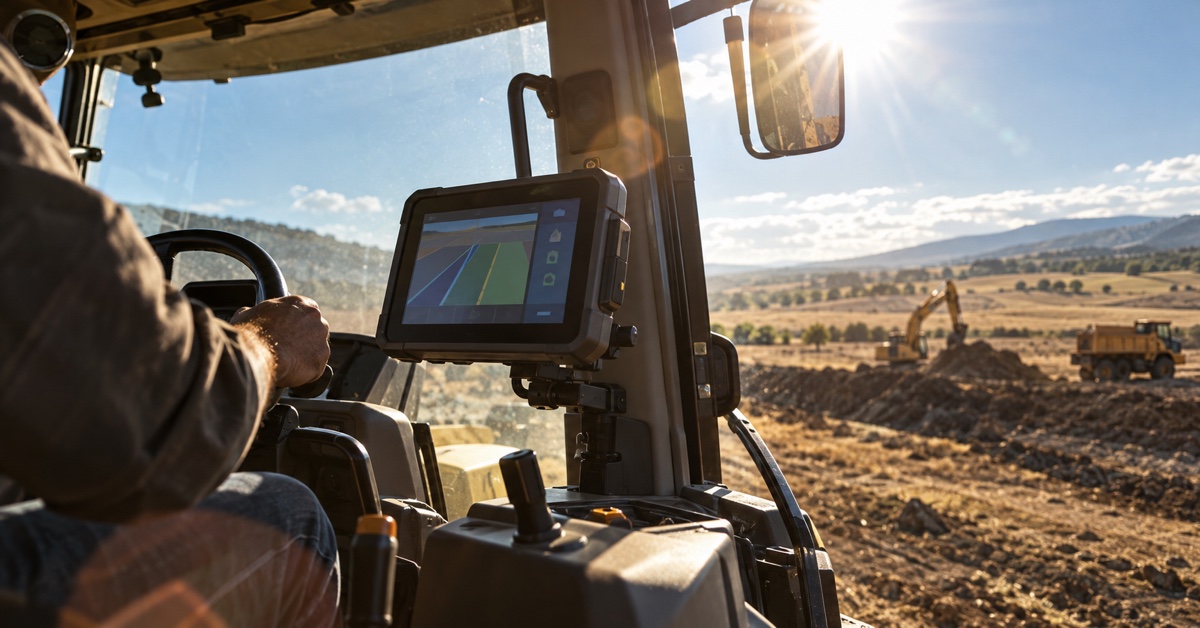
Start with the tractor. A quotation for an RTK terminal for tractor auto steering is incomplete until it names the cab, antenna position, correction link, implement and driver's job. Run that exact setup across the proposed route before approval; a receiver accuracy figure cannot show whether the installed system fits or recovers sensibly.
At review time, put one folder in front of purchasing, engineering and field service. Each person should find what was ordered, what was tested and enough detail to reproduce a repair. “PDS RTK GNSS terminal” is too broad on its own, so pair it with the hardware and software revision. Keep the country and quoted configuration in the same folder; a receiver accuracy figure cannot restore either detail later.
Put the tractor on page one of the RFQ
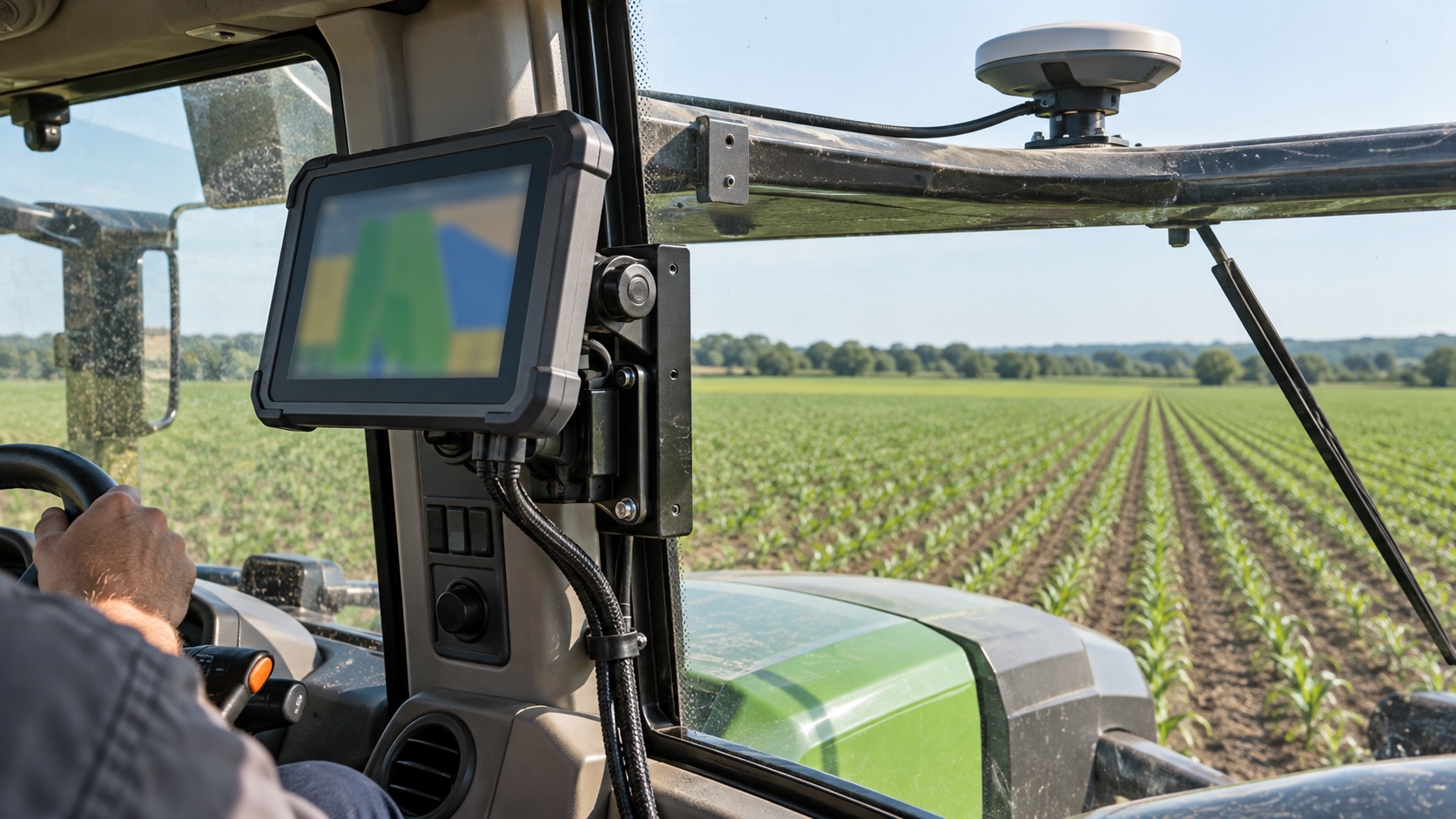
I would put the machine on page one: model, implement, usual speed, field shape, then the job the driver is there to finish. A guidance display used for long, straight seeding passes has a different burden from one that also carries section-control data around short headlands. Mapping, steering and implement control should not be bundled into a vague line marked “precision agriculture.”
The required response to a bad position belongs on that page as well. During a mapping-only run, the team may accept a warning. Engaged steering is different: the farm must decide whether the machine should hold, fall back or pause. Write that choice in the driver's language, then use the same wording on the test sheet. During the fault trial, ask the operator to point it out before the technician checks the log.
| RFQ note | What to write | What the pilot must show |
|---|---|---|
| Machine and job | Tractor, implement, speed and work pattern | The normal task can be completed without an improvised step |
| Position state | Approved state, warning and degraded response | The operator sees the correct state during an injected fault |
| Correction link | Provider, format, delivery path and credentials | Loss and recovery are timed and recorded |
| Production baseline | Hardware, firmware, antenna and application versions | The tested set matches the set named in the quote |
The antenna entry needs more than “roof mounted”
“Roof mounted” is not an antenna record. Model and bracket matter, as do the cable, connector and measured reference point. A toolbox, work light or folded marker arm can change the view of the sky. The cable route matters too. A bracket change in production means pausing, marking the revision and rerunning whichever trial item the new position could influence.
For the installation photograph, more tractor and less close-up is useful. The reader should be able to find the mount, then use a tape reading or a small sketch to recover its offset. A polished antenna portrait looks good in a report but gives the installer of tractor number two very little to work from.
Receiver details still belong in the file. Name the offered option, supported signals, update rate, output messages and firmware revision. The practical follow-up is whether those settings can be locked for production and read back during service. A working sample with an unknown configuration is difficult to support.
Break the correction link during the pilot
One row of the test sheet belongs to corrections: owner, delivery path and the indication shown to the operator when the link vanishes. During the pilot, break that link on purpose. Note the time, reported solution state, correction age, warning and recovery. A modem icon can remain lit while useful correction data has already stopped; that distinction is easy to miss from a desk.
Where coverage changes at a field boundary, mark a route point before it and another after it. An NTRIP record is incomplete without the account and roaming arrangement; a radio or private-network record needs its installed antenna and local constraint. “Corrections available” tells purchasing almost nothing and is much too broad for production approval.
NOAA gives a useful US example on its Continuously Operating Reference Station network page. The network makes GNSS observations and station metadata available for positioning work. That is helpful background, but it says nothing about coverage on a buyer's own farm. Check the local service, login and full route separately.
Try the proposed terminal inside the cab
Walk out to the tractor with a tape measure. The useful dimensions come from the driver's eye line, with the seat tried at both ends of its travel. A screen beside the pillar may hide the right-hand row; a plug that looked fine on a drawing may press against the glass once its cable is bent. Those plain details can end an otherwise sensible installation plan, and finding them early makes the sample review shorter.
Ask the driver to reach the regular controls while wearing the gloves used on that farm. Entry, exit and cleaning reveal conflicts that a seated check will miss. So does the back of the enclosure: a mating plug needs its bend radius, and maintenance needs a short service loop. Recheck the viewing angle after rough ground. Power can stay on while the bracket slowly droops into the driver's sight line, which is still a failed trial.
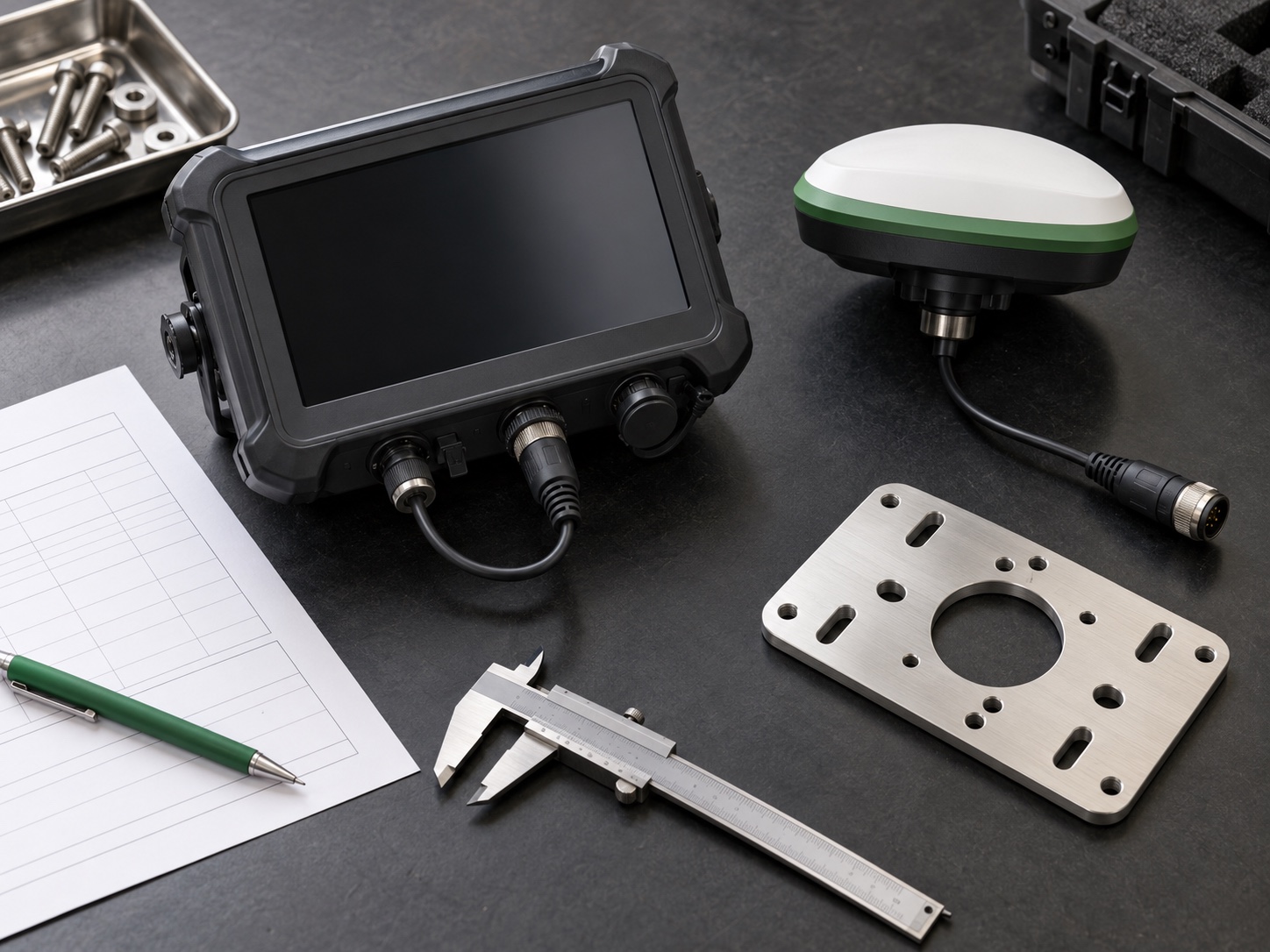
There is value in a simple bench layout before installation: agreed terminal in the middle, antenna and bracket beside it, every cable visible. Lay the kit out and a wrong cable end or missing seal is surprisingly easy to spot. Put the PDS sample's bill-of-materials revision in the photograph too. Months later, that small label is what connects the picture to the tested kit.
Use tractor power, not only a bench supply
Watch the terminal during cranking, a warm restart and a brief interruption at the harness. Write the ground point and fuse beside the voltage trace while the tractor is still in front of you. Key-off deserves its own note. Did the unit sleep, finish a log write, or go dark immediately? What matters is agreement between the expected application behavior and the event the operator actually watched.
Read an IP66 statement together with its configuration and test scope. A customer lead does not inherit that protection automatically, especially with a loose plug or no seal. Put a supplier name beside every plug, gland and cable assembly. Then look at how the farm cleans the cab: spray direction and chemical choice may expose a gap that the headline rating does not discuss.
Name every interface and its owner
A row marked “CAN” is not the same thing as a working interface. The same warning applies to serial, Ethernet, USB, GPIO, camera and sensor entries. Beside each one, write who owns the signal, which protocol and rate are expected, what connector and termination are used, and what happens to bad data. Confirm the list against the quoted PDS model and software image; socket counting from a photograph belongs nowhere in an interface review.
Android, Linux and OpenHarmony enter the conversation as project options. The application then decides the practical choice. Someone must own its drivers, permissions, offline case, updates and diagnostic access. Put the application build number on the route sheet before the first run; without it, two apparently identical passes may quietly be using different software.
Give the test route an inconvenient section
The pilot route should include the awkward parts of the farm. Drive under the usual tree line. Turn at the cramped headland. Cross the weak cellular area. Add a climb where slopes are normal, and leave the intended implement on the tractor; its shape and movement belong to the installation being judged.
Raw log and operator note travel as a pair. Six months later, “worked well” has lost nearly all meaning. A timestamp, tractor number and photograph have not. Record the position state, correction age, communication events, ignition cycles and application output, with any surveyed point or other reference filed under the same run name.
Reserve part of test day for things going wrong. Correction loss, warm and cold restarts, an antenna disconnect and a short power interruption are candidates; an invalid vehicle message can join them where it is safe. Each event gets two observations: what appeared in the cab, and the time taken to regain the approved state. Simply writing “the screen came back” leaves both unanswered.
| Pilot event | Evidence to keep | Pass rule to agree before driving |
|---|---|---|
| Correction interruption | Timestamp, solution state, correction age, cab warning and raw log | The warning and steering response match the written safety decision |
| Ignition cycle or brief power loss | Voltage trace, boot record, application state and recovery time | No unexplained state, lost configuration or unsafe automatic re-engagement |
| Tree line, slope or weak coverage section | Route point, photograph, operator note and matching GNSS log | Observed behavior stays within the project's named operating limit |
| End-of-day configuration check | Hardware, firmware, antenna, application and parameter versions | Recorded versions match the sample and quotation baseline |
How PDS reviews an RTK terminal for tractor auto steering
When requesting an RTK terminal for tractor auto steering, send a one-page machine note before the sample discussion. Name the tractor, implement, country and correction service first. Then add antenna constraints, power and ignition behavior, interfaces, app workflow, environment, pilot route and expected volume. PDS can use that note to separate a standard option from work that belongs in an OEM/ODM project.
PDS Technology's relevant work covers rugged vehicle computers and high-precision RTK GNSS terminals for suitable agriculture and auto-steering projects. Read the precision agriculture solution, agricultural auto-steering page and OEM/ODM page before sending the machine note. Treat those pages as background rather than a quotation. The written offer still has to name the model, interfaces, certification scope, lead time and commercial terms.
Before the sample order: ten short answers
1. Is an RTK label enough for approval?
No. It points to the capability under test, while the tractor installation supplies the result. That result is recorded with its sky view, antenna geometry, correction source, interference, firmware and route.
2. Does the antenna belong in the terminal quote?
Yes. Name the antenna, bracket, cable and connector protection in the approved set. A separate purchase order is fine, but an unidentified antenna is not.
3. Which correction source should a farm choose?
Plot the regular fields and known dead zones first. Only then compare NTRIP, radio or a project-specific source for coverage, local constraints, cost and the recovery drivers see along those routes.
4. What belongs in a pre-pilot check?
Photograph the mount and antenna while the tractor is still in the bay. Check the harness, copy down the hardware and software revisions, and agree on the route, fault events and pass limits before anyone drives.
5. Can PDS discuss an OEM/ODM auto-steering terminal?
Yes. Send enough detail about the machine, market and interfaces for a technical review. PDS will then confirm which customization, certification work, schedule and price apply to the selected configuration in writing.
6. Should the same sample be tested on every tractor model?
Not automatically. Move the sample to a different cab and the power, antenna view, mounting and vehicle interface may all change. Review those differences before deciding how much of the first result can be reused.
7. What should purchasing ask for after a successful pilot?
Turn the successful setup into a controlled buying baseline. The quotation or its attachment should name the hardware, firmware, antenna, harness and application revisions, plus the route for reporting a proposed change.
8. Is an IP66 rating enough for the cab installation?
No. Confirm the rating's applicable configuration, connector state and test scope, then compare them with the actual cable assembly, cleaning method and exposure. An open or mismatched connection can change the installation risk.
9. Which logs should the field team retain?
Keep the GNSS and correction states, application events, vehicle-interface messages needed for diagnosis, ignition events and test timestamps. Link them to the tractor, route, operator note and configuration record.
10. When is the RTK terminal ready for a production decision?
Only after the named configuration passes the agreed route and fault events, the evidence is reviewable, open issues have owners, and the commercial document matches the tested baseline. Sample success by itself is not production control.
Contact us
📧Email: [email protected]
📞Tel: +86 13421822024
🌐Website: www.szpds.com
Disclaimer
The information in this article is for reference only. PDS Technology Co., Ltd. assumes no responsibility for errors, omissions, or suitability of the content for specific applications. Product specifications are subject to change without notice. Buyers should verify all technical details with our team before use.
About PDS Technology
PDS Technology is a leading OEM/ODM manufacturer of high-precision RTK GNSS terminals and vehicle computers, serving agriculture, construction, mining, taxi, and logistics industries since 2011.
With 15+ years of automotive-grade R&D experience, we offer rugged, multi-OS (Android/Linux/OpenHarmony) devices featuring RTK centimeter-level positioning, IP66 protection, and AI-ready performance. Our IATF16949-certified factories have produced over 100,000 units deployed globally, holding 30%+ of China's agricultural auto-steering terminal market. We export to Japan, the US, UK, Turkey, Russia, and beyond.