

A rugged terminal for logistics fleet operations should keep the driver, the load and the delivery record connected through a complete shift. The buying decision starts with what happens at each stop: finding the correct entrance, confirming a delivery, reporting a shortage and receiving the next job. Screen size matters, but so does whether a failed upload can be recovered without asking the driver to enter everything again.
There is a useful distinction at the outset. A fixed vehicle computer stays in the cab. A handheld scanner or phone follows a parcel to the customer's door. Some fleets need both. Buying a larger cab display will not remove the need to capture information outside the vehicle, and a handheld device does not automatically provide a dependable vehicle installation.
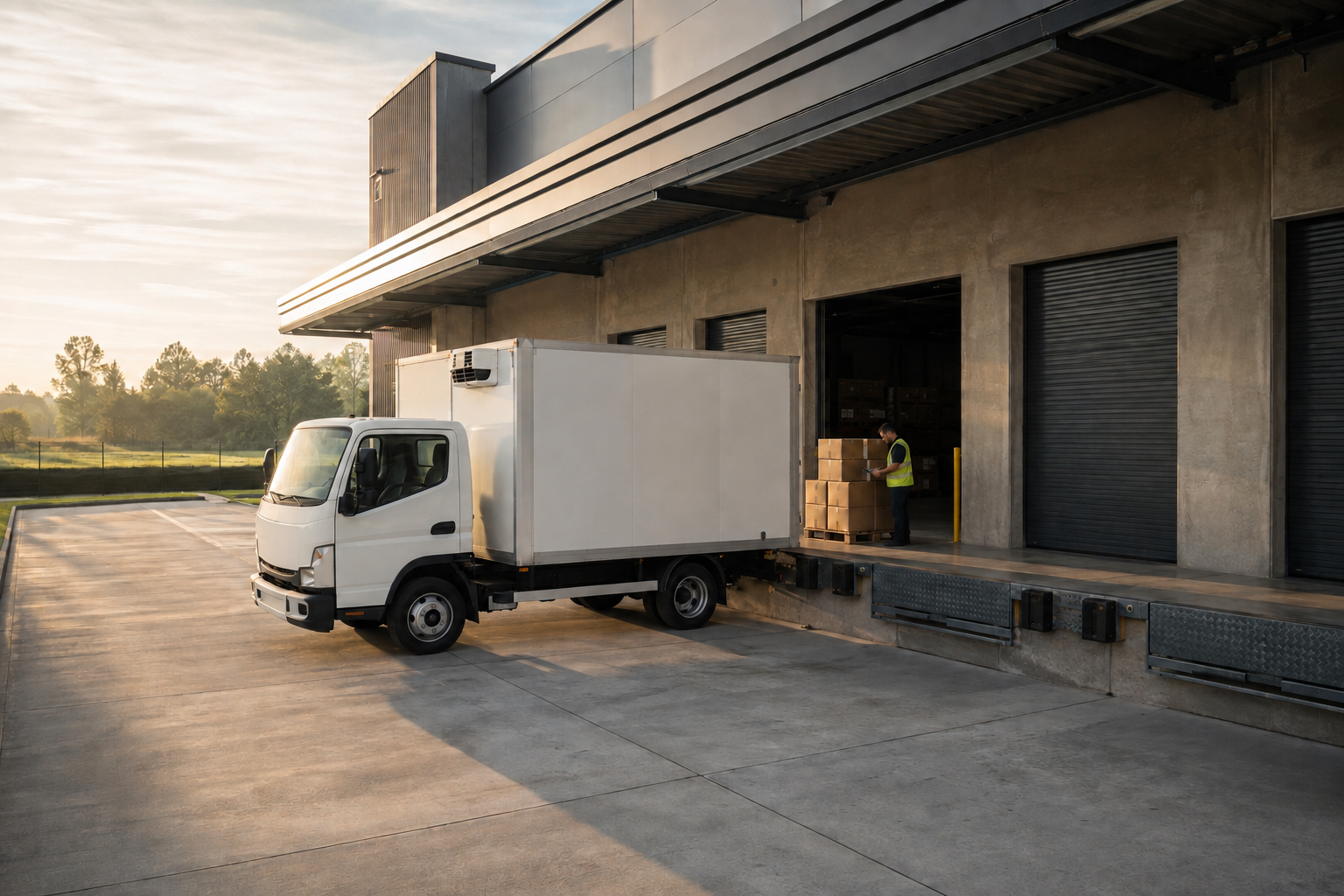
Application illustration generated with AI; not a photograph of a customer deployment.
Start with the delivery handover
Take an ordinary delivery exception: the driver reaches the right building, but the receiving entrance is on another street. The dispatcher needs to change an instruction. The driver needs the updated entrance, not a fresh copy of the entire job with an ambiguous status. Later, customer service needs to know when the delivery actually happened.
Write down who owns each part of that exchange. The dispatch platform assigns the work. The in-cab application presents it. A scanner, camera or handheld application may capture the proof. The back office accepts and stores the record. A fleet management vehicle terminal provides the computing and connection points; those business rules still belong to the software and integration project.
For a procurement meeting, bring one normal delivery and one failed delivery from your own operation. Remove customer details before sharing them. These two examples often expose more missing requirements than a long list of optional ports.
What a rugged terminal for logistics fleet work needs
The cab inspection should happen before the hardware shortlist is final. Sit in the actual seat, adjust it through its normal range and place a full-size mock-up of the proposed display on the intended bracket. Check the mirror sightlines, ventilation controls and access to the dashboard. Leave room for connectors and cable bends behind the unit.
Read a delivery address with the vehicle parked in sun, then repeat the check in shade. Small type that looks acceptable on an office monitor may be awkward at the driver's viewing distance. A task screen should make the next action obvious without requiring a long scroll. Routine data entry and detailed message review should be done while safely stopped.
Frequent ignition cycles deserve their own test. Ask what the application does after a short stop and after overnight parking. Does it reopen the current route? Does the driver have to sign in again? Is an unfinished delivery still available? Specify the required behavior before judging a sample solely on startup speed.
Follow the record when mobile coverage disappears
Offline operation is a software acceptance question, not a promise created by fitting a SIM card. Ask the integrator to demonstrate a delivery captured without coverage, an application restart, and the later upload. The original event time should remain distinguishable from the time the server received it.
Repeat the test with two actions on the same job. For example, a driver first reports an unsuccessful attempt and later completes the delivery. The back office must preserve the sequence. It should not create two completed orders because a message was retried. Agree how the driver will recognize records that are pending, accepted or need attention.
Keep this demonstration realistic. Use representative route files, attachments and map data rather than a nearly empty test account. Also check the depot Wi-Fi handover if your operation uses it for larger uploads. A terminal can offer several connection methods without the application handling every transition correctly.
Connect the peripherals you actually use
A fleet dispatch terminal may need a scanner, printer, rear camera or handheld intercom. List the exact models and the purpose of each connection. A USB socket alone does not establish that a scanner's operating mode, driver and application interface are compatible.
Separate a camera preview requirement from recording. Decide who stores video, how much is retained and how an authorized person retrieves it. For temperature-sensitive deliveries, identify the sensor and gateway separately. Do not describe a cab computer as a cold-chain monitoring system unless the complete sensing and reporting arrangement has been tested.
Cable serviceability also belongs on the checklist. A technician should be able to identify the harness and replace a unit without dismantling unrelated dashboard parts. Keep a record of the installed configuration, not just the terminal model printed on the purchase order.
PDS T8 as a logistics hardware candidate
The PDS T8 8-inch vehicle computer is a practical starting point for a fixed in-cab installation. Its published specification lists an 8-inch 1280 × 800 IPS display, Android 10, 9–36V DC input and an IP66 enclosure. The product page also lists CAN, RS485 and Ethernet in the default extension configuration.
Those details help frame the integration discussion. They do not establish compatibility with a particular transport management system. Give PDS your application package, peripheral list and vehicle power requirements, and have the proposed configuration confirmed. The T8 page describes up to four 720P camera previews while listing one camera in the default extension set, so the required camera arrangement should be explicit in the quotation.
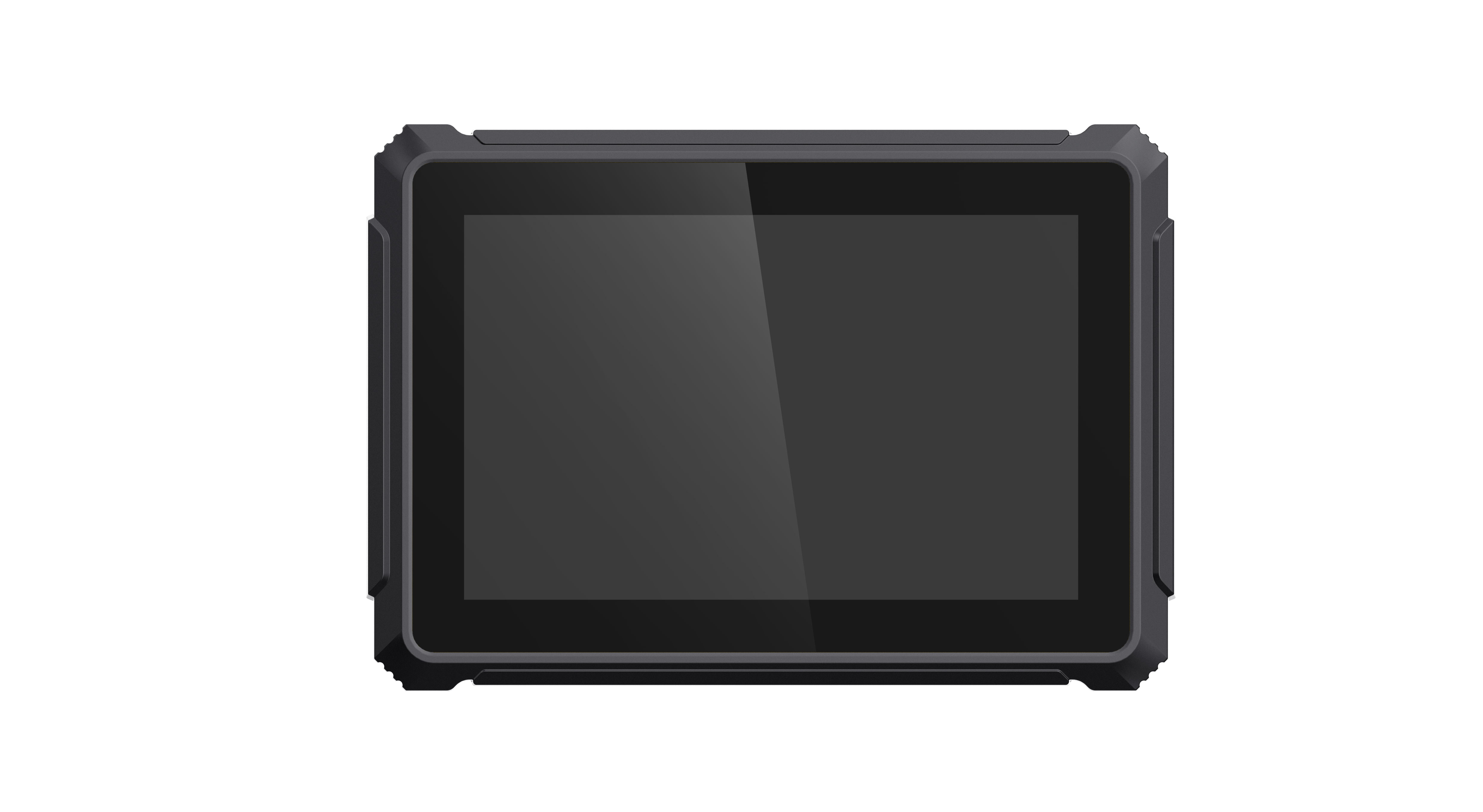
Official PDS T8 product image. Software, harnesses and peripherals are selected for the project.
The PDS fleet management solution provides the broader application context. For a cab with more room or a denser task layout, discuss a larger display, but compare it in the vehicle. A rugged tablet for logistics vehicles should earn its space through easier use, not through the size of its specification sheet.
A delivery-round trial before a fleet order
Use a small representative trial: a depot departure, several routine stops, a failed delivery, a coverage gap and a return to base. This is a suggested test sequence, not a claim about a PDS customer deployment. Let the driver, dispatcher and workshop technician each review their own part of the result.
Record unresolved issues in plain language. “The latest entrance instruction was not visible after restart” is actionable. “The terminal seemed slow” needs more detail: which screen, which connection, how much stored data and what else was running?
Before approving a larger order, agree who supports the application, who diagnoses the hardware and what information accompanies a fault report. Include a spare-device procedure. The best time to discover that a replacement unit cannot receive the correct configuration is during the trial, not during a loaded morning departure.
FAQs
Does a logistics fleet need RTK positioning?
Not for every project. Match positioning to the operational task. Ordinary route guidance and delivery status reporting do not automatically require centimeter-level positioning. Ask about RTK only when the application has a defined accuracy need and the correction service, antenna installation and operating conditions can support it.
Can the vehicle terminal replace a handheld scanner?
Only if the whole workflow remains in the cab. If staff scan parcels at a loading door or obtain confirmation inside a building, retain a suitable mobile capture device and integrate its records with the vehicle workflow.
What should go in the OEM request?
Send vehicle models, installation photographs, the application and OS requirements, connection details, target countries and the expected working day. Include your rugged vehicle terminal OEM checklist and the trial cases you will use for acceptance. Contact PDS for a configuration review to specify a rugged terminal for logistics fleet use before a fleet-wide installation.
Contact us
📧Email:[email protected]
📞Tel:+86 13421822024
🌐Website: www.szpds.com
Disclaimer
The information in this article is for reference only. PDS Technology Co., Ltd. assumes no responsibility for errors, omissions, or suitability of the content for specific applications. Product specifications are subject to change without notice. Buyers should verify all technical details with our team before use.
About PDS Technology
PDS Technology is a leading OEM/ODM manufacturer of high-precision RTK GNSS terminals and vehicle computers, serving agriculture, construction, mining, taxi, and logistics industries since 2011.
With 15+ years of automotive-grade R&D experience, we offer rugged, multi-OS (Android/Linux/OpenHarmony) devices featuring RTK centimeter-level positioning, IP66 protection, and AI-ready performance. Our IATF16949-certified factories have produced over 100,000 units deployed globally, holding 30%+ of China's agricultural auto-steering terminal market. We export to Japan, the US, UK, Turkey, Russia, and beyond.





