

A bus onboard terminal gives the driver a working view of the assigned service and connects the vehicle to the transport operator's systems. Choosing one means looking beyond the map. The terminal must fit the cab, work with the agreed onboard interfaces and present the correct trip when a driver changes vehicles or takes over a shift.
The difficult moments are often ordinary ones. A bus leaves the depot late. A relief driver boards halfway through the day. A diversion skips several stops. The operator needs the driver display, control-room record and passenger information to remain consistent. A terminal is part of that arrangement, but the timetable data, applications and connected equipment need to be specified as carefully as the hardware.
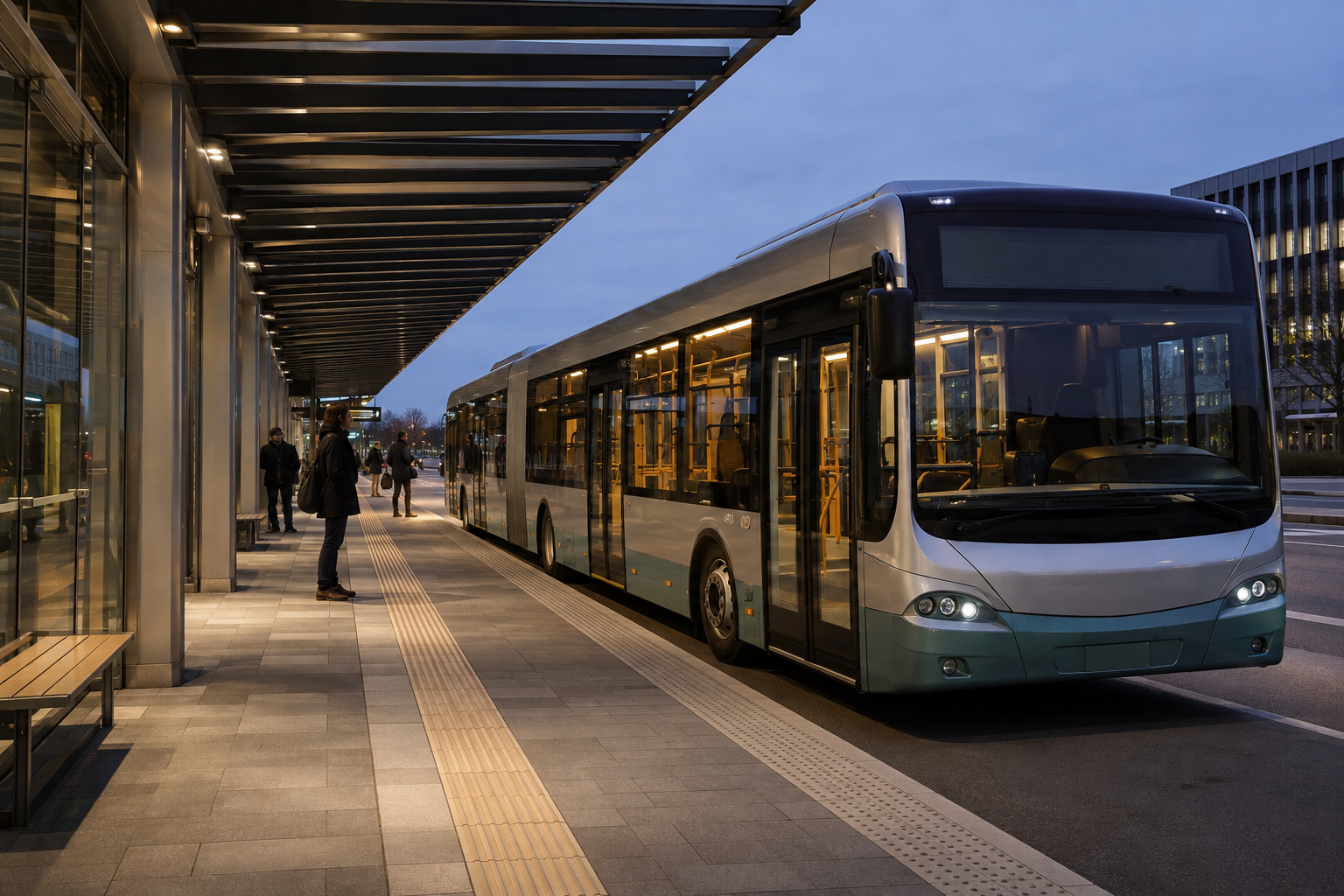
AI-generated public-transport application illustration; not a photograph of a PDS customer fleet.
Identify the service before the bus leaves
Vehicle identity, driver identity and trip identity are different records. A spare bus may cover a scheduled trip. The same vehicle may work several services in a day. Ask how the application associates those records and what the driver sees when an assignment is missing or wrong.
At the depot, the driver should be able to check the assigned service without opening a long administrative menu. During a relief change, the incoming driver needs the current state of the trip, not yesterday's default screen. Work through both cases with the actual operating team before finalizing the interface.
This is also a good time to decide which tasks belong elsewhere. A driver's terminal should not become a general office workstation. Timetable editing and lengthy incident administration can remain with the control center or a separate workflow.
Bus onboard terminal requirements at the driver's seat
Check the proposed screen from the seated driving position in the actual bus type. A larger display can help a complex interface, but it can also obstruct controls or sightlines if the mounting position is poorly chosen. Include the full bracket and cable envelope in the assessment.
The display needs a useful night setting as well as daylight readability. Ask drivers to review contrast and text size at both settings while the bus is parked. Look at the important service information first. Minor status details should not compete with the next instruction.
Repeated stops make startup and shutdown behavior worth testing. Define what should happen during a brief ignition interruption, a longer layover and overnight parking. The application needs a documented recovery rule for the active service. Any background operation after ignition-off must be considered together with the vehicle's power budget.
Agree what each onboard connection carries
A public transportation vehicle terminal may communicate with passenger-information equipment, a camera system, a vehicle gateway and the depot network. Name each device and identify the data moving in each direction. “CAN required” is not enough to describe an integration.
A GNSS vehicle terminal with CAN Bus still needs the correct message definitions and access arrangement for the vehicle. A physical CAN interface does not provide universal access to every bus signal. Confirm compatibility with the vehicle manufacturer or authorized integration partner, including whether the intended connection is read-only.
Treat passenger information as its own subsystem. Which component decides the next stop? What happens during a diversion? How is a replacement route file distributed? The terminal, announcement system and control center need an agreed answer, especially when the normal stop sequence no longer applies.
Keep camera requirements separate from display requirements
Decide whether the driver needs live views, whether footage must be recorded and where recordings will reside. These are different functions. Write down camera count, format, triggering and retrieval needs before selecting the harness or software.
Passenger-area footage also needs an operator-approved access and retention policy. Have the responsible team determine the applicable privacy obligations for the deployment. A product page's camera capability does not settle those requirements or prove that a complete recording system has been supplied.
For a driving display, avoid overloading the screen with every available camera and status panel. Ask the operator which view is needed for each task and how it is invoked. The integration should support safe operation, not require the driver to manage a surveillance console while moving.
PDS T10Pro for a transit integration discussion
PDS identifies the T10 Pro as an option for city buses and transit fleets on its public transportation solution page. The T10Pro product listing specifies a 10.1-inch 1280 × 800 IPS display, Android 13, 9–36V input and IP66 protection. It also describes support for four-channel 720P camera recording.
Use these as configuration discussion points, not as proof that a particular transport application is already integrated. Confirm the selected memory, interfaces, camera hardware and software package. Where a project needs a different screen size or operating system, ask PDS to compare the alternatives against the same cab and application requirements.
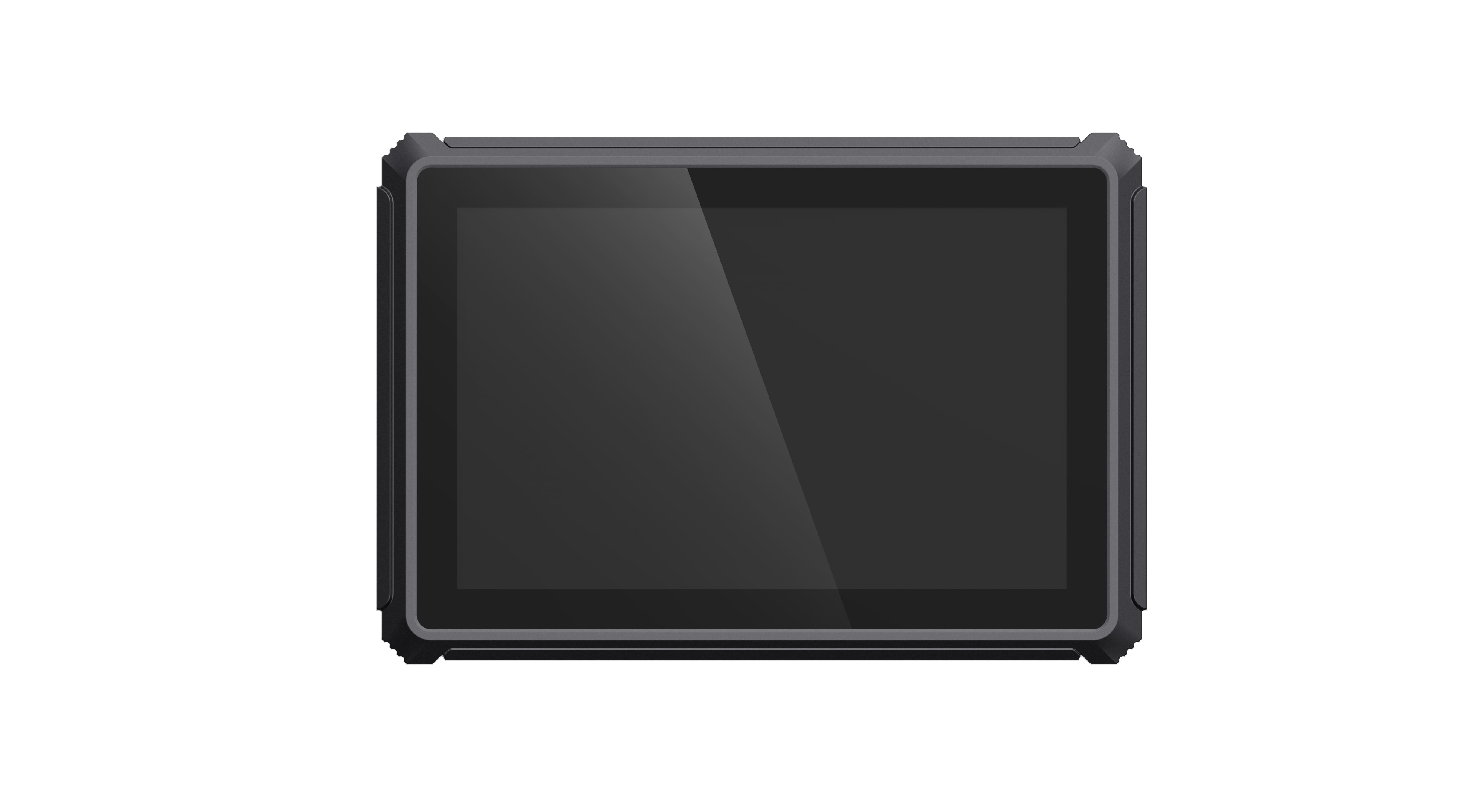
Official PDS T10Pro product image. Application software and connected transit equipment depend on the project scope.
The solution page describes passenger information, route adherence and vehicle data applications. Each depends on the complete system design. In particular, do not assume that RTK alone provides correct stop announcements. The application must also have valid stop data and a suitable rule for deciding when to trigger an announcement.
Rehearse a relief change and a diversion
For a useful acceptance exercise, begin with one bus and an agreed test service. Sign in, select the assignment and verify the displayed direction. Then hand the service to a relief driver. Confirm which information remains, which credentials change and whether the control room sees the right association.
Next, apply a planned diversion in a safe test environment. Check the driver instruction, passenger-information behavior and the return to the normal route. Repeat after a connection interruption. This is a suggested integration exercise, not a report of measured customer results.
Include the depot technician in the final run. Have them replace the terminal or restore its approved configuration using the intended maintenance procedure. An otherwise successful trial is incomplete if only the development engineer knows how to put the device back into service.
FAQs
Can one bus dispatch terminal control every onboard system?
It may act as a common interface or computing platform for several functions, but each connection needs validation. Some operators keep dedicated equipment for recording, ticketing or passenger information. Define the architecture before assuming those devices can be removed.
Is RTK necessary for a public bus route?
Not automatically. Start with the position accuracy and reliability needed by the application, then assess antennas, reception and any correction service. Correct route and stop data remain essential regardless of the positioning option.
How should an operator prepare an enquiry?
Bring bus models, cab photographs, service-change examples, the software requirements and a list of onboard devices with their interfaces. State who owns each integration. Contact PDS for a bus onboard terminal review and agree acceptance tests before extending the installation across the fleet.
Contact us
📧Email:[email protected]
📞Tel:+86 13421822024
🌐Website: www.szpds.com
Disclaimer
The information in this article is for reference only. PDS Technology Co., Ltd. assumes no responsibility for errors, omissions, or suitability of the content for specific applications. Product specifications are subject to change without notice. Buyers should verify all technical details with our team before use.
About PDS Technology
PDS Technology is a leading OEM/ODM manufacturer of high-precision RTK GNSS terminals and vehicle computers, serving agriculture, construction, mining, taxi, and logistics industries since 2011.
With 15+ years of automotive-grade R&D experience, we offer rugged, multi-OS (Android/Linux/OpenHarmony) devices featuring RTK centimeter-level positioning, IP66 protection, and AI-ready performance. Our IATF16949-certified factories have produced over 100,000 units deployed globally, holding 30%+ of China's agricultural auto-steering terminal market. We export to Japan, the US, UK, Turkey, Russia, and beyond.





