

A vehicle dispatch computer keeps the driver, route, and control center aligned throughout the shift.
When choosing a vehicle dispatch computer , it's advisable to check for messages, GNSS, cameras, network outages, and power. The best vehicle dispatch computer maintains its operational status even when coverage changes.
The dispatch vehicle's computer sits between the fleet office and the driver, who must operate according to a constantly changing plan. It can receive a new route, display a sequence of stops, transmit a message, show a camera image, and send a status event. If the terminal is slow to update or difficult to use, the dispatch platform may be technically sound, but the operation will still be perceived as slow.
The selection process should begin with the transfer of information between people and systems. Define how work is assigned, confirmed, modified, paused, and completed. Then, choose a robust computer that can clearly display the workflow in the cab and maintain the local record intact even when the road, network, or power supply fails.
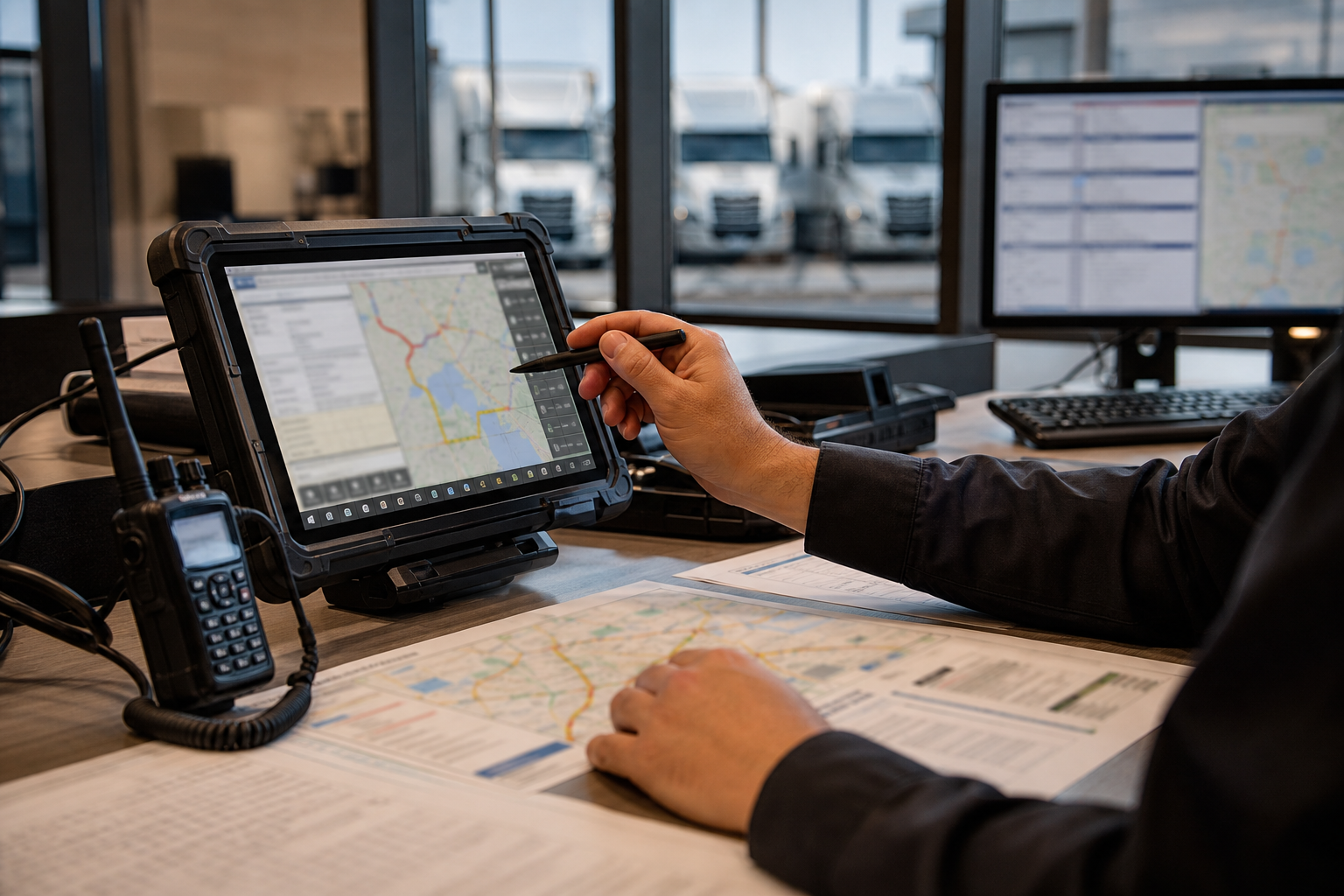
1. Describe the office transfer
Assign a job from the fleet office to the driver. Include job creation, acceptance, navigation, arrival at the stop, delay reporting, message exchange, exception approval, and job closure. Specify the status displayed in the terminal when the driver is offline, when a route changes, and when two updates arrive within a short time of each other.
These details determine whether the screen needs a simple, single-panel design or a more feature-rich display with maps, status cards, camera icons, and controls. They also tell the software team which actions require a physical key, a large touch area, or a confirmation step.
2. Keep the driver's attention on the road.
The dispatch display is part of the driving environment. Check the viewing distance, glare, nighttime dimming, touch behavior with gloves, button reach, and alert placement. A route change should be obvious, but a notification should not obscure a critical vehicle warning or require multiple short taps while the vehicle is in motion.
The PDS T7 is suitable for compact cabins and specific tasks. The T8Pro offers a balance between screen size and installation space, ideal for many commercial fleets. For bus or truck projects that combine route maps, status, cameras, and communication, the T10Pro or T12 may offer a more practical configuration. Testing the application at the final mounting distance is recommended.
3. Design route updates for imperfect connectivity
Mobile coverage is rarely uniform along a route. The dispatch vehicle's computer must cache the active assignment and the information the driver needs for the next safe action. When the connection is restored, it must synchronize updates using stable identifiers and timestamps, rather than indiscriminately overwriting the local state.
Test a route that includes a depot, an underground section, a rural dead end, and a busy urban area. Measure how long it takes for a modified task to appear, how the driver knows there's an update in the queue, and whether the office receives accurate confirmation. It's in these extreme cases that trust in a dispatch system is either won or lost.
4. Connect the dispatch system to the vehicle signals.
GNSS supports location, route progress, geofences, and time. CAN or serial data can provide information on ignition, speed, door status, engine hours, or project-specific events. Camera inputs allow for rearview, passenger area review, or cargo area view. Define the source, update frequency, timeout, priority, and failover behavior for each signal.
Do not display outdated information as if it were current. If vehicle data transmission is interrupted, mark the value as unavailable and keep the dispatch task clear. If a camera is activated, retain critical warnings and make it easy for the driver to return to the route screen. The terminal is where these signals are translated into an operator decision.
5. Develop a power maintenance and upgrade plan.
Commercial fleets need a reliable ignition system. It is essential to verify the B+ power supply, the ACC ground connection, fuse protection, standby current, delayed shutdown, and recovery after a voltage drop. PDS rugged vehicle computers are typically specified with wide voltage range options, but wiring and vehicle integration still require project documentation.
Plan updates based on the fleet's actual needs. Decide when applications can be updated, how to revert a failed update, whether the vehicle can operate during maintenance, and which logs a support technician can access. The replacement unit must inherit the correct configuration without exposing another driver's data.
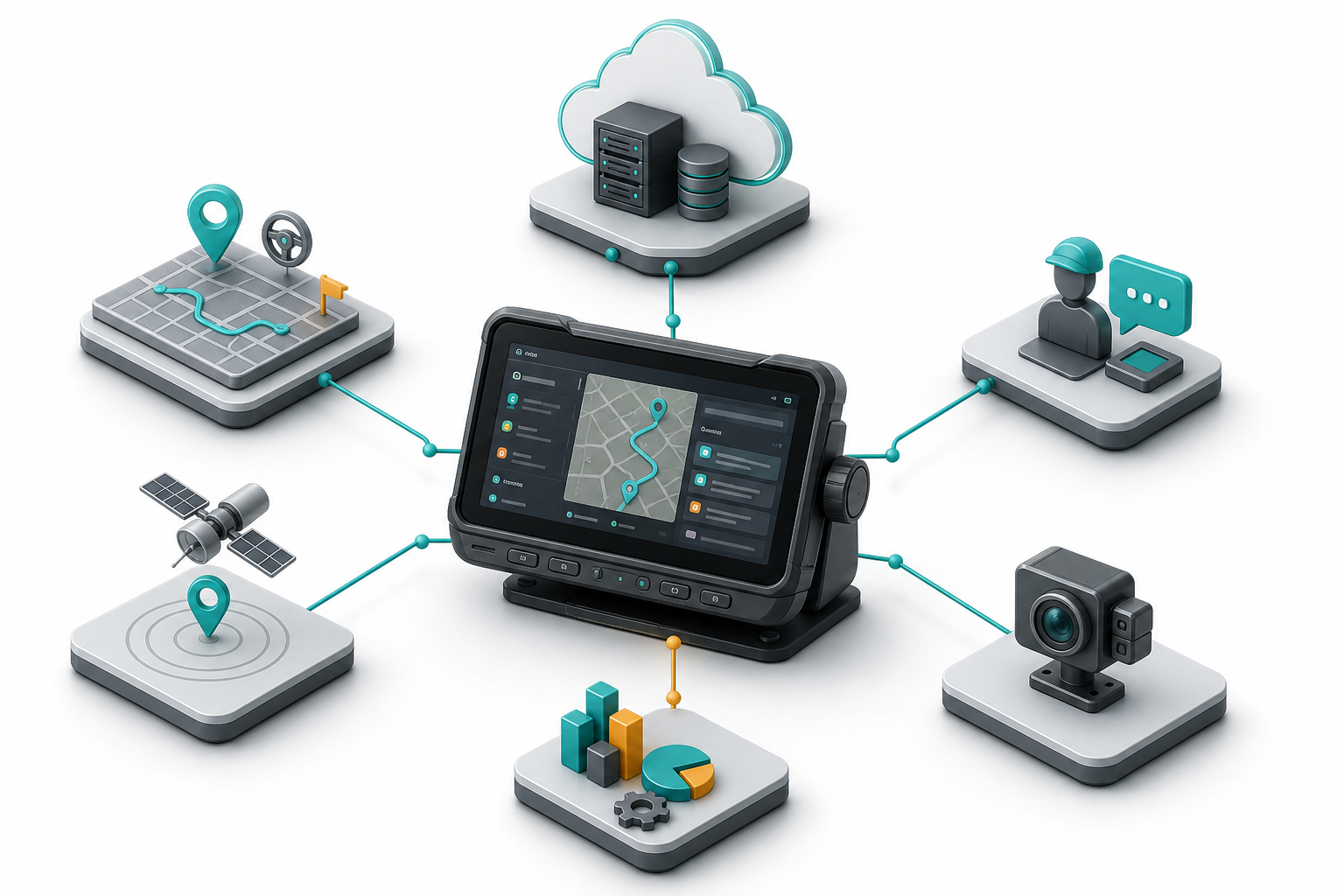
6. A practical configuration table
| Dispatch pattern | PDS model for review | Why it might fit |
|---|---|---|
| Single route, messages to the driver, compact vehicle | T7 | Compact size and direct controls for focused displays. |
| Route Plus status and moderate peripherals | T8Pro | Balanced viewing area, robust mounting, configurable interfaces. |
| Bus or truck with map, messages, camera and vehicle data. | T10Pro or T12 | More design space for multi-panel HMIs and project-specific integration. |
7. Validate the operator's conversation
Invite dispatchers, drivers, technicians, and the software owner to the pilot program. Ask each group to perform the same task. A dispatcher might be interested in confirmation time; a driver in clear next action; a technician in connector access; and the software owner in local queuing and retry behavior.
Perform a route change while the vehicle is in motion, send a message during weak coverage, activate the camera upon stopping, and turn off the engine with an unfinished task. Record what each person expected to happen and what the terminal actually displayed. Use these observations to refine the application and hardware settings.
8. Application example: recovery of a delayed bus
A bus leaves the depot late. The control room sends a revised stop sequence. The terminal receives the update, highlights the next safe action, and keeps the previous assignment available until the driver confirms the change. A tunnel interrupts cellular service, but the active route remains on the device.
In the next connected section, the terminal sends the confirmation and the delay event with their original times. The dispatcher sees a correct status instead of a blank space. When changing shifts, the new driver receives the correct current assignment after logging in. The value lies in the continuity of the handover, not just in the presence of a map.
Frequently Asked Questions
Should a delivery vehicle's computer always use Android?
No. Android is well-suited for touch applications and broad app ecosystems; Linux may be more appropriate for controlled, embedded deployments. Choose your operating system based on your application, the update process, hardware drivers, and support model.
How should route changes without signal work?
It preserves the last valid mapping and essential local maps or instructions. It displays the connection status, queues the event, and reconciles the update after reconnection using a defined version policy and timestamp.
Should cameras be included in the scope of operation of switchboards?
Only when a defined driving or service task requires them. Specify the trigger, priority, camera failover behavior, recording policy, and cable installation before selecting the camera interface.
Making dispatch reliable in the cabin
The right on-board computer transforms an office decision into clear and safe driving action. PDS Technology can review route logic, display design, GNSS and cellular requirements, camera and vehicle interfaces, power behavior, and service requirements before an OEM or ODM configuration is released.
Review PDS' fleet management solution , compare their range of vehicle computers , or contact PDS Technology with your dispatch workflow and vehicle blueprints.
Contact us
📧Email: [email protected]
📞Tel:+86 13421822024
🌐Website: www.szpds.com
Disclaimer
The information in this article is for reference only. PDS Technology Co., Ltd. is not responsible for errors, omissions, or the suitability of the content for specific applications. Product specifications are subject to change without notice. Buyers should verify all technical details with our team before using the product.
About PDS Technology
PDS Technology is a leading original equipment manufacturer (OEM) and original equipment designer and manufacturer (ODM) of high-precision RTK GNSS terminals and vehicle computers, serving the agricultural, construction, mining, taxi, and logistics sectors since 2011.
With over 15 years of R&D experience in the automotive sector, we offer robust, multi-OS (Android/Linux/OpenHarmony) devices with centimeter-level RTK positioning accuracy, IP66 protection, and AI compatibility. Our IATF16949-certified factories have produced over 100,000 units distributed globally, representing more than 30% of the Chinese market for automatic steering terminals for agricultural machinery. We export to Japan, the United States, the United Kingdom, Turkey, Russia, and other countries.





