

A fleet management vehicle terminal connects the driver's work with the fleet operating system without adding distractions.
When comparing a fleet management vehicle terminal , it's important to review the entire shift workflow, not just the screen. The best fleet management vehicle terminal combines mounting, connectivity, interfaces, and service in a single, maintainable configuration.
A fleet management terminal is the hardware that transforms a moving vehicle into a valuable asset for the operation. It can display a route, receive dispatch assignments, collect service receipts, connect to cameras, read vehicle data, and keep the driver informed without being distracted. The best unit isn't necessarily the one with the most extensive feature list, but rather the one that best fits the cab, the software workflow, and the fleet's service plan.
Fleet buyers should define the entire shift before comparing displays or processors. Analyze fleet management, navigation, driver messaging, location events, camera triggers, network outages, power-on behavior, and maintenance. Then, select the terminal, mount, harness, antenna, operating system, and application as an integrated and controlled configuration.
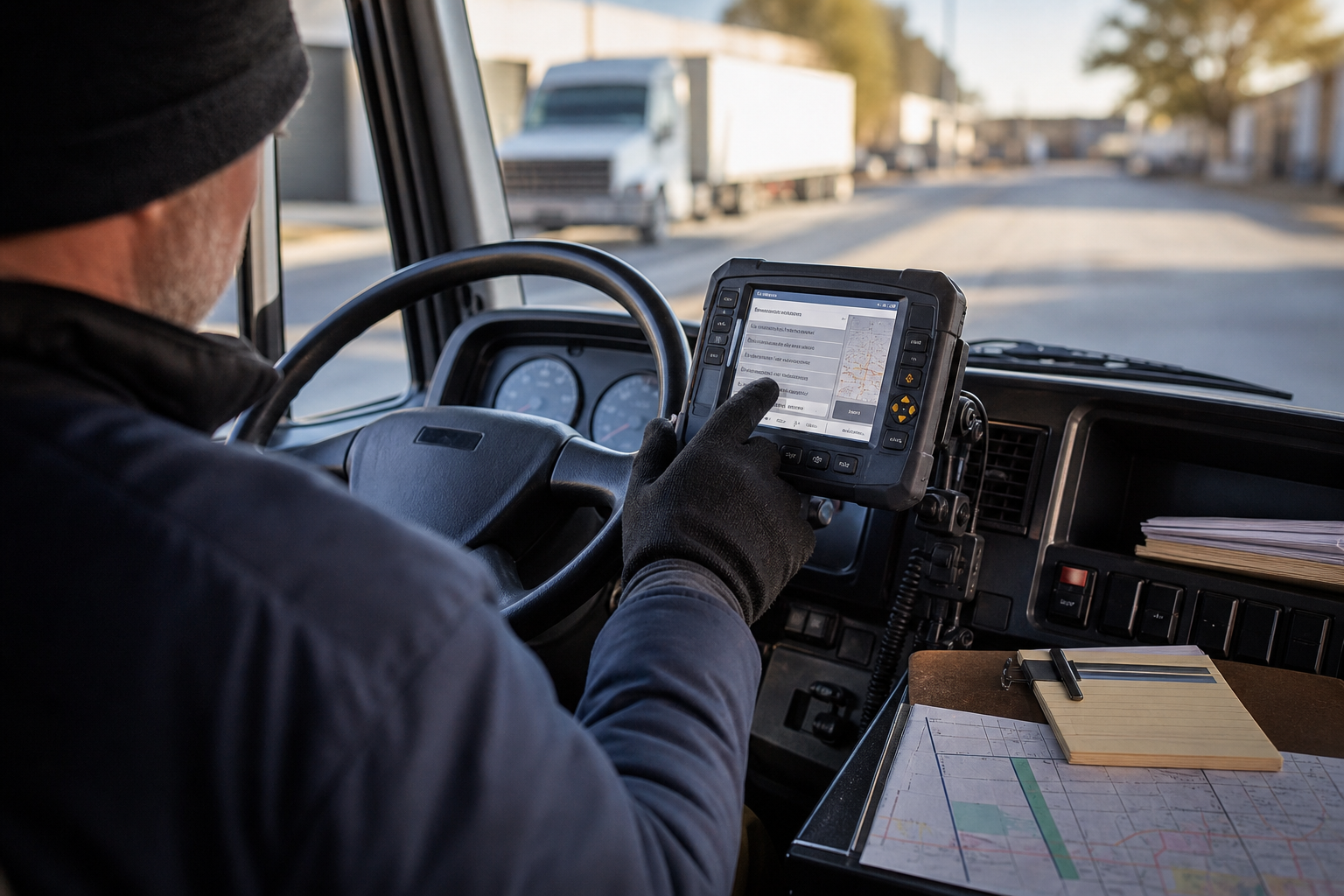
1. Start with the driver's actual workflow.
Note the key moments: vehicle start-up, driver identification, vehicle inspection, route acceptance, arrival at the stop, incident management, delivery confirmation, refueling, shift handover, and vehicle shutdown. For each moment, indicate what information the driver should see, what the application should store, and what information can wait until the vehicle reconnects.
This simple map often reveals that one fleet needs a focused 7-inch view, while another requires space for route guidance, work orders, and camera modules. It also exposes unnecessary hardware. If the application never uses a second camera or a CAN signal, don't add integration complexity just because the terminal supports it.
2. Adapt the screen size to the cabin space and attention.
Measure the dashboard, but also check visibility, steering wheel movement, mirrors, air vents, airbags, service panels, and wiring positions. Sit in the test seat with the production app open. A screen that fits on a sheet of paper might force you to stretch too far or block an important vehicle gauge.
For compact cabs or route-specific displays, the PDS T7 can be a good starting point for review. The T8Pro offers greater capacity for detailed information while maintaining its practicality for many commercial vehicles. The T10Pro or T12 are more attractive when the display needs to show dispatch information, maps, camera views, and machine data. Confirm the final dimensions and mounting method for the requested configuration.
3. Treat GNSS and cellular telephony as operational services.
GNSS supports location, geofencing, route tracking, time synchronization, and exception logic. The receiver and antenna positions should be selected considering the cabin roof, nearby metal structures, wiring, and expected sky visibility. If the workflow requires greater accuracy, define the correction source and what happens when corrections are unavailable.
Cellular connectivity is equally important. Confirm the required bands and region, the SIM or eSIM process, roaming behavior, reconnection time, and local buffering. Test a route with weak coverage instead of relying on a strong signal at the depot. Drivers should be able to continue viewing the active task and logging important events even when the network is down.
4. Select the application interfaces.
Common fleet integrations include CAN, RS232, RS485, Ethernet, USB, GPIO, GNSS, camera input, Wi-Fi, Bluetooth, and 4G LTE. The key question isn't how many ports are listed on the spec sheet, but whether the electrical levels, connector pin configuration, protocol, baud rate, isolation, and software driver are compatible with the vehicle and application.
Document message ownership and timeout behavior. If speed or power-up data becomes invalid, the display should clearly indicate this instead of showing an outdated value. For cameras, define the trigger source, priority, display duration, faulty camera warning, and cable routing. A well-organized integration document saves more time than a belated search for an adapter.
5. Check the power supply, shutdown, and fleet security.
Commercial vehicles generate their own unique power conditions: cold starts, voltage dips, jump starts, long harnesses, battery isolation, and rapid ignition cycling. While rugged vehicle power systems (PDS) are often overhauled with wide-voltage input options, the vehicle engineer still needs a fuse plan, B+ and ACC definitions, grounding, standby current target, and controlled shutdown delay.
Security should be the central topic of discussion. Define device registration, user roles, application updates, remote support, local data retention, and what happens after a device is replaced. The process should be understandable to a field technician, not just the core IT team.
6. Compare practical configurations
| Fleet needs | PDS configuration for review | Selection approach |
|---|---|---|
| Narrow cabin, route display, or specific task | 7-inch T7 | Range, physical controls, GNSS, compact support, basic peripherals |
| Balanced dispatch and navigation workflow | 8-inch T8Pro | Application design, camera options, CAN/serial requirements, power behavior. |
| Control panel with multiple views or more comprehensive fleet application | 10.1-inch T10Pro | Screen design, camera channels, dual CAN, cellular region, service access |
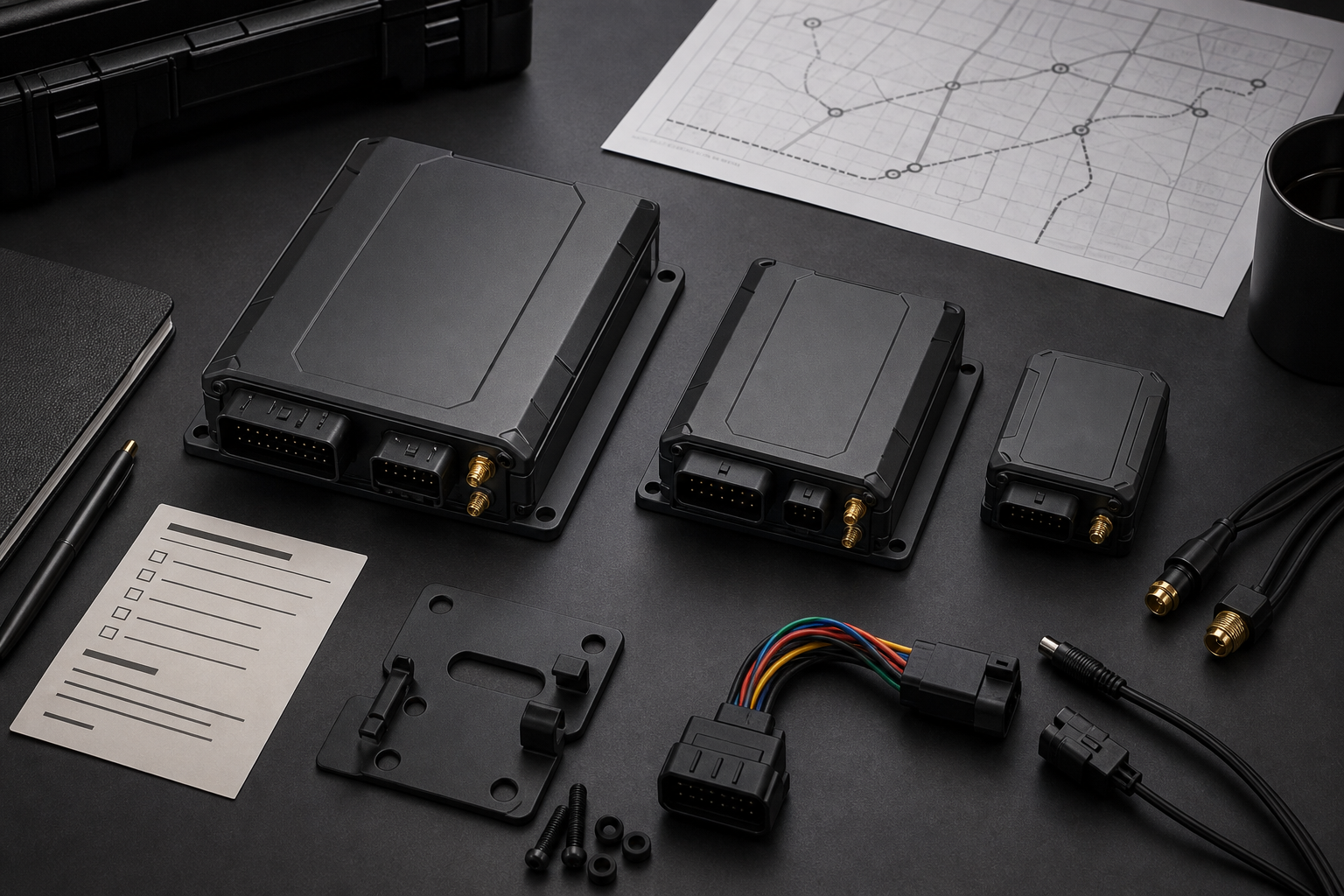
7. Carry out the pilot installation of the entire fleet.
Select vehicles that represent the fleet rather than the cleanest facility. Include different cabs, drivers, routes, battery states, and network zones. Upload the software and application image for production. Record boot time, screen readability, driver actions, reconnection behavior, camera triggers, data uploads, and service steps.
Perform deliberate interruptions: remove network coverage, disconnect a camera, pause a CAN transmission, quickly enable and disable access control, and terminate a task with unsent records. The goal is not to create a spectacular demonstration, but to show that failures are visible, that records are not silently lost, and that the next shift starts from a known state.
8. Application example: recovery after a lost stop
A delivery vehicle leaves the depot following an assigned route. At a stop, the driver reports an incident and attaches a photo via the local app. The cellular connection is interrupted before the loading process is complete. The terminal records the event and shows that it is queued. When the vehicle reconnects, the record is uploaded only once, with its original timestamp and vehicle identifier.
Upon releasing the power button, the terminal confirms the current route status and follows the configured shutdown delay. The replacement controller detects the next correct action after logging in. This brief sequence is more useful than a generic statement that a device is "fleet-ready."
Frequently Asked Questions
What is the most important feature in a vehicle fleet management terminal?
Workflow compatibility is paramount. The terminal must display the correct task at the right time, remain legible in the cab, retain essential records during network outages, and be usable in the actual vehicle.
Do fleet terminals need CAN?
Only add CAN when the application needs vehicle data, such as ignition, speed, operating hours, alarms, or project-defined signals. Confirm the bus definition and software behavior before adding CAN to the scope.
What size PDS should a mixed fleet choose?
Start with the most compact cab and the most complex display layout. A T7 or T8Pro might be suitable for specific workflows; a T10Pro or T12 offers more space for multi-panel applications. Validate mounting and line of sight in each vehicle family.
Select the terminal as part of the fleet.
The best decision regarding the vehicle terminal for fleet management integrates driver tasks, screen size, GNSS, cellular coverage, cameras, vehicle data, power supply, security, and maintenance. PDS Technology can analyze vehicle types, applications, interfaces, coverage map, mounting space, and anticipated volume before finalizing the original equipment manufacturer (OEM) or original design manufacturer (ODM) configuration.
Explore PDS' fleet management solution , compare the range of vehicle computers , or request a quote from PDS Technology with your project checklist.
Contact us
📧Email: [email protected]
📞Tel:+86 13421822024
🌐Website: www.szpds.com
Disclaimer
The information in this article is for reference only. PDS Technology Co., Ltd. is not responsible for errors, omissions, or the suitability of the content for specific applications. Product specifications are subject to change without notice. Buyers should verify all technical details with our team before using the product.
About PDS Technology
PDS Technology is a leading original equipment manufacturer (OEM) and original equipment designer and manufacturer (ODM) of high-precision RTK GNSS terminals and vehicle computers, serving the agricultural, construction, mining, taxi, and logistics sectors since 2011.
With over 15 years of R&D experience in the automotive sector, we offer robust, multi-OS (Android/Linux/OpenHarmony) devices with centimeter-level RTK positioning accuracy, IP66 protection, and AI compatibility. Our IATF16949-certified factories have produced over 100,000 units distributed globally, representing more than 30% of the Chinese market for automatic steering terminals for agricultural machinery. We export to Japan, the United States, the United Kingdom, Turkey, Russia, and other countries.





