

A forklift rugged terminal has to survive more than vibration. It must remain readable through rack shadows and loading-bay glare, accept the way operators wear gloves, wake with the vehicle, and keep working when Wi-Fi drops between aisles. Buying the largest screen or the toughest-looking enclosure is not a selection method.
The practical starting point is the task performed by the truck. A counterbalance forklift moving pallets in a warehouse has a different duty cycle from a reach truck in cold storage or a yard forklift exposed to rain. This guide turns those differences into a requirements list that a fleet engineer, systems integrator, and purchasing team can review together.
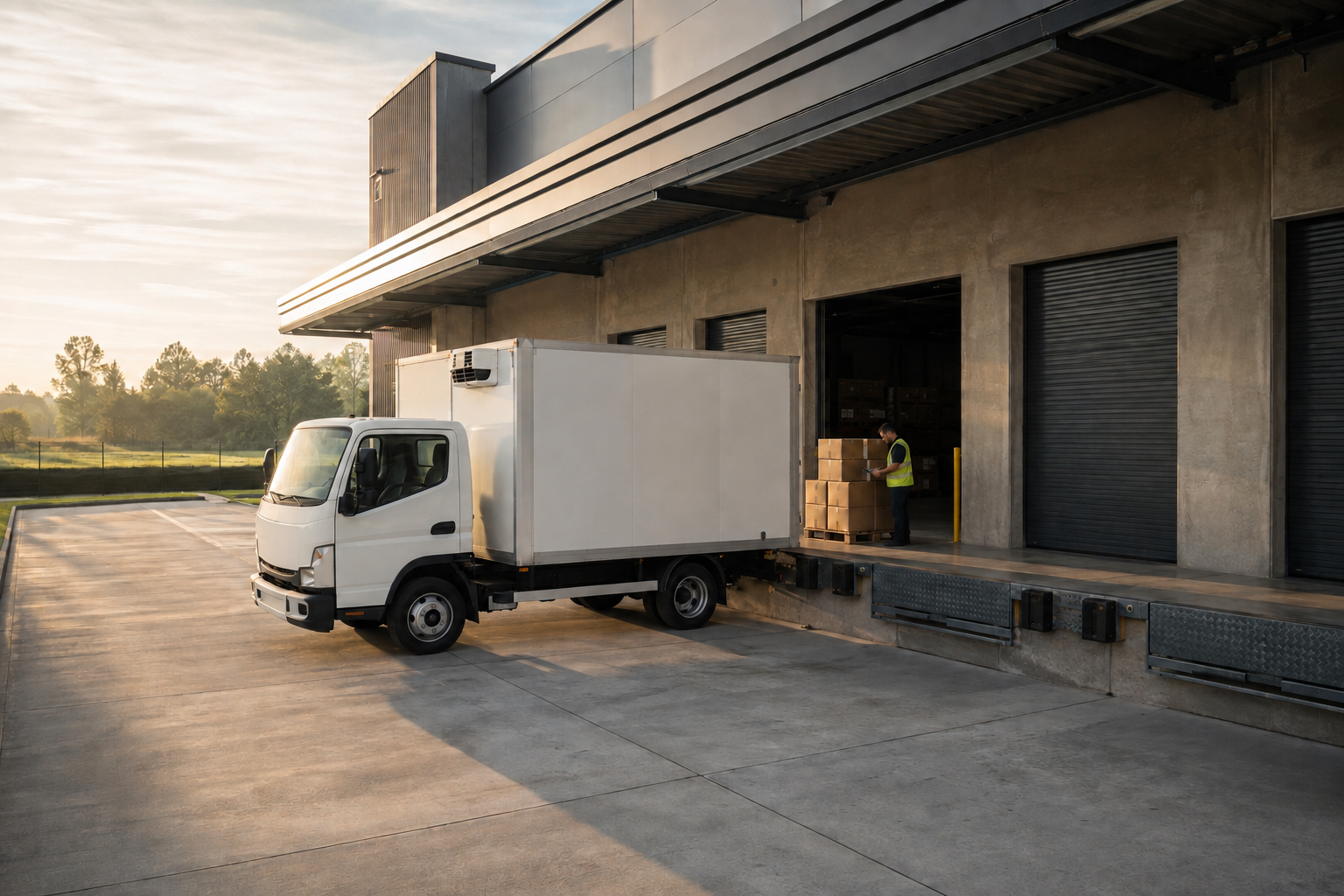
PDS warehouse application illustration. It is not a photograph of a customer deployment.
Define the forklift rugged terminal duty cycle before comparing models
Write down what the forklift does during a normal shift. Include pallet movements per hour, maximum aisle time, outdoor exposure, trailer loading, cold-room entry, and whether the terminal remains powered through breaks. Then note what the operator must see: a task list, barcode result, weight reading, route instruction, camera view, checklist, or all of them.
This step prevents a common mismatch. A compact display may be ideal when the driver only confirms short tasks, while a larger screen can be justified when the application combines navigation, inventory details, and a live camera image. The correct decision follows the information density and viewing distance, not a general preference for larger hardware.
| Work profile | Questions to answer | Typical requirement |
|---|---|---|
| Indoor counterbalance truck | Short task confirmations and scanning | Compact 7-inch display, scanner input, stable Wi-Fi roaming |
| Reach truck or order picker | Frequent confirmation while the operator looks up or down | Large touch targets, glove operation, adjustable mounting angle |
| Yard or loading-dock truck | Rain, dust, long cable runs and changing cellular coverage | IP66 housing, 4G LTE, protected connectors and wide-voltage input |
| Cold-storage truck | Condensation, gloves, battery changes and low-temperature start | Confirmed temperature range, sealed enclosure and ignition behavior testing |
Match screen size to the forklift cab
A forklift rugged terminal changes the mounting problem because the cab already includes levers, gauges, mirrors, charging points, and scanner holders. Measure the proposed location with the seat occupied. Check rear connector clearance and ensure the display does not block controls or sight lines. The mounting arm should hold the chosen angle without being retightened every shift.
When a 7-inch terminal is enough
A 7-inch vehicle computer suits trucks with limited mounting space and applications built around short lists, confirmations, and alerts. The software should use readable text, a small number of primary buttons, and clear color states. If the application requires two maps, multiple camera tiles, or long tables, a small screen may force the driver to scroll at the wrong moment.
When to specify an 8-inch terminal
An 8-inch vehicle computer often provides a useful balance for mixed warehouse duties. The published PDS T8 specification includes a 1280 x 800 IPS display, Android 10, IP66 protection, and 9-36VDC input with ISO 7637-II-oriented protection. Confirm the exact interface set, modem bands, operating temperature, and bracket for the quoted version rather than assuming every configuration is identical.
A larger screen is not automatically safer. More visible content can also create more distraction. Design the application so the driver can complete routine steps with a glance and confirm exceptions only when the truck is safely stopped.
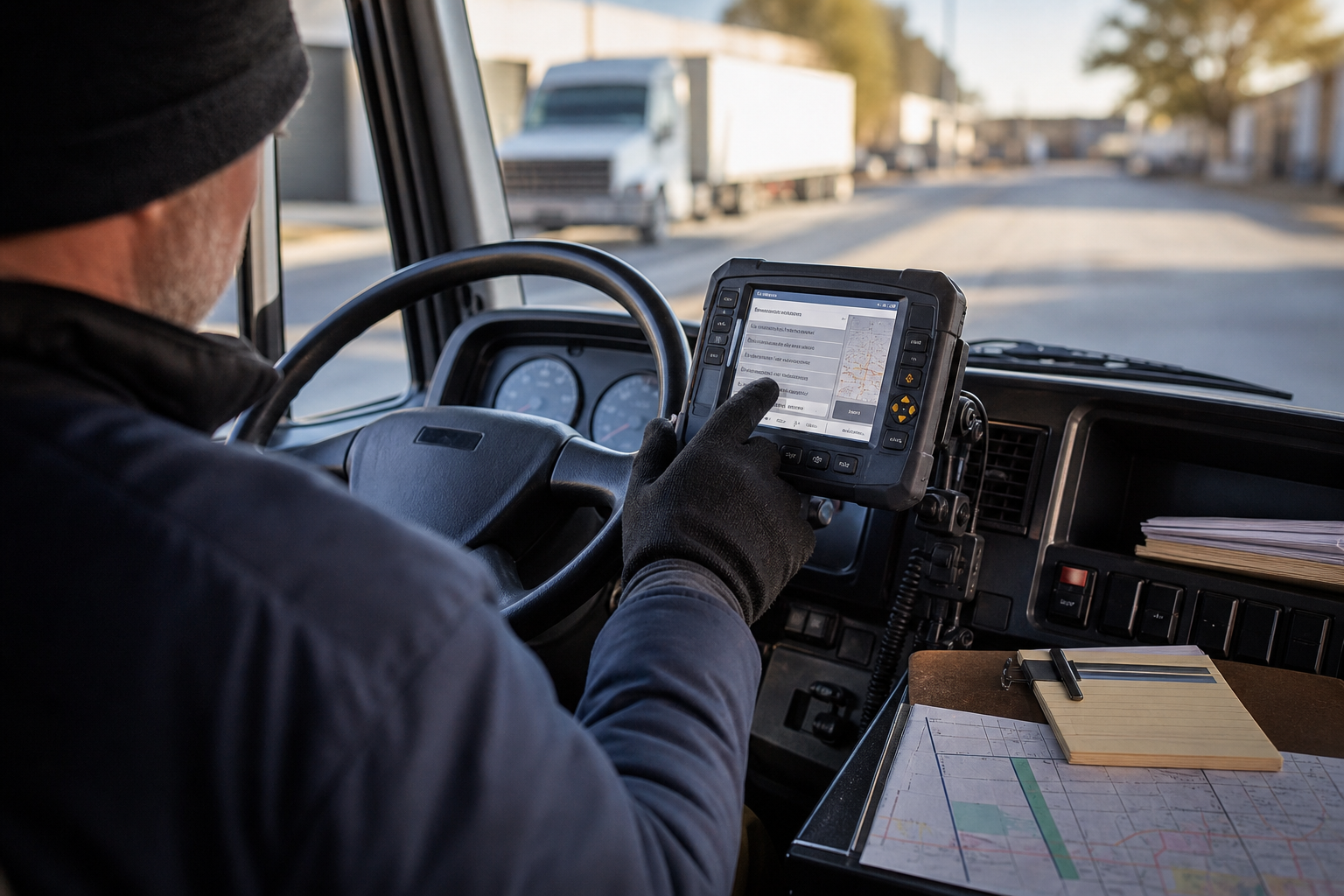
PDS application illustration. Installation position and software must be validated in the target forklift.
Build a connectivity checklist for the actual workflow
Connectivity is not a single feature. The terminal may need simultaneous connections for the warehouse system, a scanner, cellular backhaul, vehicle data, and a camera. Test the complete data path rather than each component in isolation.
Rugged vehicle terminal with 4G LTE
A forklift rugged terminal with 4G LTE should be evaluated on supported bands, antenna placement, roaming policy, and recovery after coverage loss. Ask how the application queues an update when the truck leaves a hotspot or enters a metal-lined trailer. The terminal may remain online while the business transaction is still unsent.
If the warehouse already has private Wi-Fi, define roaming behavior between access points. Record signal strength in the least favorable aisle, not beside the IT office. For outdoor yards, verify the carrier profile and antenna installation with the actual vehicle body and load.
CAN, RS232, RS485 and USB
Forklift projects may use CAN for vehicle data, RS232 for an older controller, RS485 for a sensor network, USB for a scanner, or GPIO for a signal. List voltage levels, baud rates, connector types, cable lengths, and isolation requirements. A port name alone does not prove protocol compatibility.
Ask the supplier to provide the pinout and operating-system interface. On Linux, confirm whether CAN is exposed through SocketCAN. On Android, identify the supported serial API and permissions. Include a test message or recording from the real vehicle controller in the sample request.
Validate the electrical and environmental envelope
Forklift electrical systems are not laboratory power supplies. Starting, lifting, regenerative braking, accessory loads, and battery charging can create voltage events. The forklift rugged terminal should be specified with the vehicle's nominal voltage and the project's transient requirements, not only a generic 12V or 24V label.
IP66 describes protection against dust and powerful water jets; it does not automatically cover immersion, chemical washdown, or every cleaning method used at a site. The IEC provides a useful explanation of IP ratings. Confirm the terminal's temperature range, condensation strategy, connector sealing, and cleaning instructions with the supplier.
Cable strain relief deserves the same attention as the display. A heavy scanner cable can pull on a connector for thousands of cycles. Route cables away from sharp edges and moving parts, and leave a service loop that allows maintenance without removing the entire harness.
Driver training also belongs in the project. OSHA's powered industrial truck requirements address training and safe operation. A terminal should reinforce those procedures, not encourage interaction that takes attention away from the truck and surrounding pedestrians.
Use a supplier checklist that produces evidence
A forklift rugged terminal supplier checklist should go beyond asking whether a product is rugged. Request documents, sample behavior, and configuration details that a technical reviewer can verify.
| Check | Evidence to request |
|---|---|
| Mechanical fit | Dimensions, bracket drawing, load rating, rear clearance and vibration standard |
| Power protection | Input range, transient specification, fuse recommendation and ignition behavior |
| Wireless | Modem model, LTE bands, Wi-Fi modes, antenna options and regional approvals |
| I/O integration | Connector pinout, protocol support, driver or SDK documentation and sample test |
| Lifecycle support | OS image control, spare parts, repair path, change notification and minimum supply term |
Use a rugged vehicle terminal OEM checklist to define customization boundaries before tooling. PDS's OEM/ODM service can support hardware and software projects, but the buyer should still state which interfaces, certificates, branding, and software images are required.
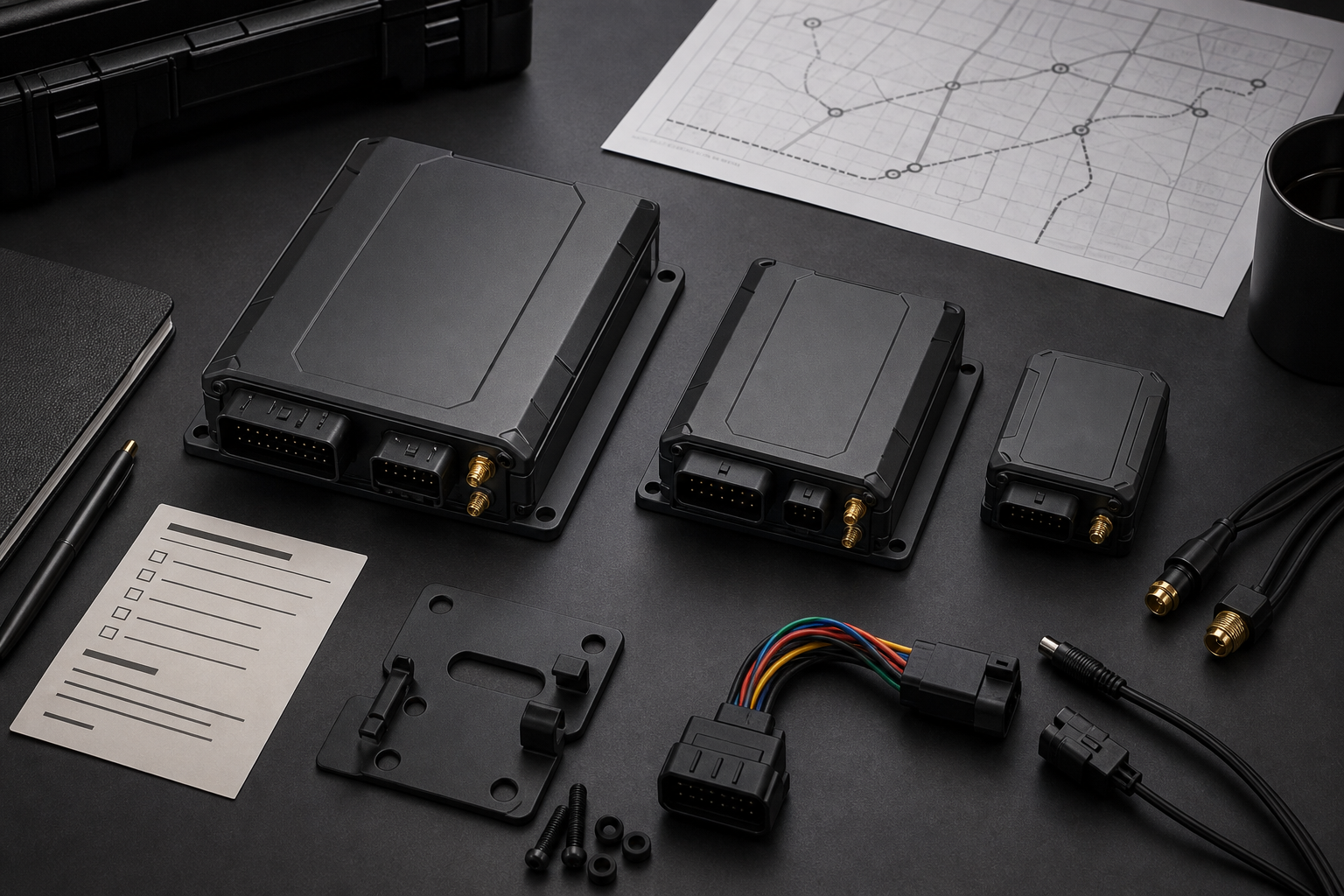
PDS selection illustration. Final configuration must be confirmed against the quoted bill of materials.
Run a forklift trial with measurable acceptance criteria
Install one terminal on a representative forklift and operate it through real shifts. Record whether the mount moves, whether the display can be read from the normal driving position, how long the application takes to reconnect, and how often the driver must remove a glove. A short demonstration in a clear aisle will miss these issues.
Define pass or fail criteria before the trial. Examples include completing a pick confirmation within a target number of interactions, recovering a queued transaction after a network outage, and restarting normally after five ignition cycles. Ask maintenance to inspect cable strain and connector torque after the trial.
For a fleet rollout, keep one golden sample and one documented configuration. When a spare terminal arrives, the workshop should be able to verify the software version, vehicle profile, and interface settings without relying on a technician's memory.
Fleet-level standardization becomes easier when the terminal status is visible in one system. PDS describes a fleet management solution that connects location, vehicle data, and operational records. A forklift deployment may use a smaller subset, but the integration boundary should still be defined.
FAQs
Is a 7-inch forklift rugged terminal large enough?
It can be sufficient when the application uses short lists, clear confirmations, and limited camera content. Test the longest task and the least favorable viewing angle. If the driver must scroll or zoom during routine work, compare an 8-inch model.
Does 4G LTE remove the need for warehouse Wi-Fi?
No. Cellular service can provide wide-area connectivity, but a warehouse application may need low-latency local access to the WMS, label printers, or cameras. Choose the network architecture from the workflow and test both coverage and handover behavior.
Can a standard tablet be used instead?
A consumer tablet may be suitable for a light trial, but a fixed forklift installation normally benefits from managed power, secured mounting, industrial I/O, and a defined service life. Compare total support effort, not only the first purchase price.
What should be included in the sample request?
Provide the forklift model, battery voltage, mounting area, operating temperature, network plan, scanner or sensor details, software platform, and the transactions that must work. Include photos and measured clearances.
Contact us
📧Email:[email protected]
📞Tel:+86 13421822024
🌐Website: www.szpds.com
Disclaimer
The information in this article is for reference only. PDS Technology Co., Ltd. assumes no responsibility for errors, omissions, or suitability of the content for specific applications. Product specifications are subject to change without notice. Buyers should verify all technical details with our team before use.
About PDS Technology
PDS Technology is a leading OEM/ODM manufacturer of high-precision RTK GNSS terminals and vehicle computers, serving agriculture, construction, mining, taxi, and logistics industries since 2011.
With 15+ years of automotive-grade R&D experience, we offer rugged, multi-OS (Android/Linux/OpenHarmony) devices featuring RTK centimeter-level positioning, IP66 protection, and AI-ready performance. Our IATF16949-certified factories have produced over 100,000 units deployed globally, holding 30%+ of China's agricultural auto-steering terminal market. We export to Japan, the US, UK, Turkey, Russia, and beyond.





