

A rugged display for construction machinery must keep important information readable while the cab vibrates, the light changes, gloves are in use, and the operator is already managing the machine. It may present alarms, machine values, camera views, tasks, maps, guidance, or maintenance prompts. The screen is therefore part of the operating workflow, not decoration on the dashboard.
Some projects need a display linked to another controller. Others need a complete vehicle computer that runs the application locally and connects to cameras, CAN, serial devices, GNSS, and the site platform. Defining that boundary is the first selection step.
1. Decide whether the project needs a display or a computer
A monitor receives video or display data from another system. A vehicle computer combines the screen with processing, memory, storage, operating system, vehicle interfaces, and application software. The physical products may look similar, but integration responsibility is different.
List every data source and application function. If the unit must store records, run Android or Linux software, decode CAN messages, manage cameras, or synchronize with a platform, specify a vehicle computer rather than a passive display. If another controller owns those functions, document the display interface, resolution, touch connection, and power behavior.
2. Fit the screen to the real cab
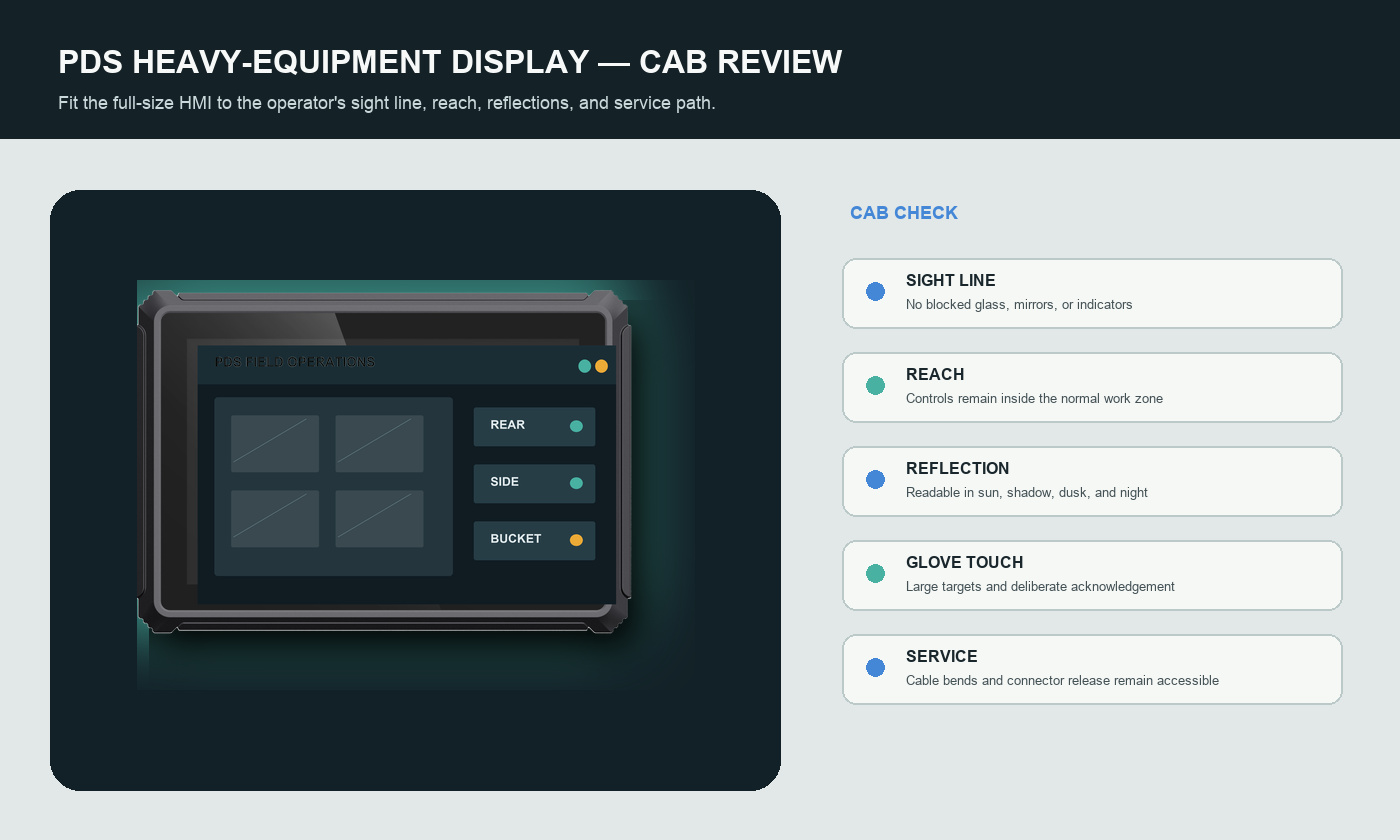
Measure the available space, but also review sight lines, control reach, window reflections, seat adjustment, mirror visibility, emergency exits, and service access. A screen that technically fits can still block the operator's view or require an awkward reach.
Use the final application at full scale. Sit in the target cab and check the proposed bracket position. Leave clearance for cable bends and connector removal. Inspect the mounting surface and decide how fasteners will resist continuous vibration.
3. Sunlight readability is more than brightness
High luminance can help, but readability also depends on contrast, reflections, viewing angle, glass treatment, color choices, text size, and the way the application uses the screen. A bright panel with strong reflections may still be difficult to read.
Test the display in direct sun, bright overcast light, cab shadow, dusk, and night conditions. Check automatic or manual dimming. Confirm that important information remains legible without making the night screen uncomfortable.
4. Design touch operation for work gloves
Touch targets should be large enough for deliberate use on a moving machine. Frequently used actions should not depend on several small taps. Confirm the glove type, moisture exposure, accidental-touch behavior, and whether physical buttons or an external controller are needed for critical functions.
Warnings should not rely only on color. Use clear text, icons, position, and priority. Decide how alarms are acknowledged and what remains visible when a camera view is triggered.
5. Cameras and information hierarchy
Camera inputs can support reversing, side views, bucket or attachment monitoring, and work-area visibility. Specify the camera standard, channel count, trigger source, priority, view duration, failed-camera warning, and cable route. More camera tiles do not automatically create a safer screen.
The HMI should show the most important information for the current movement. A rear view may take priority during reverse, but a critical machine alarm should still be visible. Test these transitions with the operator rather than reviewing static screenshots.
6. Match vehicle data and external interfaces
CAN, RS232, RS485, Ethernet, USB, GPIO, and GNSS are only useful when their electrical and software details match the machine. Confirm channel count, voltage level, isolation, bitrate or baud rate, termination, pinout, protocol, message ownership, and timeout behavior.
For OEM/ODM work, freeze the processor, memory, storage, OS build, modem region, I/O combination, connector definition, harness, bracket, and application version together. This keeps a sample and a production device from sharing a model name while behaving differently.
7. Environmental and vehicle-power requirements
A rugged display for construction machinery is exposed through its bracket, connectors, harness, antennas, and power wiring. Review dust, water, operating temperature, vibration, impact, cleaning, cable strain, and service access as one installation.
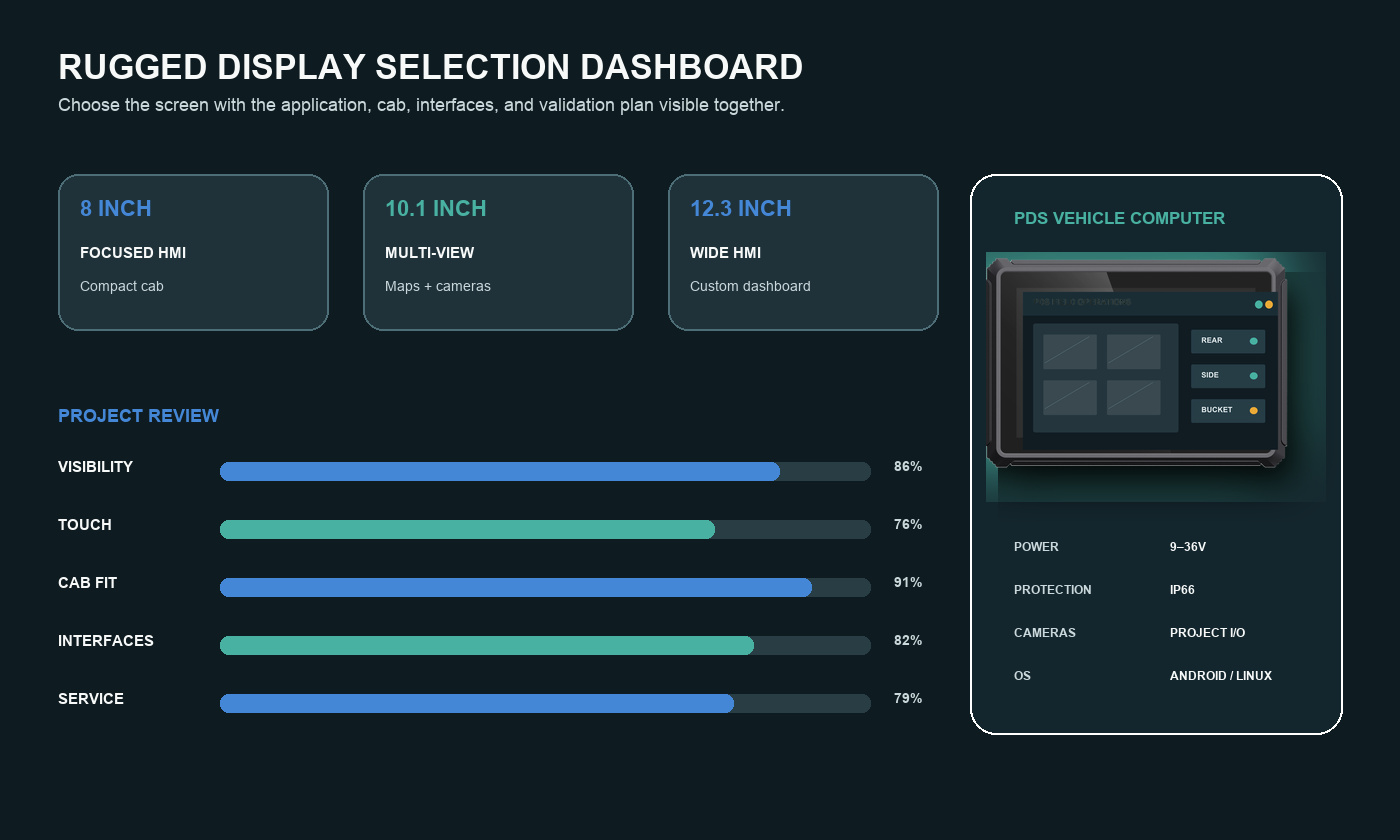
PDS T8Pro and T10Pro configurations list IP66 protection, -20°C to +70°C operation, and 9–36V DC input. These specifications are useful starting points. The integration still needs a fuse plan, B+ and ACC definition, grounding, shutdown delay, unused-port sealing, and evidence for the final quoted configuration.
8. Compare screen formats with the application
| Format | Typical fit | PDS model to review |
|---|---|---|
| 8 inch | Restricted cab, focused machine data, one primary camera view | T8Pro |
| 10.1 inch | Maps, richer data, camera tiles, split layouts | T10Pro |
| 12.3 inch wide | Custom dashboard, multi-zone HMI, wide instrument replacement | T12 |
9. Validate the display through real events
Build a test around boot, normal work, camera triggers, alarm changes, network loss, machine-data loss, glove operation, day and night viewing, rapid key cycles, and safe shutdown. Record the expected screen, operator action, recovery time, and evidence.
Inspect the bracket and connectors after rough operation. Ask technicians to remove and reinstall the unit using normal tools. A design that is attractive in a mock-up but difficult to service will create unnecessary downtime.
10. Application example: an excavator monitoring HMI
The terminal boots to a clear machine status screen. Normal operation keeps the main warning area and essential machine values visible. Reverse or a defined input brings the required camera view forward. A failed camera creates a visible warning rather than an empty tile.
When the network drops, the current task and local machine information remain available. At key-off, the application saves the current state and queued records before power removal. The next boot restores the last approved configuration.
Frequently asked questions
Is a larger construction display always better?
No. A larger screen provides more layout space but may block sight lines or require a longer reach. Select the size with the real application and bracket position.
Should the screen show all camera views at once?
Not necessarily. Prioritize the view needed for the current movement and preserve critical alarms. Test trigger timing, override behavior, and failed-camera warnings.
Can the same display be used on excavators, loaders, and trucks?
The core computer may be shared, but brackets, harnesses, CAN definitions, camera layouts, power wiring, and software profiles often differ. Control the machine-specific configuration.
Select the screen as part of the machine
The right rugged display for construction machinery combines readable HMI design, correct screen size, secure mounting, sealed connections, matched interfaces, controlled power behavior, and serviceable installation. Prove those items in the target cab before production release.
Review the PDS construction and mining solution, compare 8-inch, 10-inch, and 12-inch vehicle computers, or contact PDS Technology with your cab layout, HMI, interfaces, cameras, and mounting requirements.
Contact us
📧Email:[email protected]
📞Tel:+86 13421822024
🌐Website: www.szpds.com
Disclaimer
The information in this article is for reference only. PDS Technology Co., Ltd. assumes no responsibility for errors, omissions, or suitability of the content for specific applications. Product specifications are subject to change without notice. Buyers should verify all technical details with our team before use.
About PDS Technology
PDS Technology is a leading OEM/ODM manufacturer of high-precision RTK GNSS terminals and vehicle computers, serving agriculture, construction, mining, taxi, and logistics industries since 2011.
With 15+ years of automotive-grade R&D experience, we offer rugged, multi-OS (Android/Linux/OpenHarmony) devices featuring RTK centimeter-level positioning, IP66 protection, and AI-ready performance. Our IATF16949-certified factories have produced over 100,000 units deployed globally, holding 30%+ of China's agricultural auto-steering terminal market. We export to Japan, the US, UK, Turkey, Russia, and beyond.





