

Android is familiar to software teams and operators, but an Android tablet placed in a vehicle is not automatically a vehicle computer. Fleet and industrial projects need a device designed for vehicle power, vibration, heat, dust, water, mounting, cameras, antennas, and wired machine interfaces. The operating system is only one layer of that system.
An Android vehicle mounted computer is a strong option when the project needs a touch-first application, frequent operator interaction, 4G connectivity, maps, cameras, forms, and an application team that already works with Android. It can shorten software onboarding, but buyers still need to validate the exact OS image, peripheral drivers, update process, and long-term support plan.
Why Android fits many vehicle workflows
Drivers, inspectors, dispatchers, and field operators usually learn a touch interface quickly. Android supports familiar interaction patterns such as large app tiles, notifications, camera preview, maps, forms, and on-screen keyboards. This is useful in fleets where training time matters and the application changes as the operation grows.
Android development teams can build a dedicated application rather than exposing the standard consumer home screen. A well-designed vehicle interface may launch directly into one approved workflow, hide unnecessary settings, restrict other applications, and use large controls for movement, gloves, or bright light.
The important advantage is not access to a public app store. Industrial deployments often use a controlled APK, private distribution, device management, or a customer-owned update server. The project should decide who signs the application, who can install updates, and what happens if a new version fails.
Common applications for Android vehicle-mounted computers
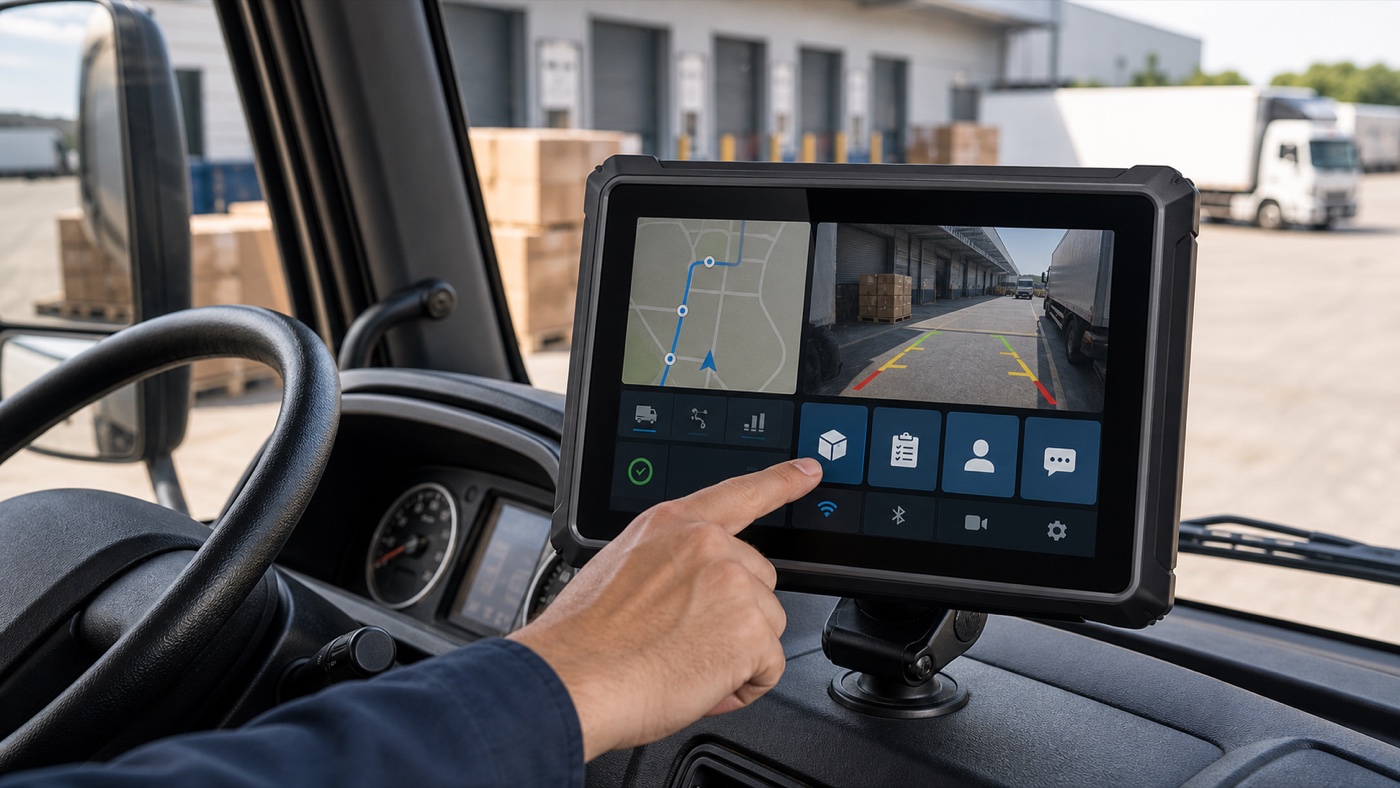
Fleet dispatch and route management
A fleet terminal can receive tasks, show routes, collect proof of delivery, record status, and exchange messages with a dispatch platform. The device may also combine 4G, GNSS, Wi-Fi, Bluetooth, and vehicle data. The software should cache essential work when coverage is lost and synchronize without creating duplicate records.
Camera display and recording
Android can support rear-view, side-view, driver-monitoring, or work-area cameras when the hardware and drivers are matched. Camera preview is different from recording several channels while navigation and cellular communication continue in the background. Test the final number of cameras, resolution, frame rate, storage policy, and application workload together.
Agriculture and off-highway equipment
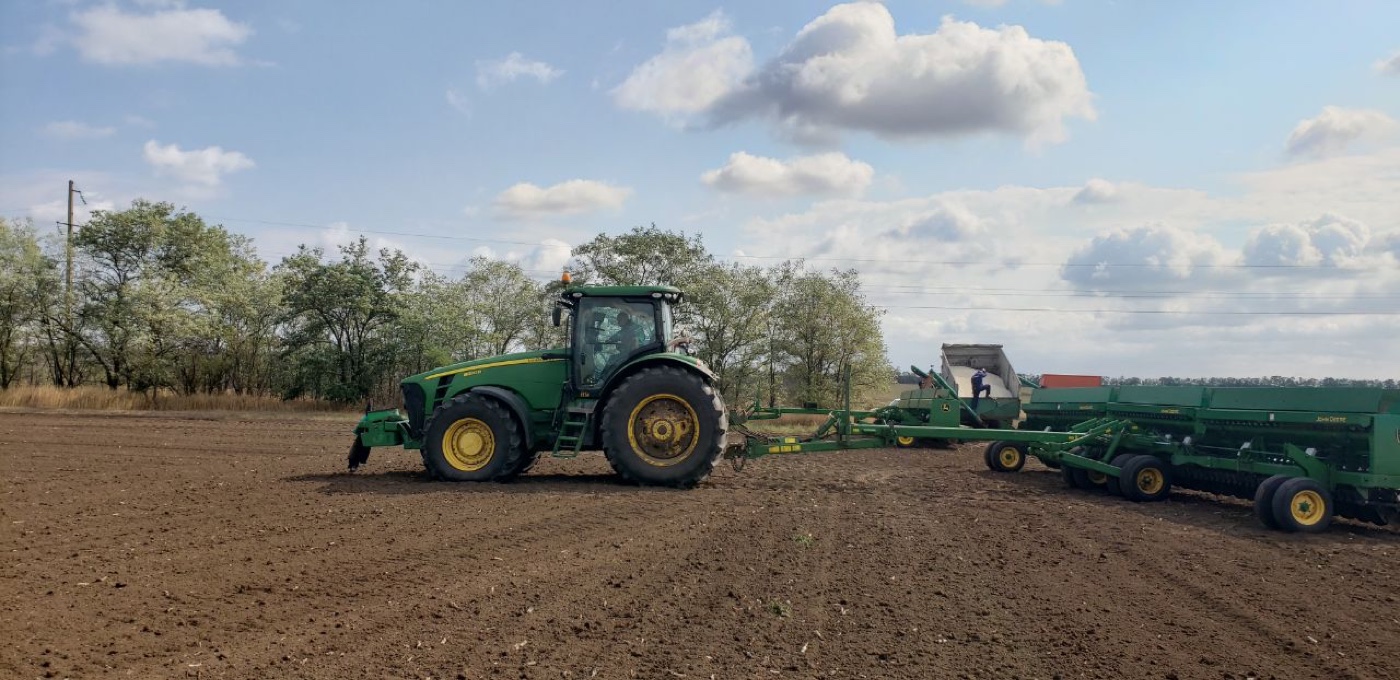
Operators may use one screen for guidance, machine data, task records, implements, and camera views. Standard GNSS is sufficient for many tracking tasks, while auto-steering and precision work may need optional RTK positioning, an external antenna, correction data, and controller integration.
Inspection and mobile field service
Touch forms, photos, barcode or peripheral input, work instructions, and signatures suit Android's application model. A fixed vehicle terminal can remain powered, mounted, and connected to the vehicle while a separate handheld device is used only when the worker leaves the cab.
Android does not replace vehicle-grade hardware
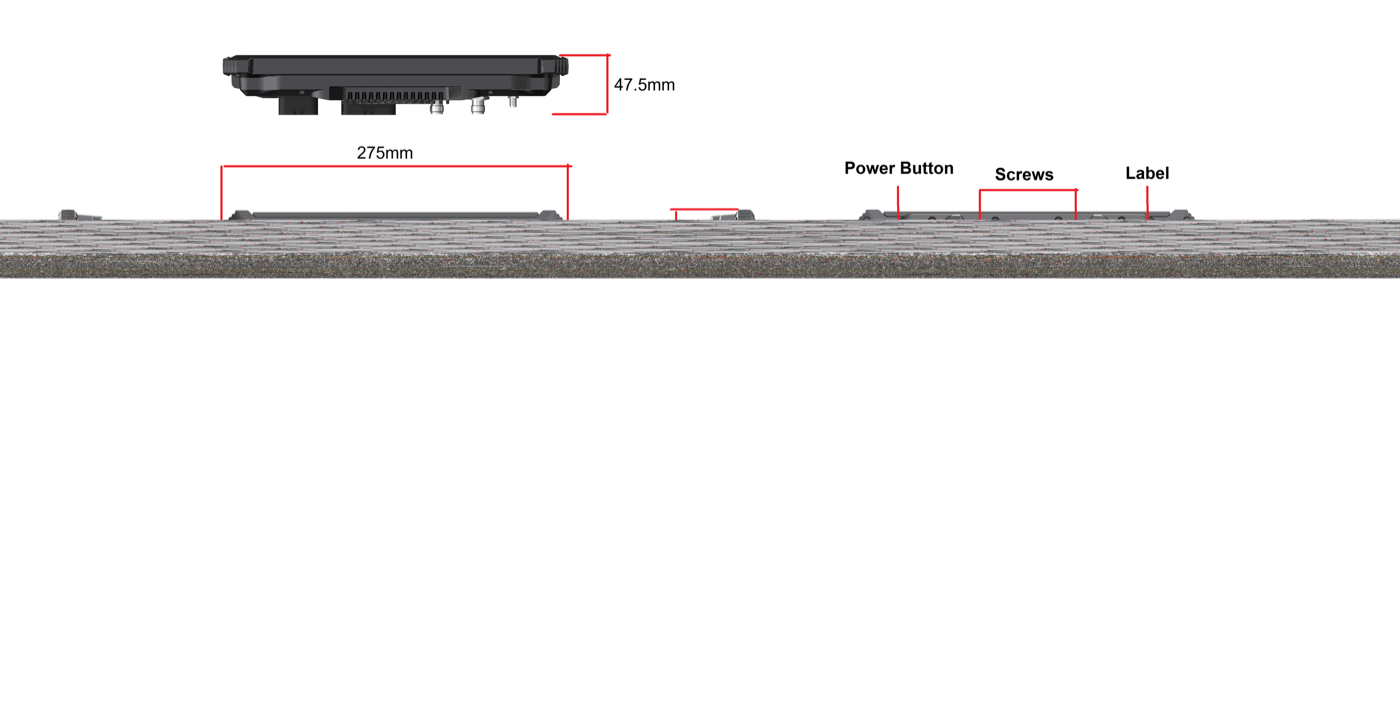
A consumer tablet expects a relatively clean charger and a protected environment. A fixed vehicle computer must handle ignition events, engine cranking, voltage changes, cable strain, vibration, dust, water, and direct sunlight. It also needs a mounting method that remains stable during the working day.
PDS T7, T8, T10Pro, and T12 models publish 9-36V DC input and IP66 protection. Their enclosures and interface options are designed around commercial and off-highway vehicle projects rather than general indoor use. The final installation should still be tested in the exact vehicle, because power behavior and vibration differ between a taxi, tractor, excavator, bus, and mining truck.
Choose an Android model by workflow and screen size
| PDS model | Android starting point | Useful project type |
|---|---|---|
| T7 | Android 10, 7-inch display, physical function keys | Compact cabs, taxis, light trucks, focused operator workflows |
| T8 | Android 10, 8-inch 1280 x 800 display, 4 GB / 64 GB | Balanced fleet and equipment display with CAN, camera and Ethernet needs |
| T10Pro | Android 11 or 13, Qualcomm QCM6125, 10.1-inch display | Camera-rich fleet, RTK, recording, and higher application workloads |
| T12 | Android 13, 12.1-inch display, broad vehicle interfaces | Large-screen heavy equipment, multi-camera, guidance and machine status |
The processor and memory should cover the real application with reasonable margin. More performance is useful for cameras, local data, graphics, or AI-related workloads, but it can add cost without helping a simple dispatch screen. Run the actual software on the Android vehicle mounted computer before selecting the production configuration.
Plan application control and device management
Define whether the operator sees one application, an approved launcher, or a small set of apps. Decide how settings are protected, how logs are collected, and whether remote support is permitted. If the fleet uses mobile device management, test the chosen platform with the target Android build instead of assuming all consumer management functions are available.
Updates need a rollback plan. A vehicle may be hundreds of kilometers from a service center when an application or OS update fails. The project should specify update windows, power requirements, network conditions, staged deployment, recovery instructions, and the person responsible for approval.
Validate every peripheral on the target Android image
Android version numbers do not guarantee camera, CAN, RS232, RS485, GNSS, Bluetooth, USB, or printer behavior. Drivers, permissions, APIs, connector pinouts, and application libraries must match the hardware configuration. Ask the supplier for the development information needed by the software team and build a peripheral test list.
- Confirm the exact Android version and production image.
- Test cold boot, ignition-on launch, shutdown delay, and repeated engine starts.
- Run all planned cameras simultaneously.
- Verify CAN bitrate, protocol ownership, isolation, and termination.
- Check RS232 or RS485 pinout and baud rate with the real accessory.
- Test 4G bands and SIM behavior in the destination market.
- Measure GNSS performance with the final antenna location.
- Confirm offline data handling and synchronization after network recovery.
Use the pilot to test interruptions, not just the happy path
Interrupt cellular coverage during a task. Disconnect a camera. Remove GNSS visibility. Turn off the ignition while data is being written. Fill local storage. Restart the vehicle several times in cold and hot conditions. These events reveal whether the application, operating system, and hardware recover in a way the operator can understand.
Record recovery time, data preservation, error messages, and the support action required. A polished demonstration is useful, but a production decision should be based on the awkward moments that occur during real vehicle work.
Frequently asked questions
Can a normal Android app run directly on a vehicle computer?
It may run, but screen resolution, OS version, permissions, peripheral APIs, processor architecture, and background behavior must be tested. A mobile app often needs interface changes for a fixed in-cab display.
Does an Android vehicle computer need Google services?
Not always. Many industrial applications use a private APK and their own maps, update service, or cloud platform. Confirm any dependency on Google Mobile Services, licensing, regional access, and offline operation before development.
Which PDS Android model is best for cameras?
The T10Pro publishes a camera-oriented default configuration and four-channel 720P recording capability. The T12 provides four camera ports for 1080P applications and a larger display. The correct model depends on preview, recording, storage, simultaneous workload, and screen layout.
Build the Android solution around the operating day
An Android vehicle mounted computer can give operators a familiar, flexible interface. The successful project still depends on vehicle power, enclosure protection, brackets, cables, antennas, drivers, application control, updates, and recovery. Treat the device and software as one installed system.
Review the PDS vehicle computer range or contact PDS Technology with your application, screen size, Android version, interfaces, camera count, positioning requirement, destination market, and expected quantity.
Contact us
📧Email:[email protected]
📞Tel:+86 13421822024
🌐Website: www.szpds.com
Disclaimer
The information in this article is for reference only. PDS Technology Co., Ltd. assumes no responsibility for errors, omissions, or suitability of the content for specific applications. Product specifications are subject to change without notice. Buyers should verify all technical details with our team before use.
About PDS Technology
PDS Technology is a leading OEM/ODM manufacturer of high-precision RTK GNSS terminals and vehicle computers, serving agriculture, construction, mining, taxi, and logistics industries since 2011.
With 15+ years of automotive-grade R&D experience, we offer rugged, multi-OS (Android/Linux/OpenHarmony) devices featuring RTK centimeter-level positioning, IP66 protection, and AI-ready performance. Our IATF16949-certified factories have produced over 100,000 units deployed globally, holding 30%+ of China's agricultural auto-steering terminal market. We export to Japan, the US, UK, Turkey, Russia, and beyond.





