

A vehicle computer can look ideal on a specification sheet and still become an expensive problem after installation. The usual cause is not one missing feature. It is a mismatch between the terminal and the way the vehicle actually works: the screen is too large for the cab, the software team cannot maintain the operating system, the camera occupies an interface needed by another device, or the computer shuts down badly when the ignition changes.
If you are deciding how to choose a rugged vehicle computer, begin with the working day rather than a model number. Write down what the operator sees, what the computer connects to, what happens when the engine starts and stops, and who will support the system in three years. Those answers narrow the hardware choices much faster than comparing processor names alone.
1. Describe the job before choosing the hardware
Start with a short operating story. A dispatcher may need routes, messages, proof-of-delivery forms, and one rear camera. A tractor operator may need RTK guidance, steering status, CAN data, and a screen that remains readable at noon. An excavator terminal may display several cameras and machine alarms while exchanging data with an ECU. These are all vehicle-computer projects, but they should not use the same configuration.
A useful project note answers six questions:
- Who uses the screen, and while the vehicle is moving or stationary?
- Which application will run, and who owns its source code and updates?
- Which cameras, controllers, sensors, antennas, printers, or scanners must connect?
- What power behavior occurs during ignition, engine cranking, and shutdown?
- Where will the terminal be mounted, and what may block the operator's view?
- How many vehicles will be deployed now and during the next phase?
These notes give a manufacturer enough context to recommend a model instead of merely sending a catalogue.
2. Choose a screen size that fits the cab and the task
Bigger is helpful only when the application can use the space. A 7-inch display works well in compact cabs, taxis, light trucks, and machines where the terminal has one focused job. A 10-inch or 12-inch screen is easier to justify when maps, camera views, guidance lines, machine data, or several controls must remain visible together.
Measure the installation area with the planned bracket, cables, and connector clearance included. Check the operator's sightline, reach, gloves, and seated position. A screen that fits on a desk drawing may cover a switch or vibrate excessively when mounted on a long arm.
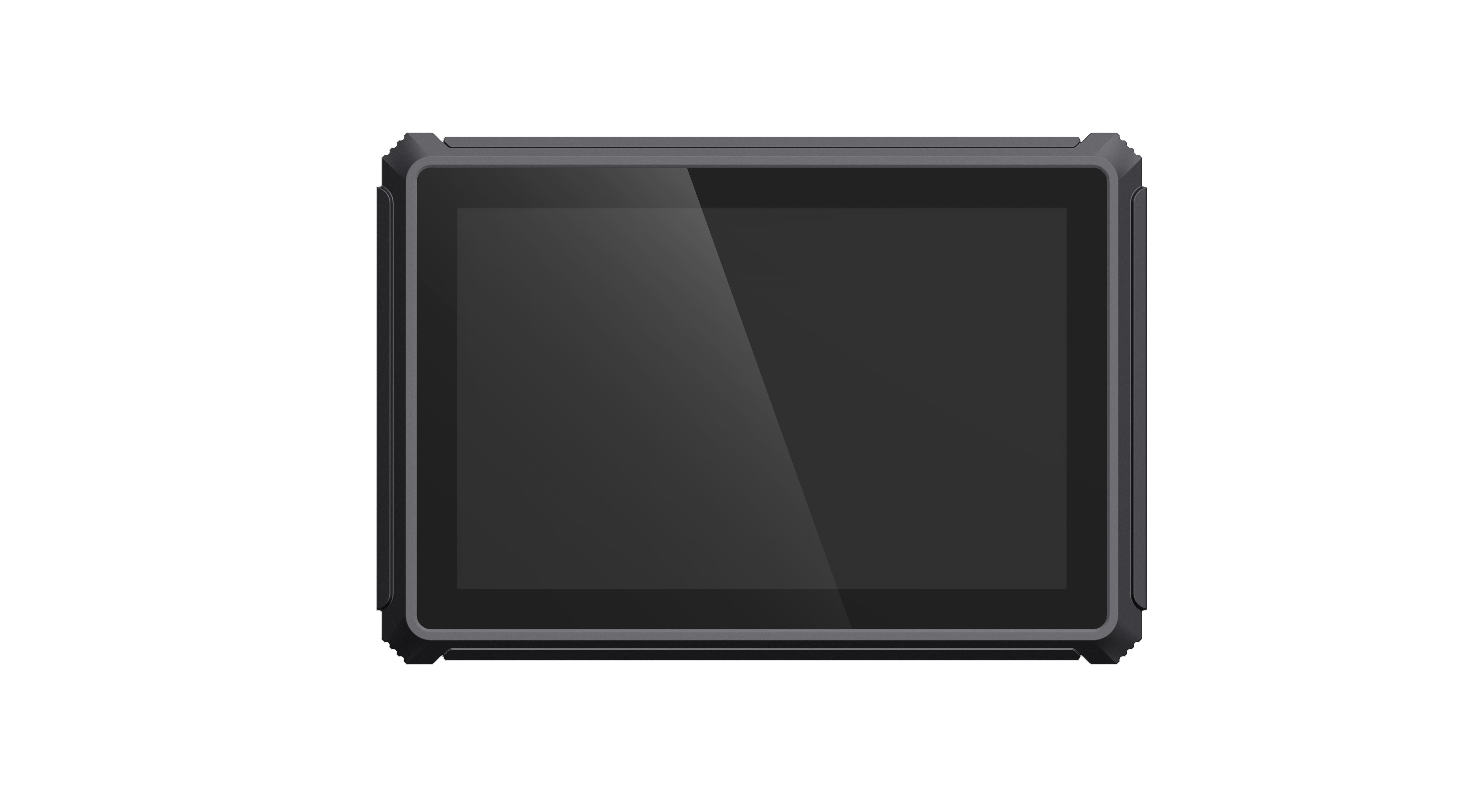
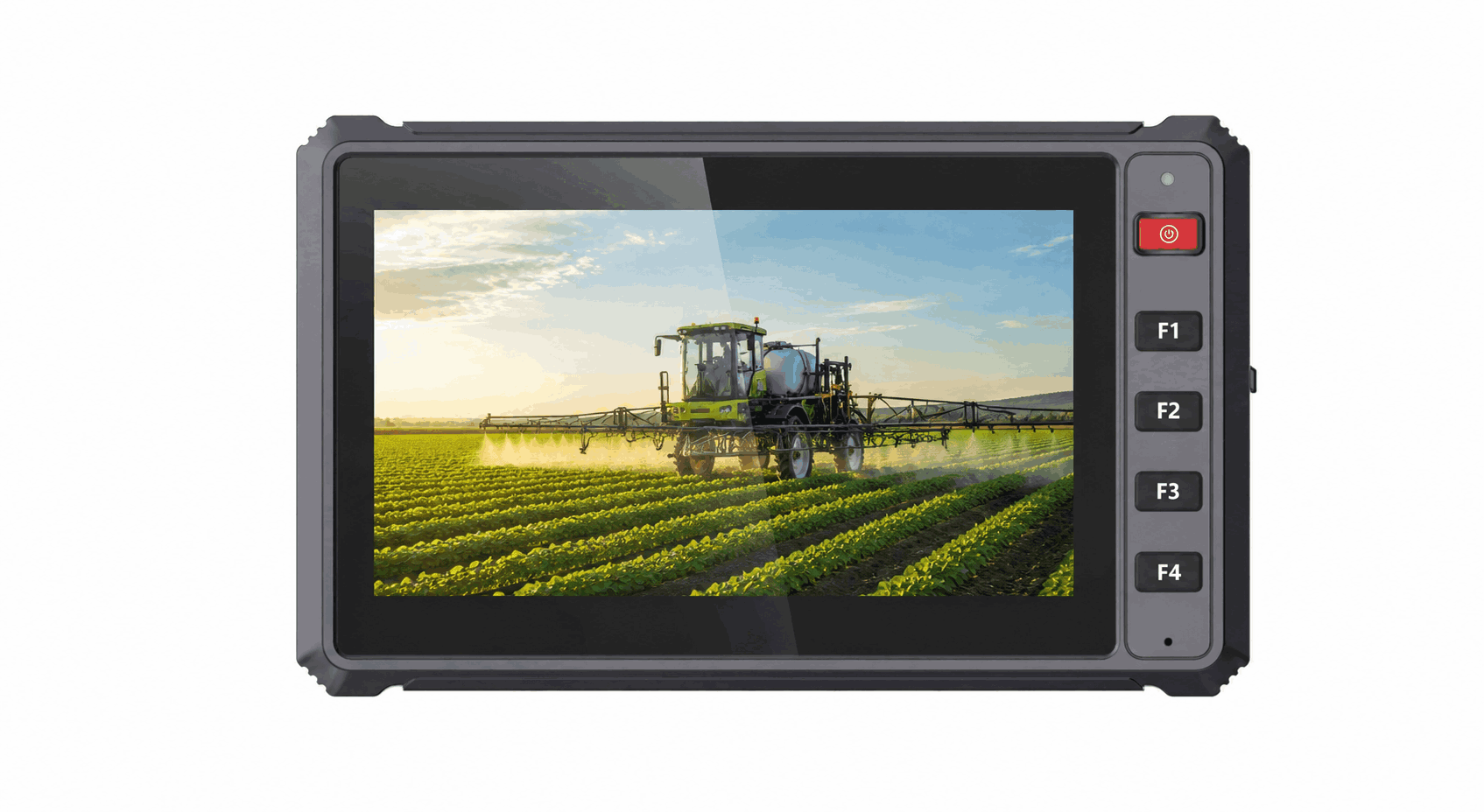
PDS offers several sizes for different layouts. The compact T7 7-inch vehicle computer uses a 1024 × 600 IPS display with 750 cd/m² brightness and five front buttons that can support frequently used functions. At the other end, the T12 12.1-inch vehicle computer provides a 1280 × 800 IPS display rated at 750 nits, giving more room for multi-window applications and camera views.
3. Match the operating system to the software team
Android often suits touch-first applications used by drivers, inspectors, dispatch teams, and field operators. It can be a practical choice when the customer already has an Android application or mobile development team. Linux is often selected for a dedicated HMI, machine integration, background data services, or a project managed by embedded engineers.
The brand name of the operating system is not enough. Confirm the exact version, application framework, hardware permissions, boot behavior, update method, remote management needs, and expected support period. Ask the software team to test the actual camera, CAN device, serial accessory, GNSS receiver, and cellular module on the target hardware before approving a fleet rollout.
For projects that may need either environment, the PDS T7 supports Android 10 or Linux 4.9 with QT5, while the T12 supports Android 13 or Linux kernel 5.15 with QT5.15. The choice should follow the existing application and maintenance capability, not a general belief that one platform is always better.
4. Check vehicle power, not just the input-voltage number
Vehicle power is noisy and changeable. Starting the engine can pull voltage down; alternators, relays, and other equipment can create transients; an operator may switch the ignition off without closing the application. A suitable terminal needs a power design built for that environment and a software shutdown plan that protects data.
Ask how the computer behaves during cranking, short interruptions, ignition-off delay, repeated starts, and low voltage. Confirm whether the supplied cable, fuse, connector, and ignition wire match the vehicle. PDS T7, T10Pro, and T12 models specify 9–36V DC input for mixed commercial and off-highway fleets. The T7 and T12 product information also references ISO 7637-II vehicle power requirements.
The final validation must be performed in the target vehicle. A laboratory supply cannot reproduce every condition created by a tractor, mining truck, bus, or older commercial vehicle.
5. Build an interface list before requesting a quotation
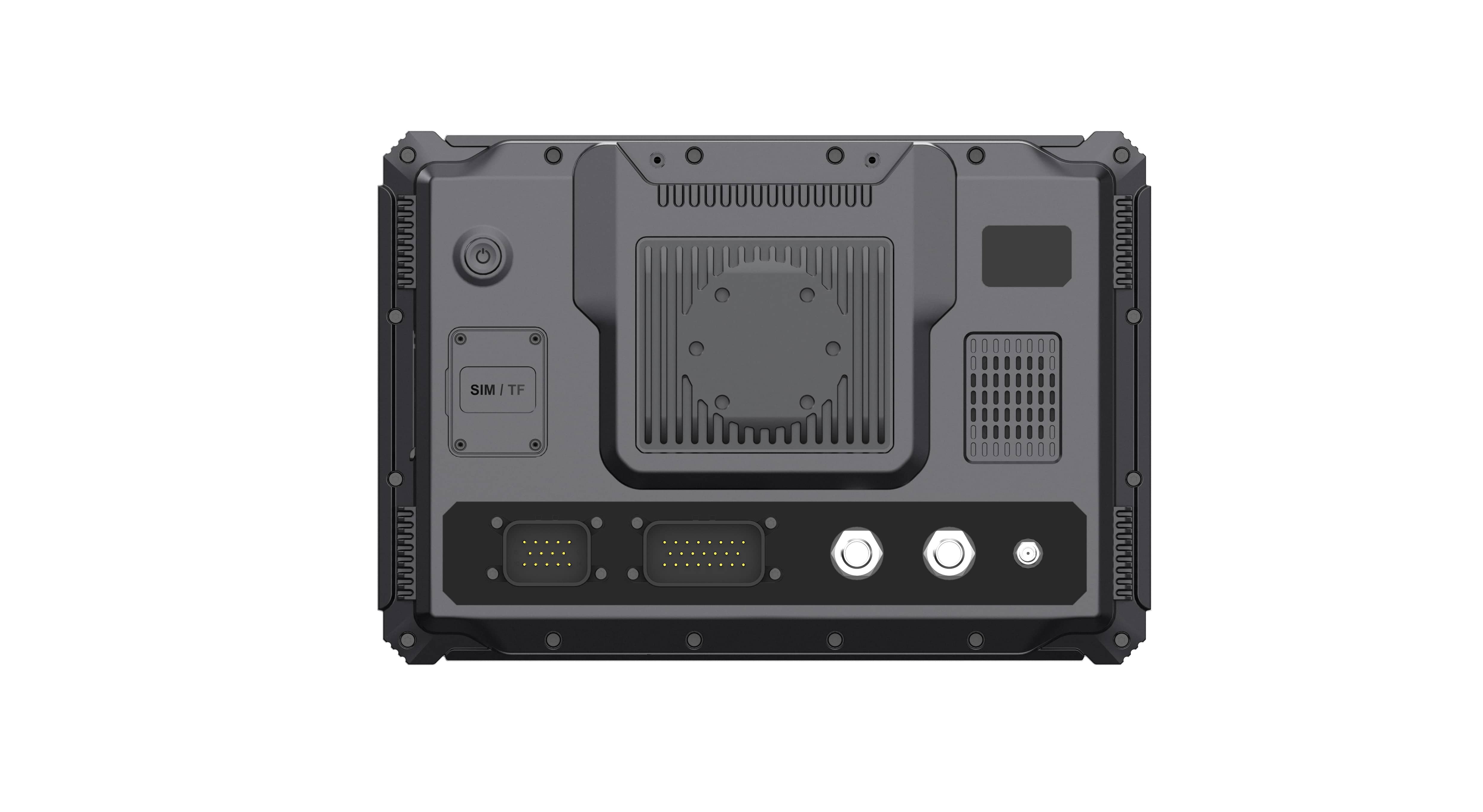
Interface mistakes are among the easiest project risks to prevent. Create a table listing each external device, its connector, protocol, data rate, power requirement, cable length, and software owner. Include devices planned for a later phase, even if they will not be installed during the pilot.
| Project need | What to confirm | Common oversight |
|---|---|---|
| Vehicle controllers | CAN channels, bitrate, protocol ownership, isolation, termination | Counting a CAN connector without confirming two simultaneous networks |
| Serial equipment | RS232 or RS485, baud rate, connector pinout, cable length | Assuming the two serial standards are interchangeable |
| Cameras | Camera type, channel count, resolution, preview or recording, storage | Testing one camera when the application needs four |
| Positioning | Standard GNSS or RTK, antenna, correction source, update rate, output | Requesting centimeter positioning without planning correction data |
| Connectivity | 4G bands, SIM, Wi-Fi, Bluetooth, Ethernet, antenna position | Using a domestic cellular module for an overseas deployment |
The PDS T10Pro, for example, supports four-channel 720P camera recording, optional RTK positioning, Android 13, and 9–36V input. The T12 supports up to four 1080P camera previews, two CAN networks, Ethernet, RS232, and RS485. Those capabilities are useful only when they match the complete interface list.
6. Decide whether standard GNSS or RTK is required
Fleet tracking and navigation may only need standard GNSS. Tractor auto-steering, grading, survey-related machine work, and other precision tasks may require RTK centimeter-level positioning. Adding an RTK module does not create a complete positioning solution by itself. The project also needs a suitable antenna location, correction data from a network or radio, clear sky visibility, software integration, and a defined response when corrections are lost.
Ask the supplier what the terminal outputs to the application or controller and how positioning status is shown to the operator. A clear indication of fixed, float, or unavailable status can be more valuable in the field than a long list of supported satellite constellations.
7. Verify environmental protection as an installed system
An IP66 enclosure helps protect against dust and strong water jets, but the installed system includes more than the enclosure. Connectors, unused ports, antennas, cable glands, camera plugs, and mounting holes can determine whether the final installation remains protected. Ask which cables and caps are included and whether the rating applies with all required connections in place.
Vibration, shock, temperature, sunlight, and condensation also matter. The T7 specification lists IP66, a -20°C to +70°C working range, MIL-STD-810 vibration testing, and ISO 16750 impact testing. The T12 lists IP66, MIL-STD-810G vibration and shock testing, and a -20°C to +70°C working range. Buyers should confirm the exact test reports and configuration needed for their project.
8. Plan the pilot around failure and recovery
A pilot should do more than demonstrate the normal screen. Start the engine repeatedly. Disconnect and reconnect a camera. Interrupt cellular coverage. Stop RTK corrections. Turn the ignition off while data is being written. Let the machine sit in direct sun, then run the full application with every connected device.
Record what the operator sees, whether data is preserved, how long recovery takes, and who must intervene. A terminal that performs well during a controlled presentation may behave differently after eight hours of vibration, heat, network changes, and repeated vehicle starts.
A practical model-selection starting point
| PDS model | Useful starting scenario | Notable published capabilities |
|---|---|---|
| T7 | Compact cabs and focused operator workflows | 7-inch display, Android or Linux, five front buttons, 9–36V DC, IP66 |
| T8 | Balanced vehicle display for fleet and off-highway equipment | 8-inch format, Android, IP66, optional built-in RTK module |
| T10Pro | Camera-rich Android and RTK applications | 10.1-inch display, Android 13, four 720P camera channels, optional RTK/radio |
| T12 | Large-screen machine control, guidance, and multi-camera projects | 12.1-inch display, Android or Linux, four 1080P camera previews, CAN and serial interfaces |
This table is a starting point. Memory, storage, cellular bands, positioning, cables, brackets, and software still need confirmation.
Questions buyers often ask
Is the highest-performance processor always the safest choice?
No. Processing performance should cover the application, cameras, data handling, and future updates with reasonable margin. Overspecifying every fleet terminal can add cost without improving the operator's work. Underspecifying a multi-camera or AI application creates a different problem. Test the real workload.
Can one vehicle computer model cover an entire mixed fleet?
Sometimes, but only when screen size, interfaces, mounting, power, and software needs are similar. Many fleets benefit from a common software platform with two hardware sizes or interface configurations.
When should an OEM or ODM discussion begin?
Begin early if the project needs a custom cable, connector pinout, enclosure detail, logo, firmware behavior, operating-system image, bracket, or application integration. Late customization can force repeated testing and delay the pilot.
Choose the complete installed system
The right answer to how to choose a rugged vehicle computer is rarely found in one headline specification. The terminal, software, cables, antennas, bracket, vehicle power, external devices, and support process work as one system. Define that system first, then compare models against it.
Review the PDS vehicle computer range, or contact PDS Technology with your vehicle type, screen size, operating system, interfaces, camera count, positioning requirement, destination market, and expected quantity. Our engineering team can help identify a practical starting configuration for testing.
Contact us
📧Email:[email protected]
📞Tel:+86 13421822024
🌐Website: www.szpds.com
Disclaimer
The information in this article is for reference only. PDS Technology Co., Ltd. assumes no responsibility for errors, omissions, or suitability of the content for specific applications. Product specifications are subject to change without notice. Buyers should verify all technical details with our team before use.
About PDS Technology
PDS Technology is a leading OEM/ODM manufacturer of high-precision RTK GNSS terminals and vehicle computers, serving agriculture, construction, mining, taxi, and logistics industries since 2011.
With 15+ years of automotive-grade R&D experience, we offer rugged, multi-OS (Android/Linux/OpenHarmony) devices featuring RTK centimeter-level positioning, IP66 protection, and AI-ready performance. Our IATF16949-certified factories have produced over 100,000 units deployed globally, holding 30%+ of China's agricultural auto-steering terminal market. We export to Japan, the US, UK, Turkey, Russia, and beyond.





