

A vehicle computer for route management should make the current job and the current route unambiguous to the driver. When a dispatcher changes a stop, the system needs to show what changed, whether the driver received it and which version is now in use. Reliable navigation is part of that job. Keeping the office and the cab in agreement is the other part.
Consider a route that changes after departure. A customer moves a delivery window, an entrance closes or a priority collection appears. Sending another message is easy. Knowing that the old instruction has been replaced is harder. This guide looks at that changeover, rather than repeating a general list of fleet hardware features.
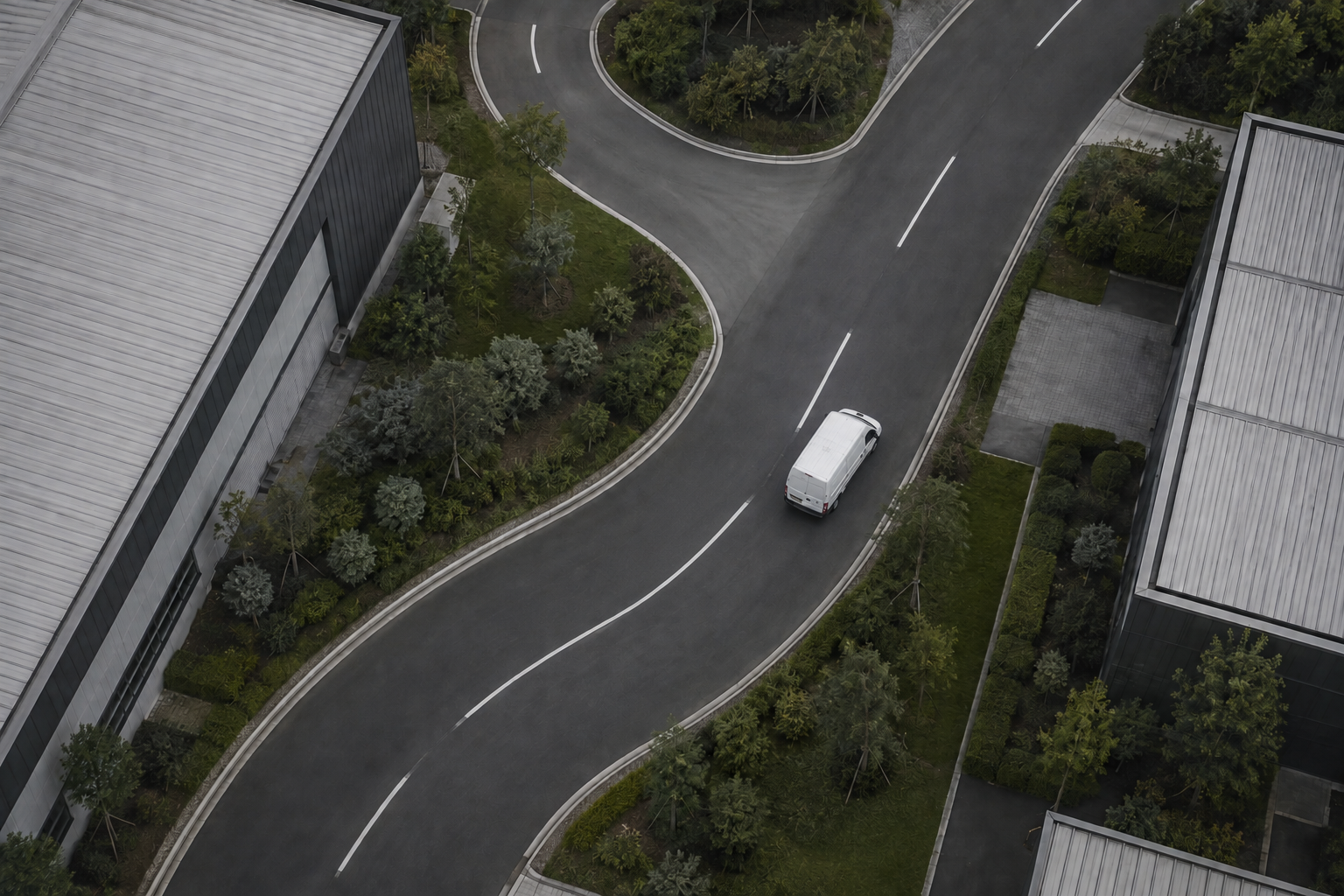
AI-generated route-management application illustration; not a recorded customer route.
Separate the route plan from turn-by-turn guidance
The dispatch platform decides which work belongs to a vehicle. A route-planning service may calculate stop order. Navigation software then provides directions between stops. These functions may appear inside one application, but buyers should still ask which component owns each decision.
For example, a navigation application may find a quicker road without changing the delivery sequence. A dispatcher may change that sequence without changing the delivery address. Neither action should silently cancel a customer's access instructions. Ask the software supplier to walk through both changes on the proposed terminal.
PDS supplies the vehicle computing platform. Route optimization, commercial map licensing and transport-system integration need their own scope. Do not assume that a rugged vehicle computer includes a routing subscription or a ready-made connection to an existing dispatch database.
Choose a vehicle computer for route management by the screen task
Start with the screen the driver sees after stopping to review an update. It should show the active destination, the reason for the change and the next required action. Avoid making the driver compare several message threads to work out which instruction is newest.
Test long street names and delivery notes, not only short demo addresses. Check how the application handles unfamiliar characters and the languages used by your drivers. If navigation and job status share the display, make sure the important controls remain readable at the installed distance.
A dispatch vehicle computer also needs a sensible interruption policy. Routine updates should not cover the navigation view with a dense form while the vehicle is moving. Agree safe interaction rules with the fleet and application provider. Drivers should review detailed instructions and enter information only when safely stopped.
Give every change a clear outcome
During a demonstration, ask the dispatcher to move one stop while the vehicle application is temporarily disconnected. When the connection returns, check that the driver receives the updated assignment and that the office can distinguish delivery of the message from acceptance by the driver.
Then try an awkward sequence. Cancel the stop after sending the update but before the driver acknowledges it. The screen must not invite the driver to accept work that no longer exists. The software team should explain how it identifies stale messages and handles retries without multiplying jobs.
This is where a simple event history earns its keep. It should be possible to establish who changed the job, what the driver had available and what happened next. Agree the needed detail without collecting more personal information than the operation requires. Access to those records should be limited to the people who need them.
Position is useful only when its age is visible
A moving dot can look convincing even after updates have stopped. Ask how the dispatch screen identifies an old position. The driver-side application should also make a lost connection or unavailable location clear, rather than continuing to display an apparently current state indefinitely.
Walk through a tunnel, a depot building or another route section where reception is known to be difficult. Use a route your team understands, with permission for the trial. Compare the time attached to a location with the time it arrives at the server. The two may differ, and the application needs a rule for handling that difference.
GNSS reception, cellular service and routing software have different roles. More accurate positioning does not correct a wrong gate address. A new cellular modem does not repair an outdated map. Keep fault reports specific enough that the responsible supplier can investigate them.
PDS hardware options for the route application
For a compact cab, the PDS T8 offers an 8-inch 1280 × 800 display and Android 10 in its published configuration. Its listed interfaces include CAN, RS485 and Ethernet, with 9–36V DC input. Use the actual dispatch application to assess display fit and responsiveness before selecting it.
For projects needing a different software platform, review the PDS T10B. PDS lists a 10.1-inch 1280 × 800 display, Android 13 or Linux kernel 5.15 with QT 5.15, and two CAN networks. Confirm the selected OS image and application dependencies with PDS; these operating-system choices are alternatives, not a promise that every application will run unchanged.
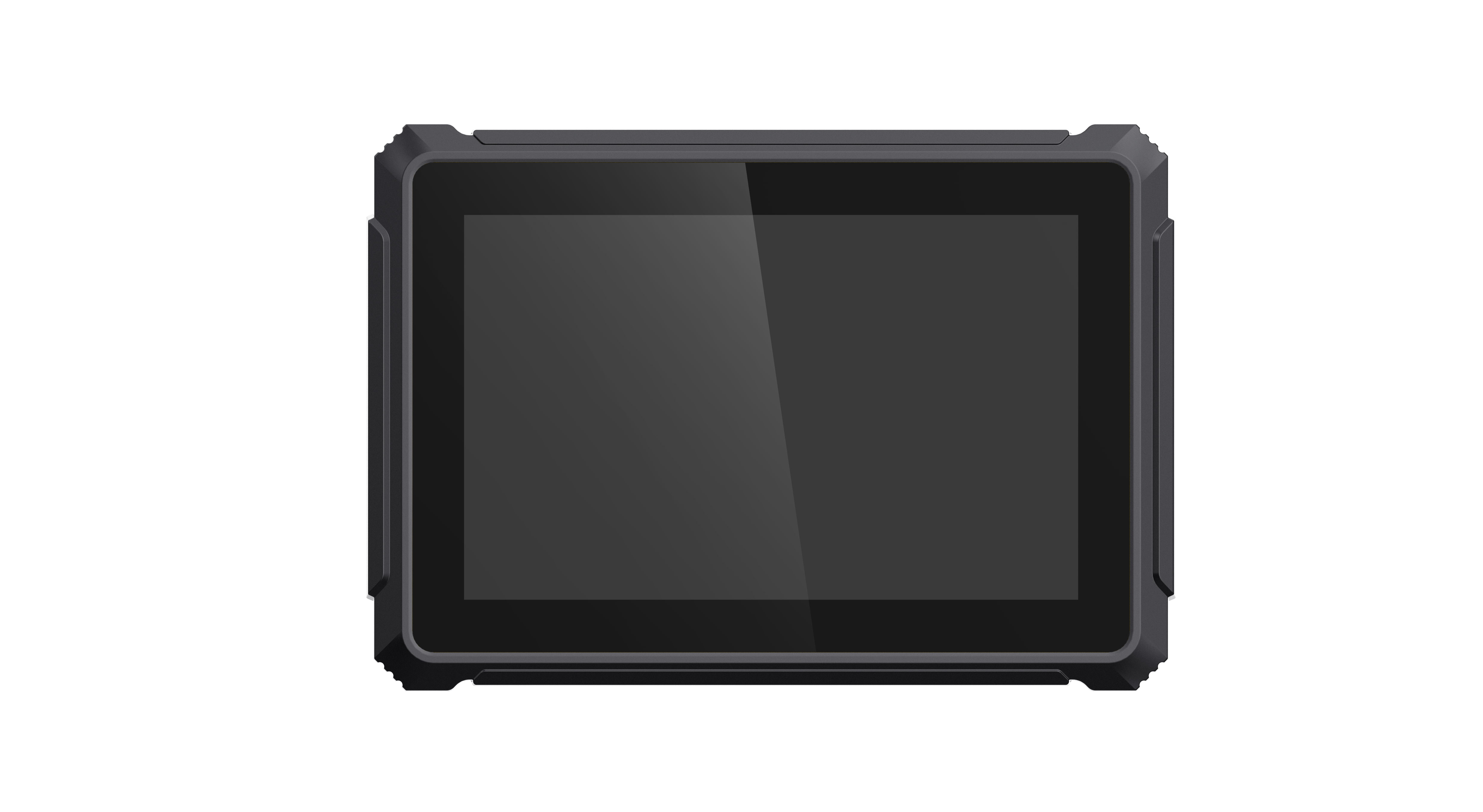
Official PDS T8 hardware image. The route and dispatch application is supplied or integrated for the project.
The PDS fleet management solution is a useful starting point for matching hardware to the wider operation. Include cellular bands, antenna locations, peripheral requirements and the intended support period in the discussion. A processor specification alone will not answer those questions.
Test a changed route, not just a clean departure
Prepare a trial containing an ordinary departure and several controlled exceptions. Change a stop sequence. Withdraw a job. Restart the terminal after an update has arrived. Temporarily disconnect it while a second change is made. Reconnect and compare the final work list in the office and the cab.
For each case, write the expected result before running it. That prevents a polished demonstration from becoming its own acceptance standard. A sensible requirement might be that the latest accepted route is still available after restart, with unresolved updates clearly identified. The software provider must confirm and implement that behavior.
Measure the items that matter to your operation: time to reopen the active job, time to display a received change and the number of unresolved or duplicated tasks after the test. Do not infer fuel savings or shorter journeys from a short hardware trial. Those outcomes require a suitable operational comparison over time.
Keep the workshop in the rollout
A replacement terminal has to know which vehicle and configuration it belongs to. Agree how the workshop enrolls it, installs the approved application and restores the correct settings. Test this using a spare unit rather than assuming the procedure will work later.
Record software versions alongside the hardware configuration. If a map package or application update causes trouble, support staff need to know what changed. Schedule updates outside active driving duties where practical and agree a recovery procedure with the application supplier.
FAQs
Does the terminal calculate the most efficient route?
Only when the installed application or connected service provides that function. Ask who supplies the routing engine, the map data and any subscription. Vehicle hardware by itself does not establish route-planning capability.
Is a larger display always better for dispatch?
No. A larger display may fit more information, but it also occupies more cab space. Compare the actual application in the installed position and keep controls and sightlines clear.
What should we send PDS before requesting a quote?
Provide an anonymized route example, screenshots of the driver application, vehicle installation details and the required peripherals. Include your route-change test cases. Ask PDS to review the proposed configuration with the software team before ordering a vehicle computer for route management.
Contact us
📧Email:[email protected]
📞Tel:+86 13421822024
🌐Website: www.szpds.com
Disclaimer
The information in this article is for reference only. PDS Technology Co., Ltd. assumes no responsibility for errors, omissions, or suitability of the content for specific applications. Product specifications are subject to change without notice. Buyers should verify all technical details with our team before use.
About PDS Technology
PDS Technology is a leading OEM/ODM manufacturer of high-precision RTK GNSS terminals and vehicle computers, serving agriculture, construction, mining, taxi, and logistics industries since 2011.
With 15+ years of automotive-grade R&D experience, we offer rugged, multi-OS (Android/Linux/OpenHarmony) devices featuring RTK centimeter-level positioning, IP66 protection, and AI-ready performance. Our IATF16949-certified factories have produced over 100,000 units deployed globally, holding 30%+ of China's agricultural auto-steering terminal market. We export to Japan, the US, UK, Turkey, Russia, and beyond.





