
T10B Camera Integration for Mining and Fleet Vehicles
"The camera works, but it isn't the view I need." That is a perfectly possible outcome of a technically successful connection. The picture might be sharp, the cable correct and the application stable; none of that helps an operator whose loading point is hidden behind a menu.
For T10B camera integration, begin with that person in the cab. What are they trying to see? What else are they doing at the time? The answers lead into the wiring review and the test plan below. There are no universal pin assignments or trigger priorities here; those must come from the documents for your actual build.
Start with the view, then count the inputs
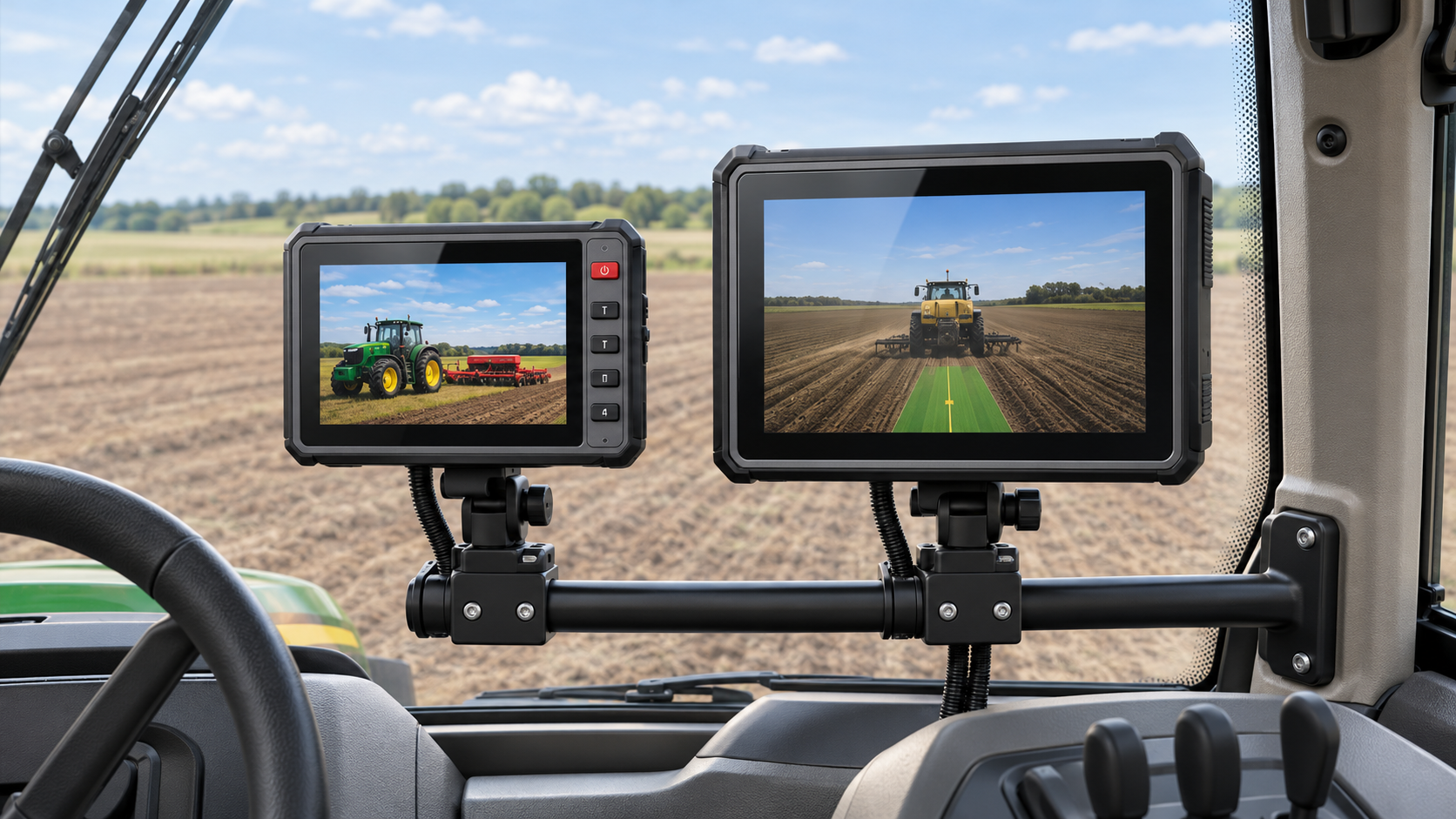
Draw the machine from above. Mark the proposed cameras and shade the areas each one must show. An installer can then discuss a real blind spot, instead of trying to interpret "good rear visibility." Include the brackets and anything that might enter the picture when the machine changes position.
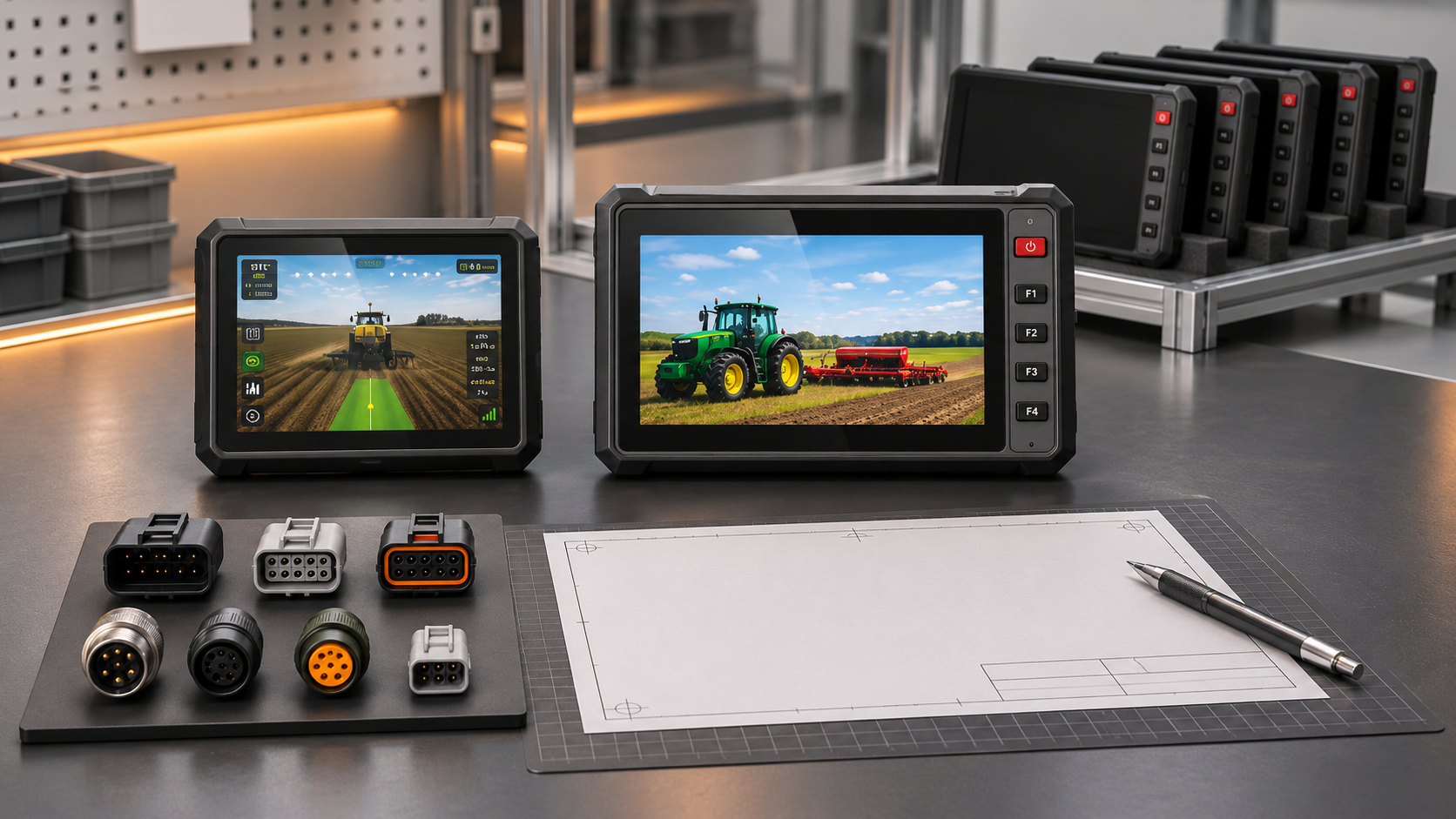
Start with the configuration on the quotation, not the headline on a product page. The T10B page describes up to four simultaneous 1080P previews, while the interface table shows several combinations, including one with two cameras and a hand-microphone intercom. A short line on the order should identify the selected combination. That prevents the buyer and installer from using the same page to mean two different units.
Input count and screen layout are separate decisions. You could have several connected cameras but use one large view for a particular manoeuvre. Try the proposed layout at the intended screen size before spending time tuning an arrangement the operator cannot read.
Put the whole camera path on one drawing
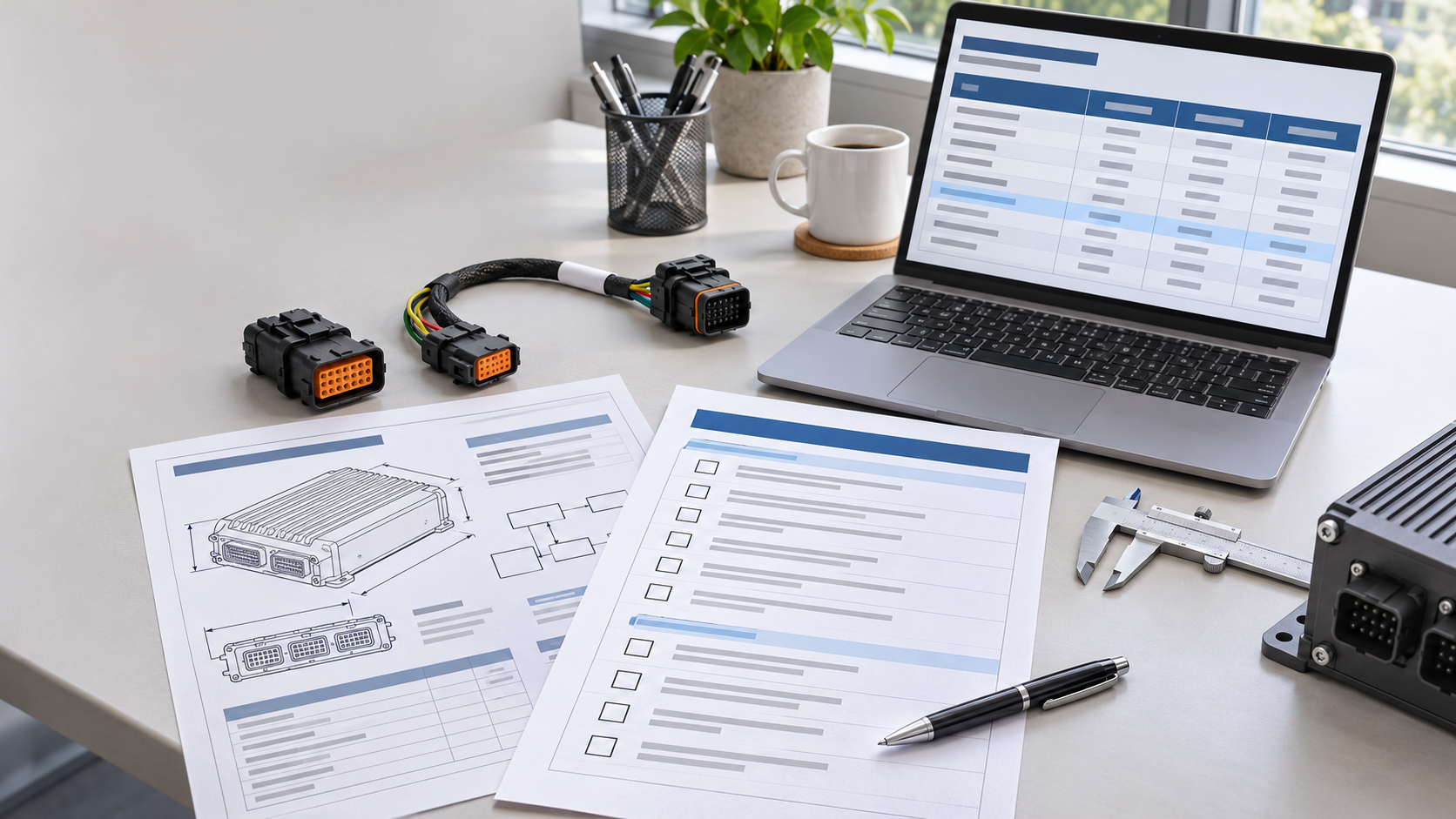
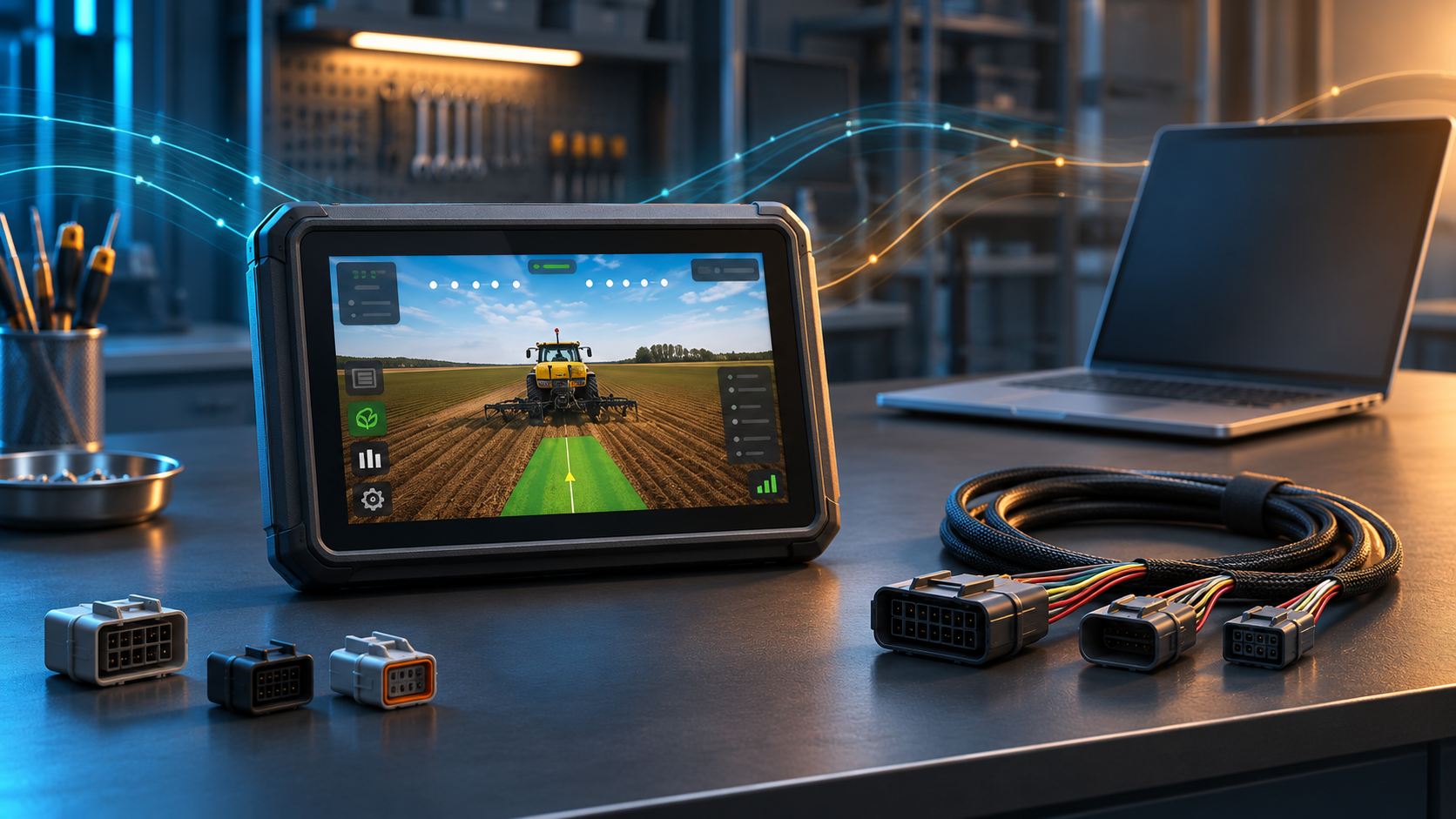
A drawing labelled "camera to terminal" is missing quite a lot. Where does the camera get power? Is there an adapter or converter in between? Which application receives the picture? Put those details beside the connections, with the camera model, signal format, pinout and length of each cable.
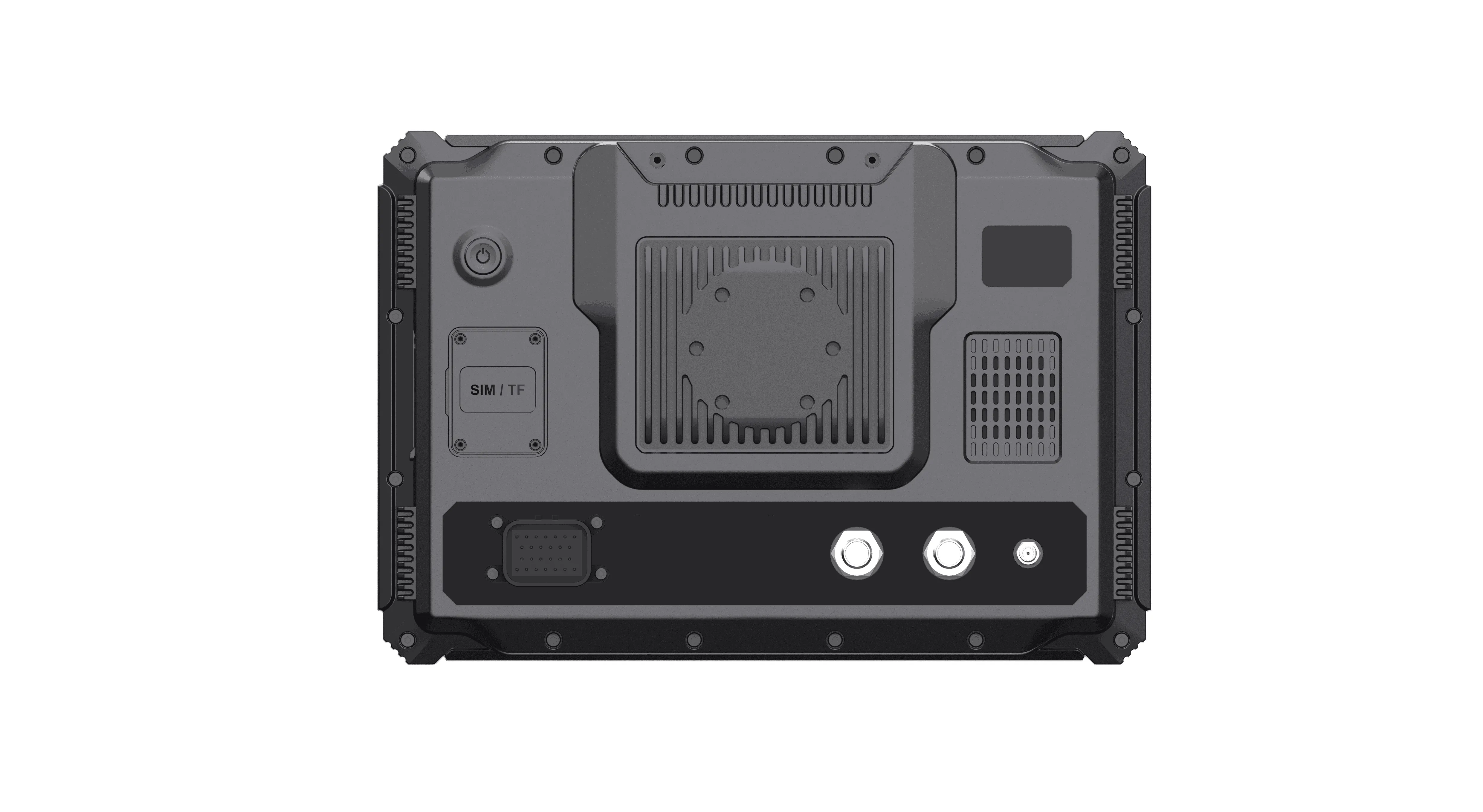
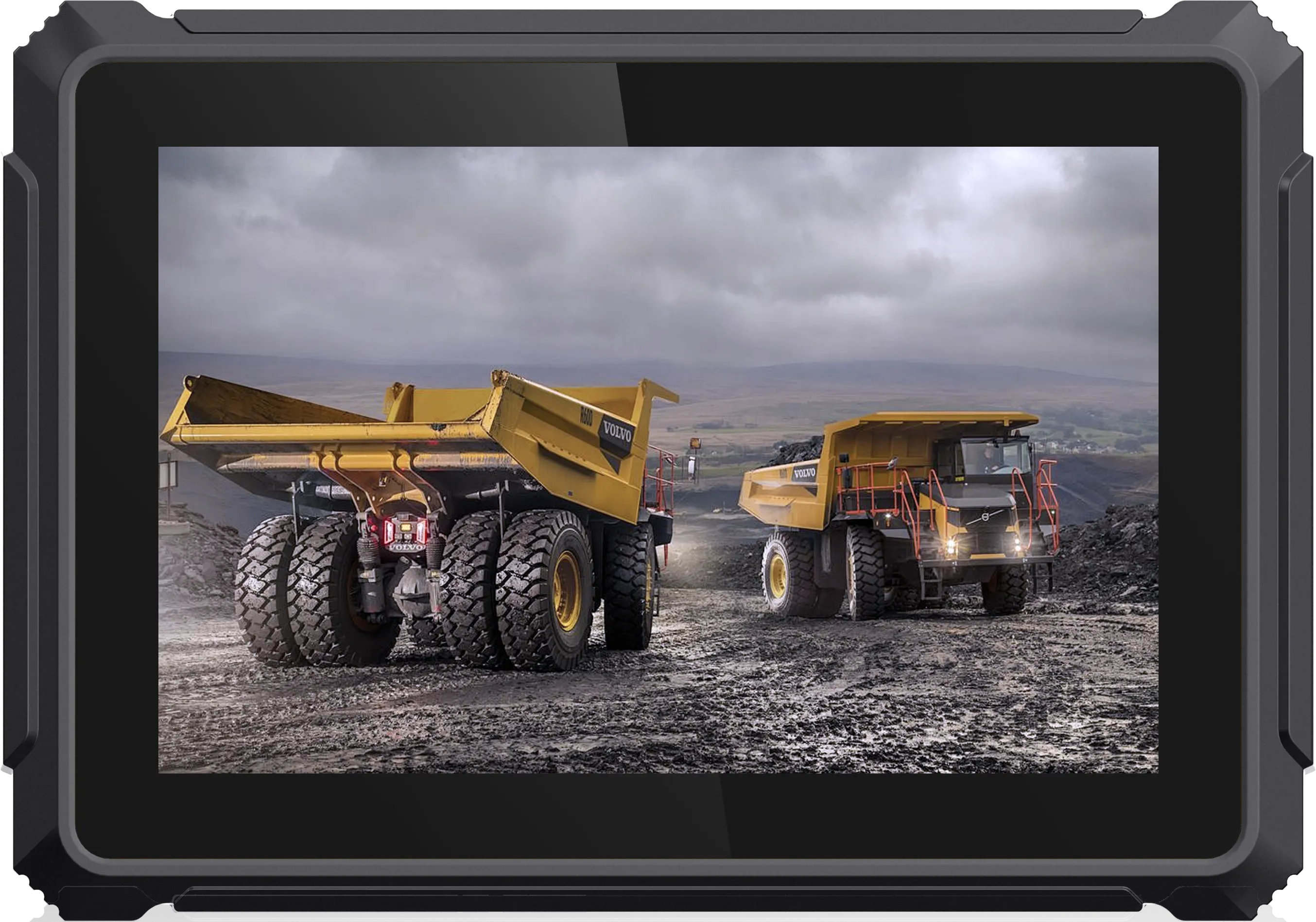
The photograph is useful for physical access, but it does not identify the signal or the supply pins. Ask for a written check of the camera model, resolution, frame rate, and wiring against the terminal configuration being ordered. Store that response with the drawing. The terminal's input range is not, by itself, an instruction for powering an attached camera.
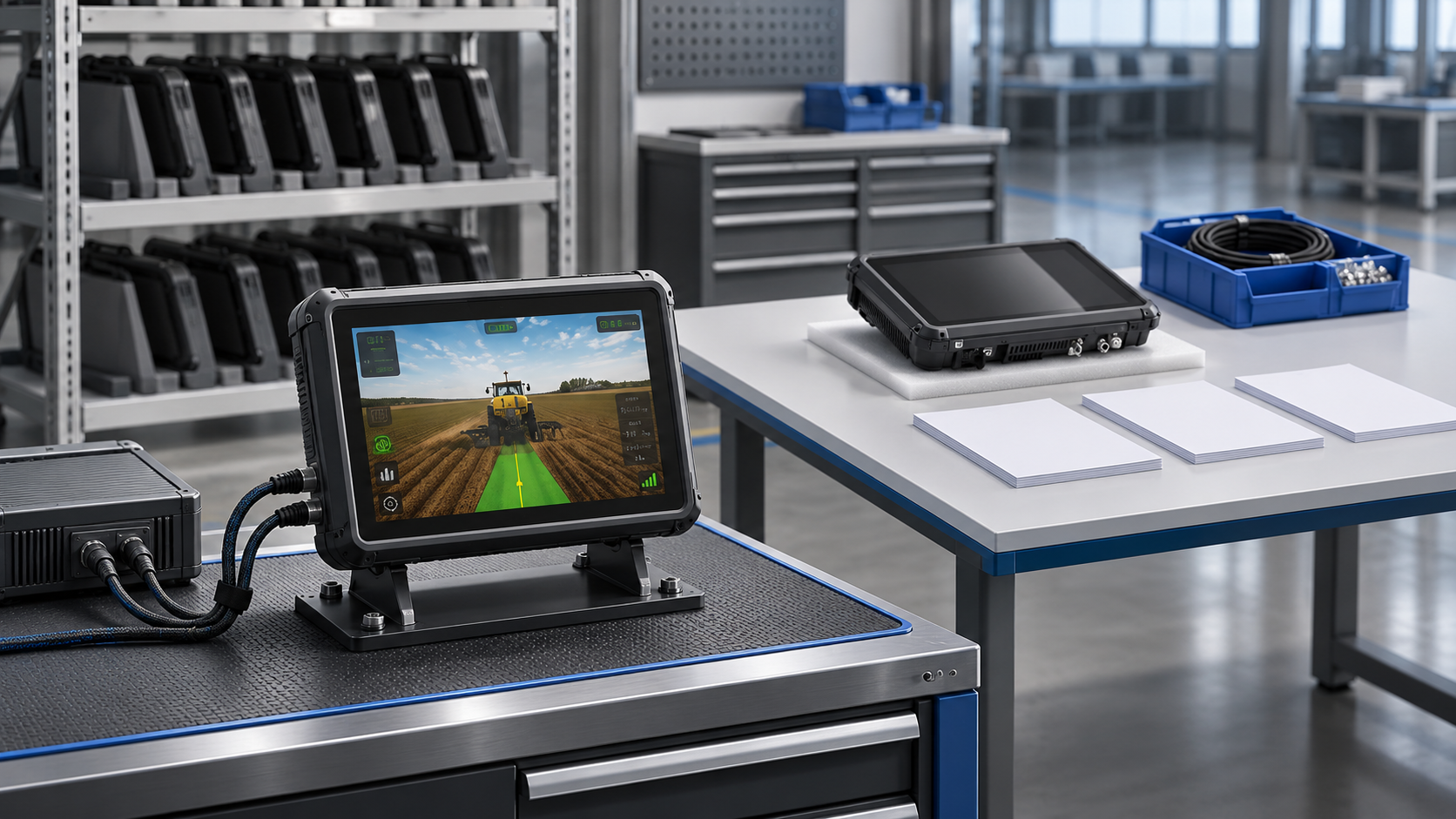
Keep the short bench lead for initial checks. For acceptance, use the cable that will be installed on the truck, along its intended route. Note any change to the harness in the test record. A successful test with yesterday's wiring cannot close a fault in today's revision.
A black panel and a frozen frame need different notes
"No camera during starting" is a report, not a diagnosis. The panel might have stayed black, held the last frame, closed the application, or changed to another view. Keep the operator's words, then add the observation from the test. A clear unknown is more useful than a guessed cause.
Have an authorized technician record the camera supply and terminal supply during the event, following the approved electrical procedure. Keep the screenshot or recording with that trace. A timestamp lets the next engineer relate the picture to the measurement instead of guessing which dip mattered.
The other channels provide useful clues. A single missing view narrows the initial investigation to that branch, although it doesn't prove a cable fault. If all views freeze together, include shared power and application behavior in the investigation. Any connection change belongs after the equipment has been made safe, under the approved service procedure. Provoking a fault by disturbing a live connector is not part of this review.
Decide which camera wins
Consider this proposed test entry: "Select reverse; rear view replaces the split display. Release reverse; return to the previous layout." It describes something a reviewer can watch. The example is a question for the machine owner and application supplier, not a description of a function included with every T10B.
Now consider a second request while reverse is still active. The side view may take over, sit beside the rear view, or wait. Record the decision before the trial and write down the actual sequence from startup, automatic trigger, and manual selection. "Switching works" is too short to explain which view won.
A frozen picture needs its own acceptance step. Decide how the operator will recognize a missing feed, then test that indication with the machine secured under the approved procedure. Save evidence of the unavailable state as well as the recovered image. A restart proves recovery, not what was visible during the interruption.
The seat changes the review
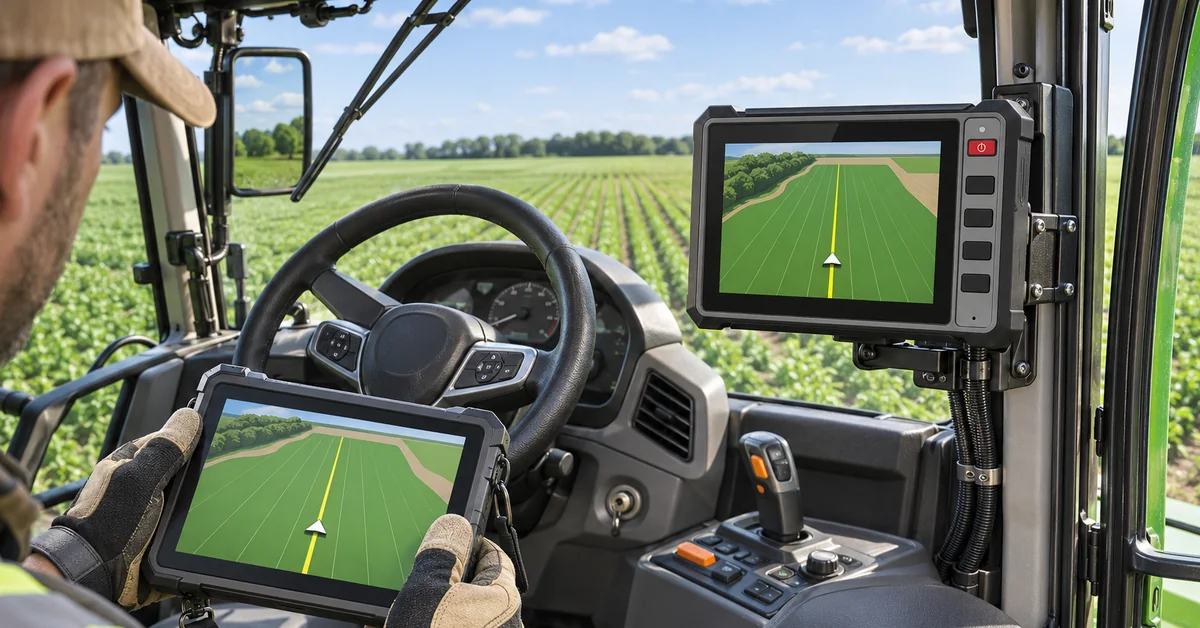
Move the review into the cab and use the normal seat position. Can the operator read the important part of the image without leaning forward? A menu may cover the loading point, or a control may be difficult to reach in the gloves used on that shift. Record those observations even when the camera connection is stable.
Keep a daylight result and a result under the shift's working lights. Include the maintenance question in the same review: how will someone reach the lens and cable entry? Use only the cleaning method approved for this assembly. The display, camera and connector may have different requirements; a rating printed against one item doesn't settle the others.
What else was the terminal doing during the run? Write it beside the result. Camera preview on an otherwise idle system leaves open what happens with the machine data, positioning and fleet application in use. Repeat the required case with that workload, keeping any delay or freeze in the notes even if it clears by itself.
T10B camera integration sign-off sheet
| Item | Keep with the result | Question to close |
|---|---|---|
| View | Camera position and cab photograph | Is the required area visible? |
| Connection | Camera model, format, harness revision | Was this exact combination tested? |
| Power event | Supply trace and matching image record | What happened during crank and restart? |
| Trigger | Priority and missing-feed rules | Did the intended view appear? |
| Workload | Application build and active services | Did the preview remain usable? |
| Recovery | Service steps and unresolved faults | Can maintenance restore the approved setup? |
For recording, ask to see the file. Can the reviewer find the event in it, read the timestamp and watch through the end of the clip? If the requirement was only live preview, say so in the result. If recording was required but no file was saved, the picture on screen cannot close that item.
The camera-input selection guide covers the earlier choice of arrangement. For projects combining video with machine data, use the GNSS and CAN Bus guide to identify the other interfaces. The construction and mining solution provides application context; the sign-off still belongs to the configuration tested on the vehicle.
FAQ
Can any camera be connected to the T10B?
Not on the model name alone. The supplier needs the camera output format, wiring details, and terminal configuration being ordered. Resolve that combination before the parts are ordered.
Does preview support include recording?
A live preview does not prove that a file was saved. Name the application, storage location, retention period, and start or stop event in the project documents, then inspect a real file during acceptance.
Can the camera use the same power circuit as the terminal?
The approved vehicle wiring design decides that. Ask the responsible electrical engineer to confirm the supply, protection and grounding, then test the installed arrangement through the required power events.
What should accompany a T10B camera integration inquiry?
Send the machine type, camera list, desired views and a wiring sketch. Add trigger priorities, recording requirements and the pilot checks. An unanswered interface question is worth resolving before parts are ordered.