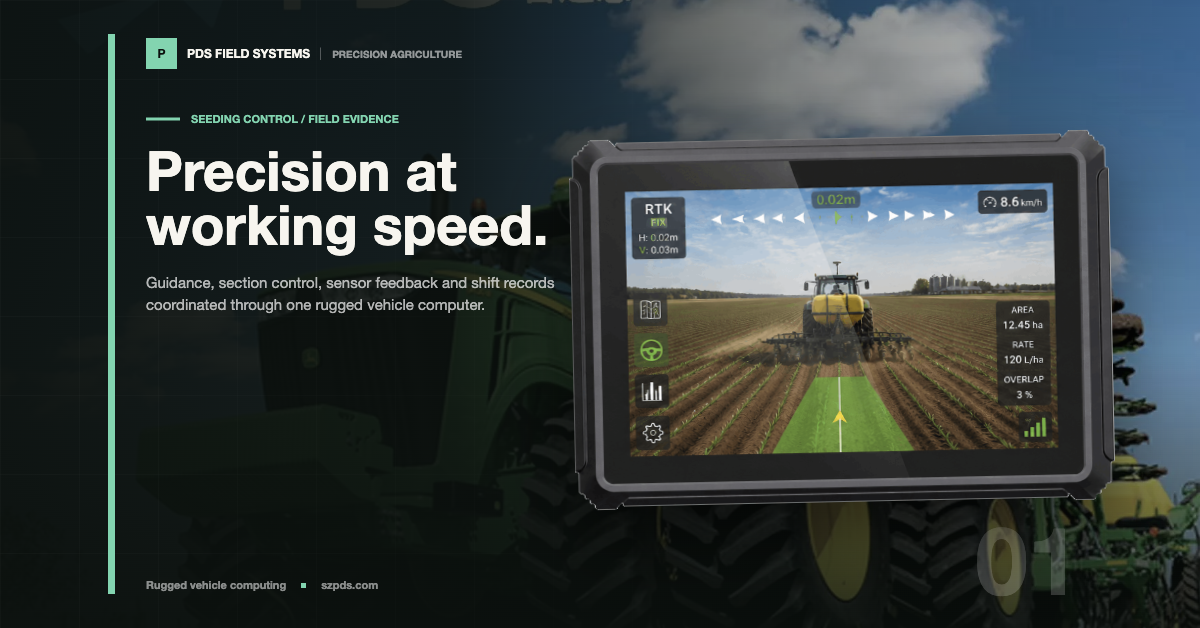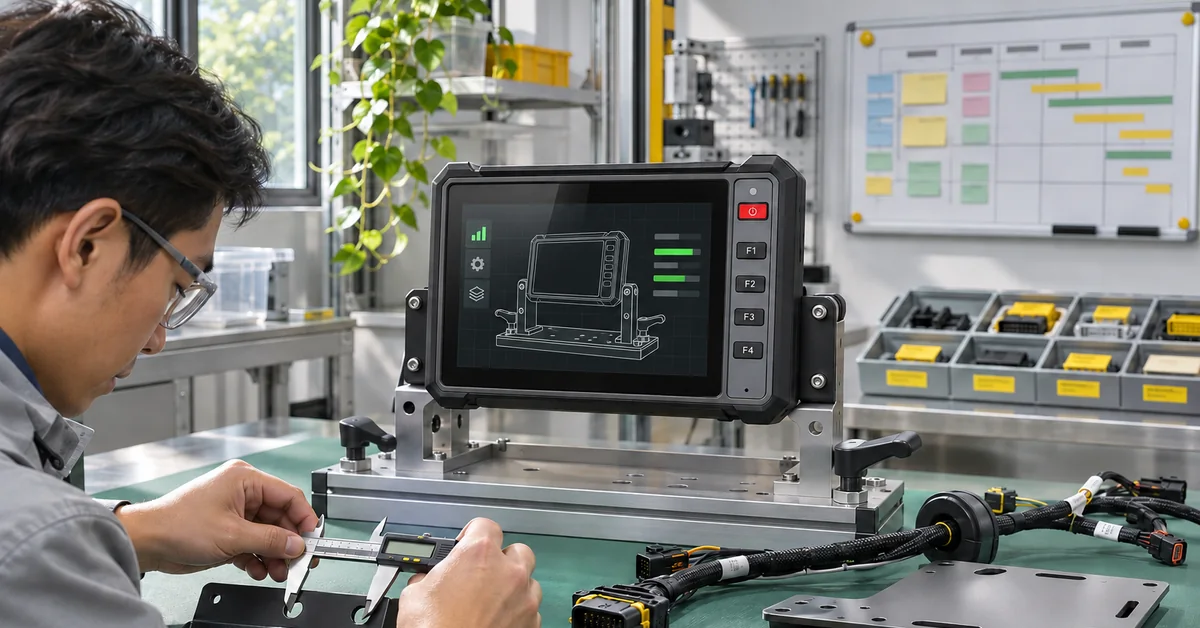

A fleet terminal can look perfect on a showroom bench and still fail during the first real shift. The GNSS receiver appears in settings, the camera opens once and the application starts. Those checks show that the pieces can wake up. They do not show that permissions, timing and driver workflow survive the vehicle's real power and network sequence.
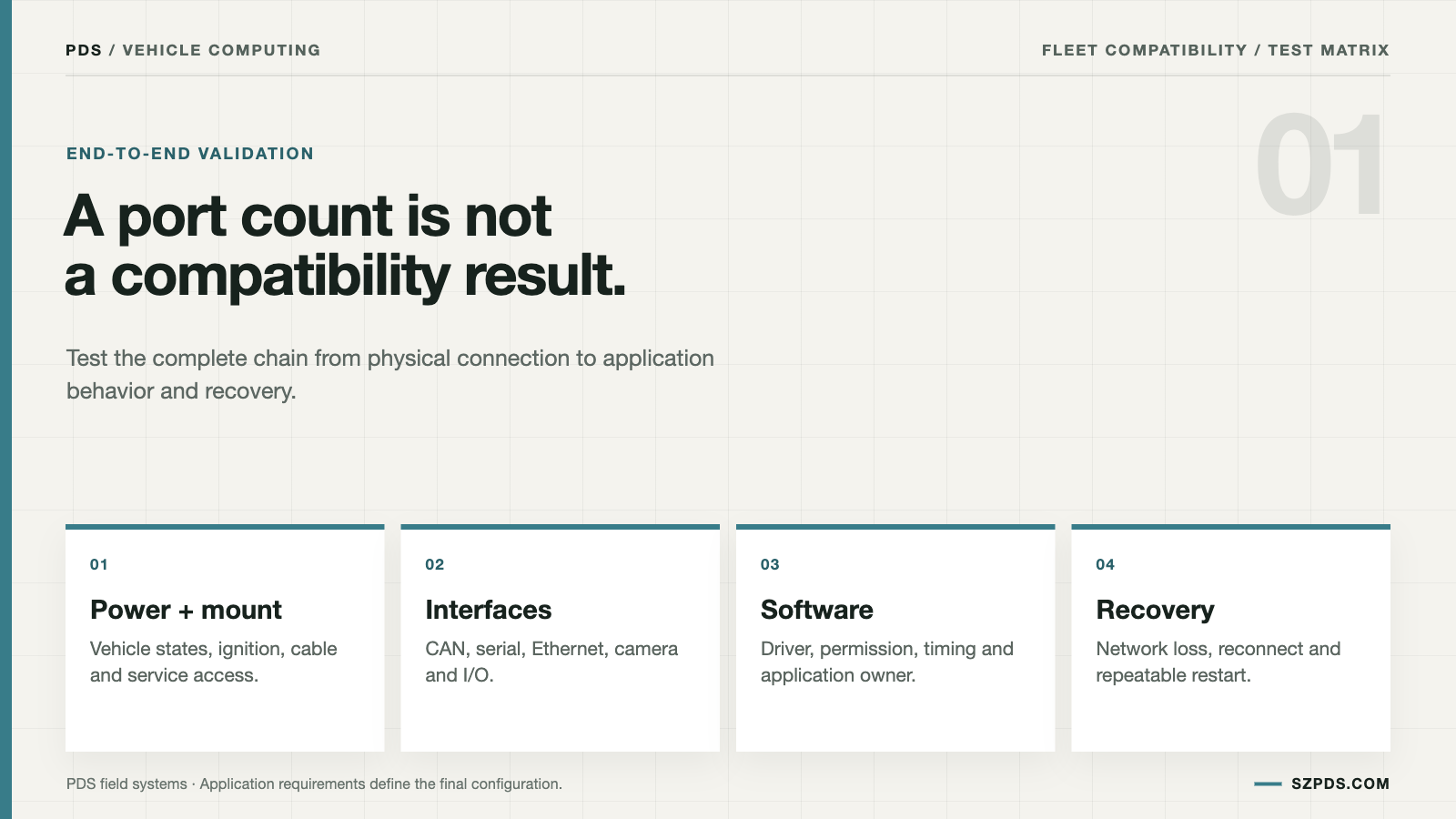
I define vehicle computer compatibility as a shift that can be started, operated, interrupted and recovered. That definition forces the record to include the hardware revision, software image, peripherals, vehicle signal path and service procedure. A port count starts an investigation. It does not finish one.
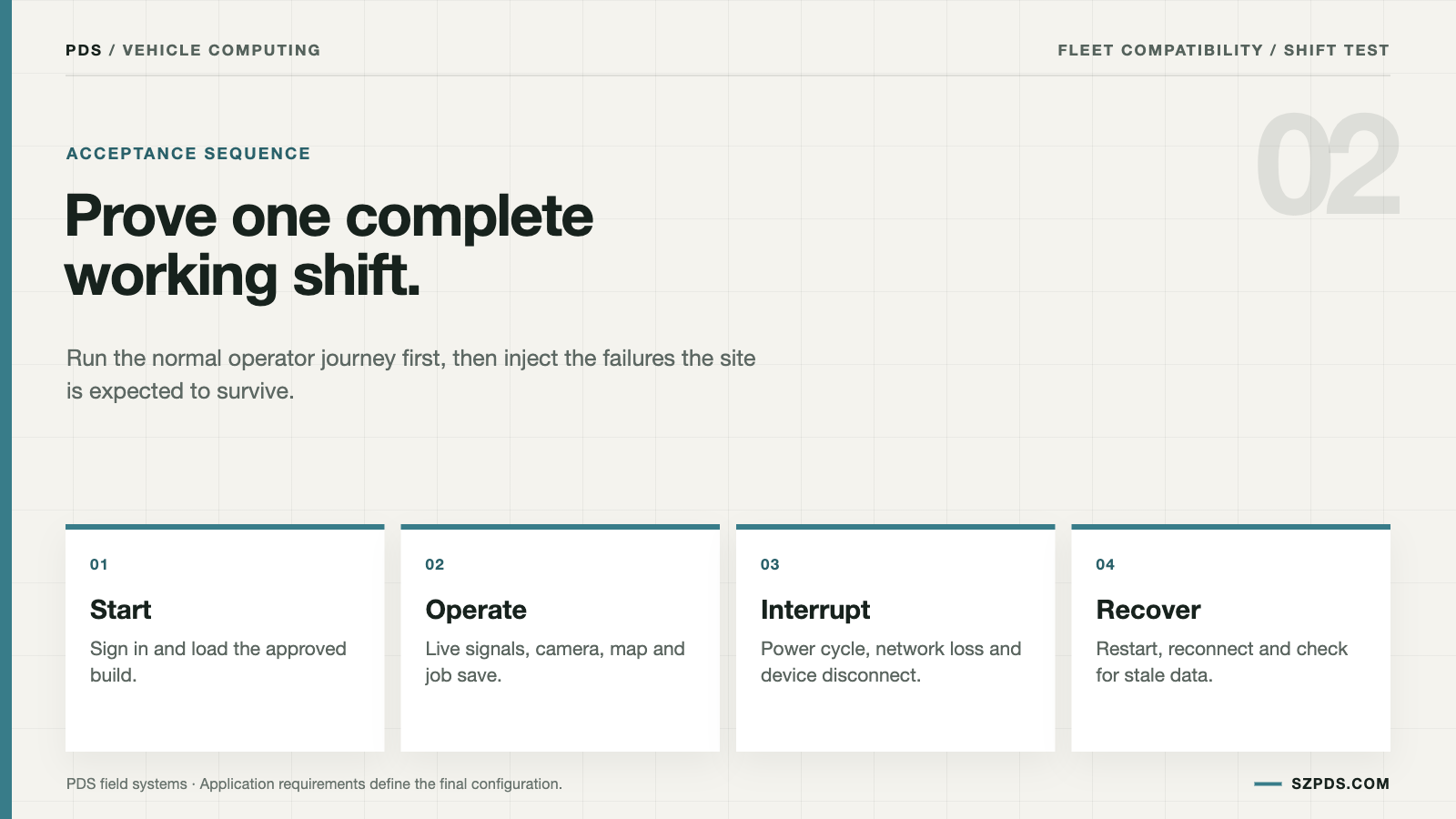
I start with one ordinary shift instead of a protocol list. The driver signs in, receives correction data, views the camera feeds, reads vehicle status, saves a route and restarts the terminal after a planned interruption. Each action becomes a test. The owner of that test should be able to explain the result without pointing back to a marketing sheet.
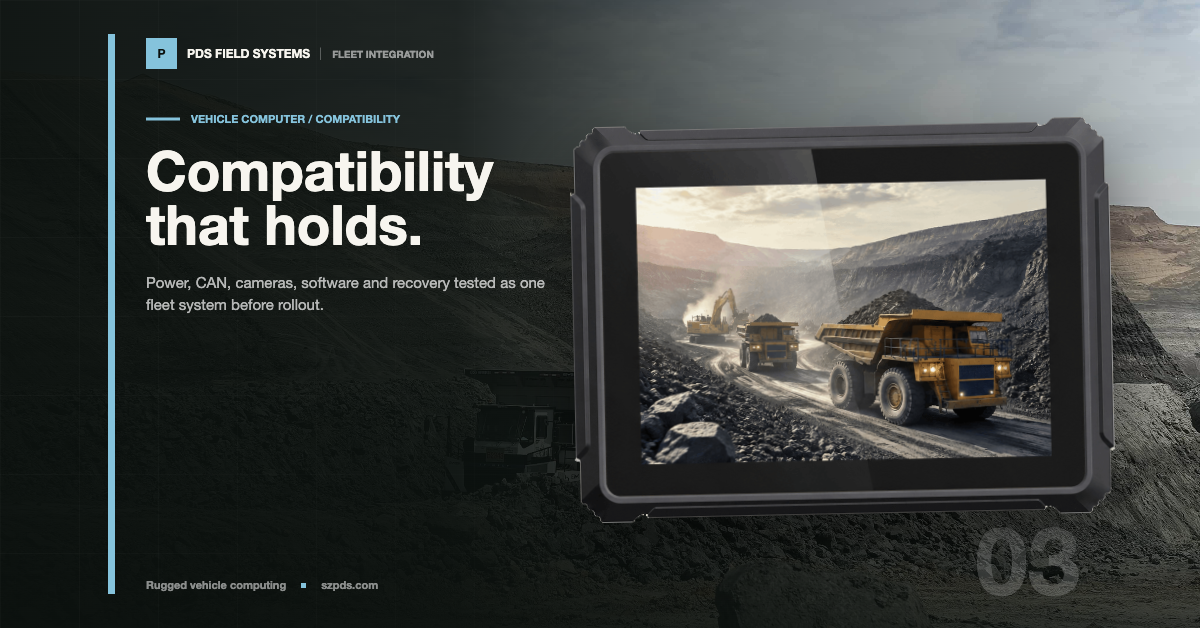
Only then does a product shortlist become useful. PDS publishes T7, T8, T10-class and T12 vehicle computers with different display sizes, OS options, RTK choices, camera capacity and vehicle interfaces. The T12 listing, for example, includes dual CAN, RS232/RS485 and Ethernet, while a smaller unit may expose less. Put the selected configuration in the test record. The family name is too broad to reproduce a result.
The final compatibility record should state which vehicle computer compatibility scenarios passed, which faults were introduced, and which configuration remains unverified.
Describe the shift, not just the protocols
Write the normal sequence in the order the driver experiences it. Mark which data is live, which data may wait in a queue and the point at which the job counts as complete. That last decision often exposes a network dependency hidden by an interface list.
Then add the cases nobody wants to discover on a customer site. Without the network, can the driver continue locally? After reconnection, are records queued, rejected or duplicated? Does a missing camera stop the job or produce a warning? These are product decisions, not minor service details. They shape the operator's next move.
The answers affect the terminal, storage, software and service plan. "CAN, GNSS and camera supported" says little about the dependency chain behind a working shift, especially when one of those inputs disappears.
Write down the physical build
The physical record names the exact terminal model, hardware revision, storage option, wireless configuration and interface variant. "T10" is not enough to reproduce a result after a memory, modem or connector option changes. The product label can stay the same while the integration surface changes underneath it.
List the CAN channels, serial ports, Ethernet, USB, video input, audio, ignition and digital I/O used by the job. Tie each software name to a pinout or drawing. When a technician sees "COM 2", the record should identify the physical path, cable and vehicle connection to inspect. A port label without that context leaves too much to guess.
Mounting and power configuration belong in the same record. A different bracket, cable or ignition harness can change the result while the label on the computer remains unchanged.
Build a device matrix with failure cases
| Device or service | Path to follow | Failure to introduce | Evidence |
|---|---|---|---|
| GNSS receiver | Serial, USB or CAN plus correction source | Correction loss or unplugged receiver | Position, status and reconnect record |
| Camera | USB, Ethernet or video input | Bandwidth pressure or cable removal | Stream identity, latency and restart result |
| Vehicle CAN | Channel, transceiver, bitrate and mapping | Quiet bus or termination fault | Trace beside the application value |
| Fleet service | Local queue, authentication and network | Server or mobile-network outage | Offline, retry and duplicate check |
| Peripheral | USB, serial, Bluetooth or Wi-Fi | Reconnect or permission change | Device identifier and repeatable recovery |
Every row needs an owner. In this checklist, "supported" means someone can point to a test record for the required path. A driver package in a supplier archive is useful material. It is not compatibility evidence by itself. The missing pieces are usually the installed application and the recovery step.
Freeze the software behind the result
The build record captures the OS image, BSP, kernel where relevant, application package and peripheral firmware. Add a serial number, image hash or another controlled identifier. Without that baseline, the result changes as soon as one component changes.
If the application changes independently from the platform, keep both versions together. Otherwise a compatibility result becomes hard to reproduce and easy to over-interpret.
The USB-IF developer resources help frame USB questions, and the Linux kernel SocketCAN documentation helps clarify Linux CAN terminology. Neither reference approves a particular camera, receiver or supplied product image; that claim still belongs to the project evidence.
Follow important values from source to screen
Choose one value that matters from each device. For GNSS, position and correction status are useful. For a camera, use stream identity and timestamp. For the vehicle, choose a defined CAN signal. For the cloud service, choose a message that receives an acknowledgement. A small set of traceable values usually tells more than a screenshot of every page.
Follow each value through the terminal. Which process receives it? Does it pass through a driver, SDK, service, permission or conversion layer? Where is it logged? What does the application show when the source stops? The last question often exposes stale data.
Disconnect the device and reconnect it while watching for stale data. If the screen keeps showing the last speed without saying it is old, the page is not showing a live signal. I would record that as an interface defect, even if the value becomes correct again after reconnection.
Compare Android and Linux at the integration boundary
Android may put application access behind permissions, sandbox rules and managed storage. Linux may expose different controls while still depending on kernel configuration, device trees and user-space services. Neither operating-system label answers the integration question by itself.
"Linux is more open" is not an integration requirement. The useful question is which API, device node, service, permission and maintenance owner the application actually uses. Put those details in the build note.
Name who updates the BSP, who fixes a driver and how the customer receives security or recovery updates. A technical capability without a maintenance route tends to become a fleet problem after the original integration team has moved on.
| Compatibility question | Information to request | Pass condition |
|---|---|---|
| Will the application run? | OS, API level, SDK and package dependencies | Installed and executed on the supplied build |
| Can the camera operate? | Interface, driver, codec, bandwidth and recording scope | Required frames and logs survive restart |
| Can the terminal receive GNSS? | Receiver output, path and correction status | Data and status remain aligned after reconnect |
| Can it read vehicle signals? | DBC or signal list, channel and permission | Defined values map correctly under fault tests |
| Can it sync to the fleet service? | Authentication, retry, queue and offline policy | No unexplained loss or duplicate in the scenario |
Test the first ten minutes, then break it
Use the actual devices and cables for the first ten minutes. Install the target application through the method the customer will use. Then complete sign-in, correction acquisition, camera start, CAN reception and one saved record. This exposes setup dependencies before the session becomes a long fault investigation.
Reboot without changing the setup. Time recovery and note every manual step. An engineer-only service reset may help diagnosis, but it is not automatically acceptable when a field technician has to replace the unit in a fleet.
Repeat with one device absent and the network unavailable. Watch for stale labels, ambiguous warnings and records that look saved but never reach the queue. Those discrepancies often matter more than a clean first boot. They are what the field team will meet.
Put evidence, not adjectives, into the RFQ
The RFQ should say which devices were tested, on which build and with which application. Keep "supported by the platform" separate from "validated for this project." Those phrases carry different risk and do not belong in one pass box.
Request the interface drawing, signal definitions, provisioning method and recovery procedure. Ask how configuration drift will be detected when a replacement terminal enters the fleet.
For the wider review, see the PDS vehicle computer integration guide, camera input guidance and CAN Bus integration basics.
Set the pilot exit rule before the pilot
A pilot is complete when the agreed shift scenario passes repeatedly on the selected hardware and software revisions, including planned fault cases. It must also show that a trained technician can restore the system without relying on the person who built the first sample. A good first boot proves startup. It does not prove that the fleet is ready.
Give every required device and data path a result, owner and evidence location. When one item fails, isolate it before replacing the whole terminal. A narrow interface fault should not become an unreasoned rejection of the platform.
FAQ
Does a supported port prove device compatibility?
No. The connector, power path, driver, protocol, application and software build all have to work together in the intended installation. One working port proves only that port.
Can a sample terminal be used for compatibility testing?
Yes, when the sample is close enough to the intended configuration and every material difference is recorded. The report still has to say which findings must be repeated on the production configuration.
Which details identify the tested build?
List the hardware revision, OS image, BSP, kernel where relevant, application package and peripheral firmware. Add a serial number or image hash so the baseline can be recovered.
Is CAN support enough?
No. Check the physical channel, bitrate, termination, signal definitions, permissions and application mapping. A CAN icon in settings proves very little about the signal used by the job.
How should camera bandwidth be checked?
Run the intended number of streams at the required resolution and frame rate while recording and operating the fleet application. Repeat after restart and reconnect. The first preview proves very little about the full workload.
What should happen when the network is lost?
Set the local-storage, retry, warning and duplicate-prevention behavior before the pilot. The operator has to know whether work can continue locally, not discover that policy after the signal is gone.
Must every fleet vehicle use identical hardware?
Not always. Differences in interfaces, firmware and mounting can be controlled by a documented vehicle group, provided the test scope and recovery path stay clear. That group becomes part of the compatibility claim.
Can a supplier guarantee compatibility in advance?
A supplier can confirm a tested scope. Third-party devices, vehicle wiring and application changes still call for project-specific validation. Confidence in advance is not the same as a tested result.
What should a technician carry for field recovery?
The approved image, configuration backup, credentials procedure, connector information, vehicle-specific notes and the service contact route. A replacement process is incomplete without the access path.
When should compatibility testing stop?
Stop when the agreed scenario, fault cases and recovery method pass on the controlled build. The first screen appearing is a startup result. It is not a fleet result.
Conclusion
Fleet vehicle computer compatibility is a chain of physical, software and operational evidence. A written shift scenario exposes weak links before the terminal reaches a customer vehicle bay, where a missing assumption costs more to find.
Pin the build, trace a few important values and test recovery with the real devices. The decision will be narrower, but far more useful than a broad statement that a port or operating system is "supported."
Contact us
Email: [email protected]
Tel: +86 13421822024
Website: www.szpds.com
About PDS Technology | Contact PDS Technology | Privacy and terms inquiries
Disclaimer
The information in this article is for reference only. PDS Technology Co., Ltd. assumes no responsibility for errors, omissions, or suitability of the content for specific applications. Product specifications are subject to change without notice. Buyers should verify all technical details with our team before use.
About PDS Technology
PDS Technology is a leading OEM/ODM manufacturer of high-precision RTK GNSS terminals and vehicle computers, serving agriculture, construction, mining, taxi, and logistics markets since 2011.
With 15+ years of automotive-grade R&D experience, we offer rugged, multi-OS (Android/Linux/OpenHarmony) devices featuring RTK centimeter-level positioning, IP66 protection, and AI-ready performance. Our IATF16949-certified factories have produced over 100,000 units deployed globally, holding 30%+ of China's agricultural auto-steering terminal market. We export to Japan, the US, UK, Turkey, Russia, and beyond.