
Android/Linux Vehicle Computer Software Validation Checklist
A vehicle computer can open an Android or Linux application and still fail the operator job.
A missing permission, driver, service or recovery file may stay hidden until the second shift.
Validate vehicle computer software compatibility on the exact build that will be supplied.
Start with hardware, image, kernel or BSP, SDK and drivers. Add the application and each required peripheral.
“When your Android-powered device is in USB host mode, it acts as the USB host, powers the bus, and enumerates connected USB devices.”
The review must answer two questions. Can the application complete the job?
Can another technician restore that working state after a change or failure?
The examples below use invented package and job identifiers. They describe a review method, not a PDS application certification.
Freeze the build before anyone tests it
Open the sample's build information and copy the identifier into the test record. “Android vehicle computer” is not a software baseline.
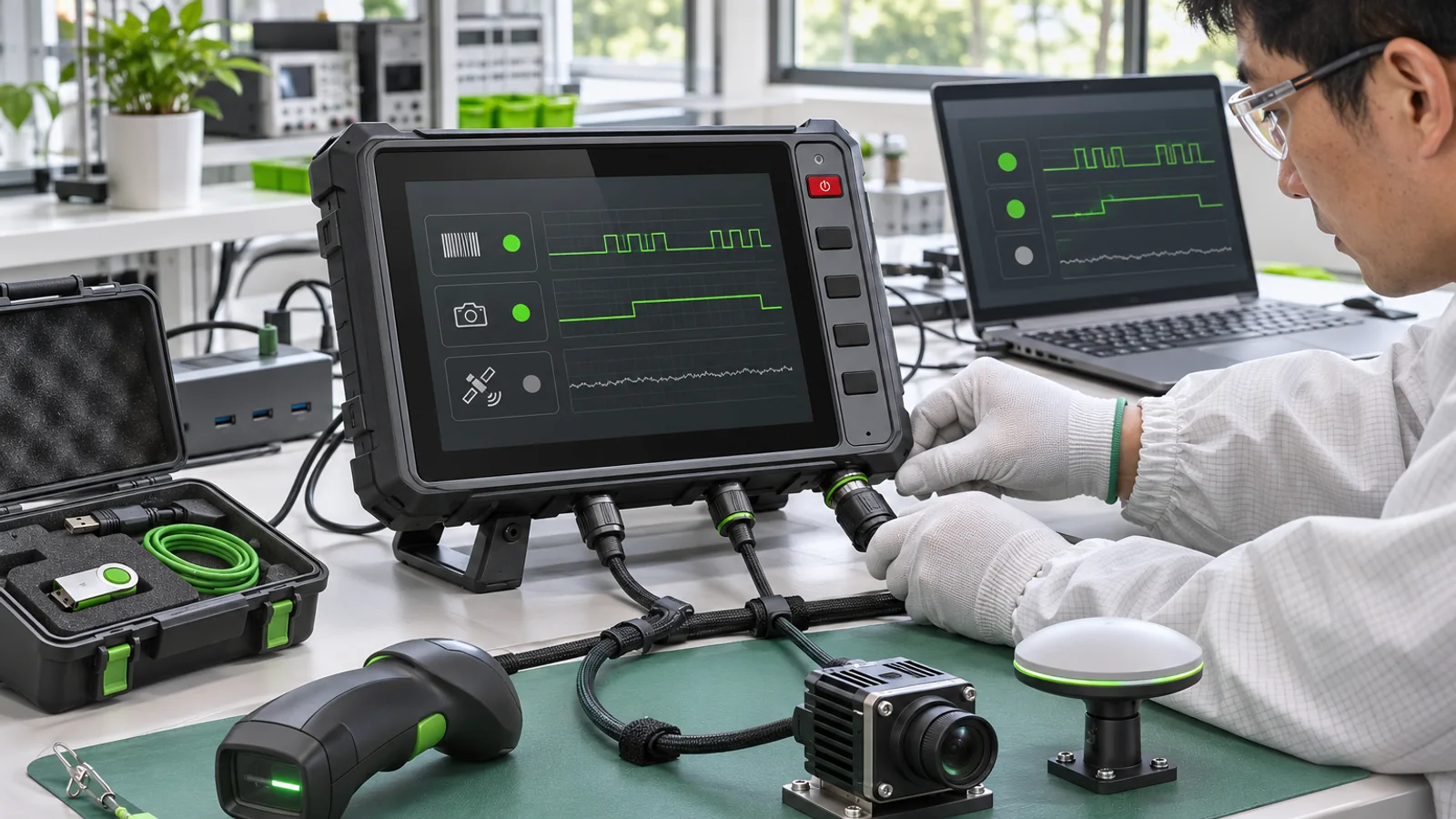
Record the model, hardware revision, OS image, kernel or BSP, SDK, application package and peripheral firmware.
Add a checksum or another unique image identifier when the supplier provides one.
Keep configuration files that affect permissions, network settings or device access. They belong to the tested stack.
If the supplier replaces one layer, compare it with that baseline before release.
Use one operator job as the test spine
Suppose the chosen job is J-017. The operator signs in, receives a position, marks two points and saves the record.
Start with an empty state. Run the job at normal speed and record the result.
Repeat J-017 after a restart, with the network unavailable and with one required peripheral disconnected.
“Application opened” is only the first observation. The job, saved state and recovery behavior provide the useful evidence.
Use invented account and job data where possible. A representative test does not need production customer records.
Check dependencies, permissions and services
Send the application package with its dependency list. Include native libraries, background services and runtime components.
Install and launch it under the intended user or kiosk account. Then repeat after reboot.
Confirm how storage, network, location, camera and USB permissions are granted. Automatic provisioning and manual setup are different support obligations.
Test the update path as part of the same review.
An app that works only after a developer enables a setting is not ready for service.
Use Android's target API requirements as context, then verify the supplied image. The page states platform policy.
It does not certify a vehicle computer product.
Follow every peripheral through the platform
A connector does not make a peripheral compatible.
The platform must expose it, a driver must recognize it and the app must receive useful data.
For serial equipment, record the electrical level, port mapping, baud rate and message format.
For CAN, include termination, bit rate, message definition, software access and decoding owner.
For a camera, record format, resolution, channel count and behavior after reconnect.
For GNSS, define how current, stale and unavailable positions appear.
The Android versus Linux comparison helps frame the platform choice. Only the delivered build can establish vehicle computer software compatibility.
Restart with unfinished work on screen
Leave J-017 in progress before following the approved shutdown sequence.
On restart, locate the job. Check its saved state, pending upload, operator message and any warning.
Repeat with an unexpected interruption only under a procedure approved by the vehicle electrical team.
A device that reaches its home screen may still have lost the operator's record.
For remote updates, inspect download authentication, install state, rollback and the result of another attempt.
The working state should include a way to restore it, not only a photo of one successful launch.
Put vehicle computer software compatibility in one matrix
| Layer | Identifier to record | Evidence | Owner |
|---|---|---|---|
| Hardware | Model, revision, options and boot mode | Unit label and configuration record | Hardware owner |
| Platform | Image, kernel, BSP and SDK | Build readback and image identity | Platform supplier |
| Application | Package, dependencies and settings | Install, job and restart result | Software owner |
| Peripherals | Model, firmware, driver and interface | Input observed beside app value | Integration owner |
| Power states | Approved sequence and expected state | Result before shutdown and after restart | Vehicle electrical owner |
| Recovery | Reinstall and rollback procedure | Restored job on the known baseline | Service owner |
Keep application and platform support separate
The application team can control its package. It usually does not control kernel patches, supplier drivers or system permissions.
The platform supplier can define the supported image and hardware interfaces. That does not automatically certify a third-party app.
Name both responsibilities in the project plan. Then record the tested build and peripheral set.
“Works on Android” is not a support statement. It omits the image, API level, drivers and application version.
This split prevents every app fault from becoming a hardware replacement request.
Define update, rollback and release evidence
Record who releases an image, who authorizes installation and who can stop a deployment.
Keep the previous known-good build available when the project permits it.
Test the way back before the fleet depends on the new version.
A security patch, driver change, app release and hardware revision may require different regression scopes.
The Linux kernel stable rules show why even maintenance changes receive controlled review.
The supplier's BSP is still the configuration to test.
Leave evidence another team can repeat
| Evidence | Minimum content | Why it matters |
|---|---|---|
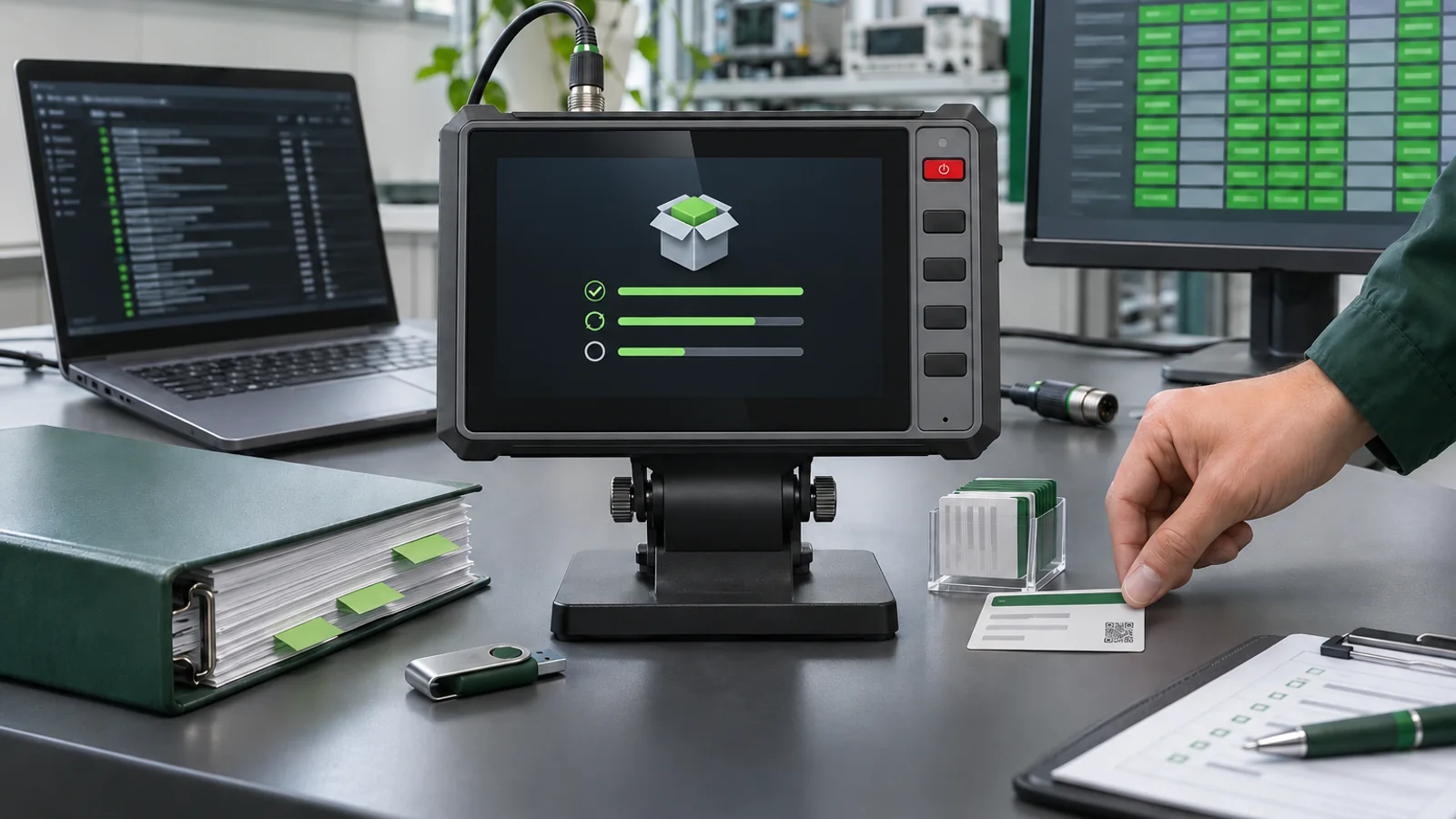
| Baseline sheet | Hardware, OS, BSP, SDK, app and peripherals | Identifies what passed |
| Job script | Steps and expected application states | Makes results comparable |
| Interface record | Source input and app value with time | Separates data and application faults |
| Power record | Sequence, state before stop and after restart | Shows whether the job survives |
| Recovery result | Rollback steps and restored baseline | Shows whether service can recover |
| Open issues | Owner, scope, disposition and date | Stops a gap from becoming approval |
For a PDS project, review the vehicle computer platforms and the OEM/ODM process.
Send the proposed stack through the project contact page.
FAQ
Does a supported Android version guarantee app compatibility?
No. The image, API level, permissions, services, drivers and native libraries also matter.
What is the difference between an OS image and a BSP?
The image is installed on the unit. The BSP contains board-specific support such as drivers and platform integration.
Can Linux be easier to customize?
It can fit a controlled embedded image, but the supplier's BSP and maintenance scope still need review.
Should app launch be part of acceptance?
Yes, as the first check. Acceptance must also cover the job, peripherals and recovery.
How should Android permissions be validated?
Install and launch under the intended account. Confirm storage, location, network, camera and USB access.
Can an app use CAN without a driver?
No general answer applies. Identify the hardware path, driver, API and permission model for the selected build.
What should be checked after an update?
Retest jobs, interfaces and recovery paths affected by the change. Record who set the regression scope.
Is an image checksum necessary?
A checksum is useful. At minimum, keep a unique and traceable image identifier.
Who owns third-party application support?
The app supplier usually owns its package. The platform supplier owns the supported image and interface boundary.
When is the stack ready for production?
When the approved build passes the job and regression tests and update and recovery owners are clear.
Contact us
Email: [email protected]
Tel: +86 13421822024
Website: www.szpds.com
About PDS Technology | Contact PDS Technology | Privacy and terms inquiries
Disclaimer
The information in this article is for reference only. PDS Technology Co., Ltd. assumes no responsibility for errors, omissions, or suitability of the content for specific applications. Product specifications are subject to change without notice. Buyers should verify all technical details with our team before use.
About PDS Technology
PDS Technology is a leading OEM/ODM manufacturer of high-precision RTK GNSS terminals and vehicle computers, serving agriculture, construction, mining, taxi, and logistics markets since 2011.
With 15+ years of automotive-grade R&D experience, we offer rugged, multi-OS (Android/Linux/OpenHarmony) devices featuring RTK centimeter-level positioning, IP66 protection, and AI-ready performance. Our IATF16949-certified factories have produced over 100,000 units deployed globally, holding 30%+ of China's agricultural auto-steering terminal market. We export to Japan, the US, UK, Turkey, Russia, and beyond.