
Vehicle-Mounted Computer vs Rugged Tablet: OEM Buyer Guide
Start with how the screen moves through the working day.
A technician who carries it between four machines probably needs a rugged tablet.
A driver who stays in one cab and expects CAN, cameras and the same software build every morning usually needs a vehicle-mounted computer.
That is a shortlist, not the answer. The bracket, dock, harness and recovery route can reverse the result.
“The IEC developed IP ratings, a global system that grades how well an enclosure resists solids and liquids.”
I use one simple trial for both products.
Ask an operator to complete an ordinary job, repeat it after a key cycle and show another technician how to recover it.
Keep times and build identifiers with each result.
The examples below use invented test notes. They are not PDS customer records.
Use them to design a check in your own vehicle.
Choose by the job, not by a rugged label
Write one job in plain steps. “Open field 12, mark two wet corners and save the map” can be watched. “Use the terminal” cannot.
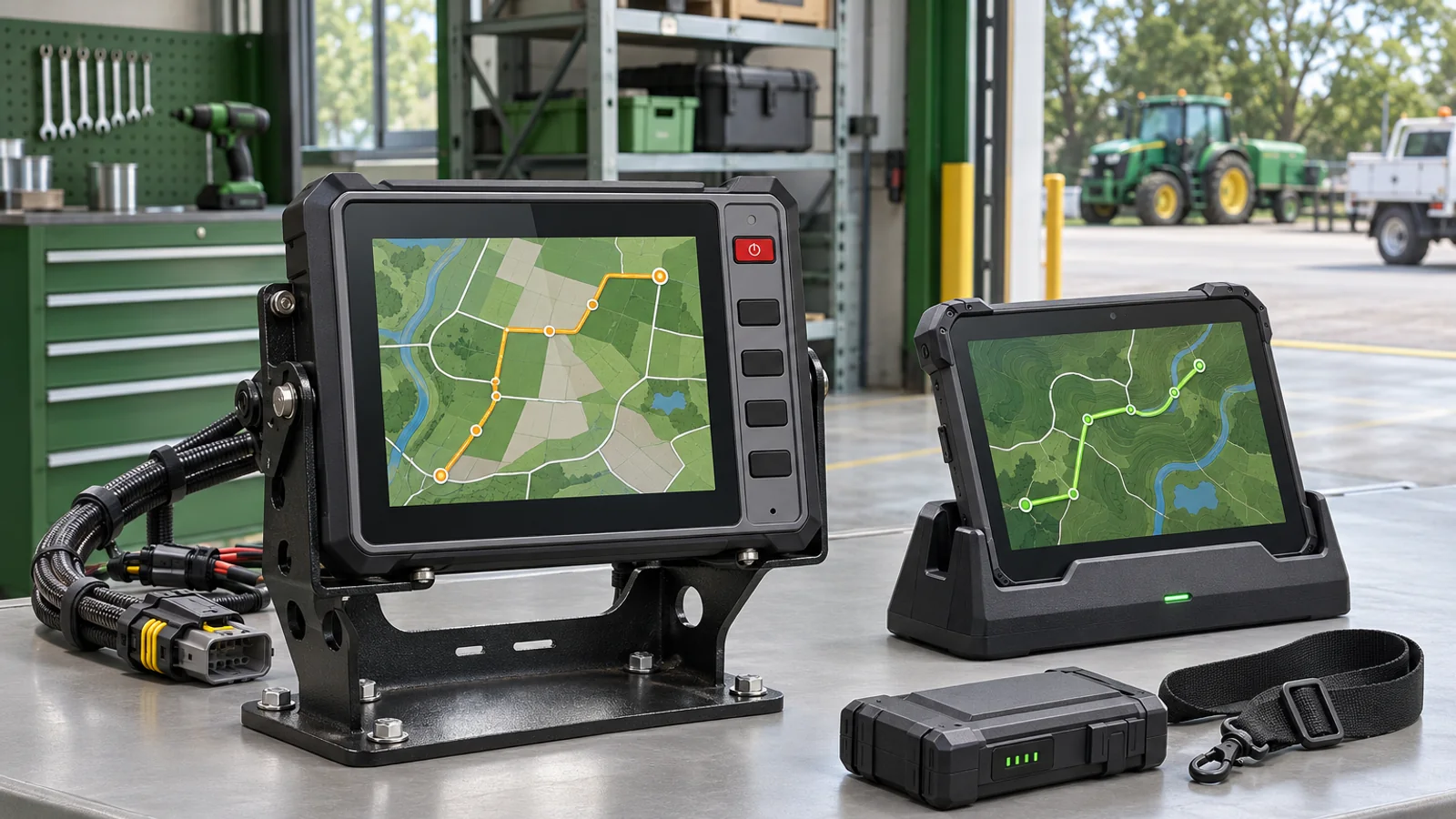
A fixed computer usually wins when the vehicle is the working station.
The machine supplies power, the display stays aligned and one managed image can cover the fleet.
A tablet wins when the person changes vehicles.
It also fits short inspection jobs where a permanent console would cost more than it saves.
Both paths need an owner for charge, cleaning, mounting and software updates.
A blank owner box becomes a stopped job later.
- Who takes the device between vehicles?
- Who checks the installed software build?
- Who can stop a bad update?
- Who signs the mounting and power drawings?
Check the mount in the real cab
A cardboard outline is enough for the first fit check.
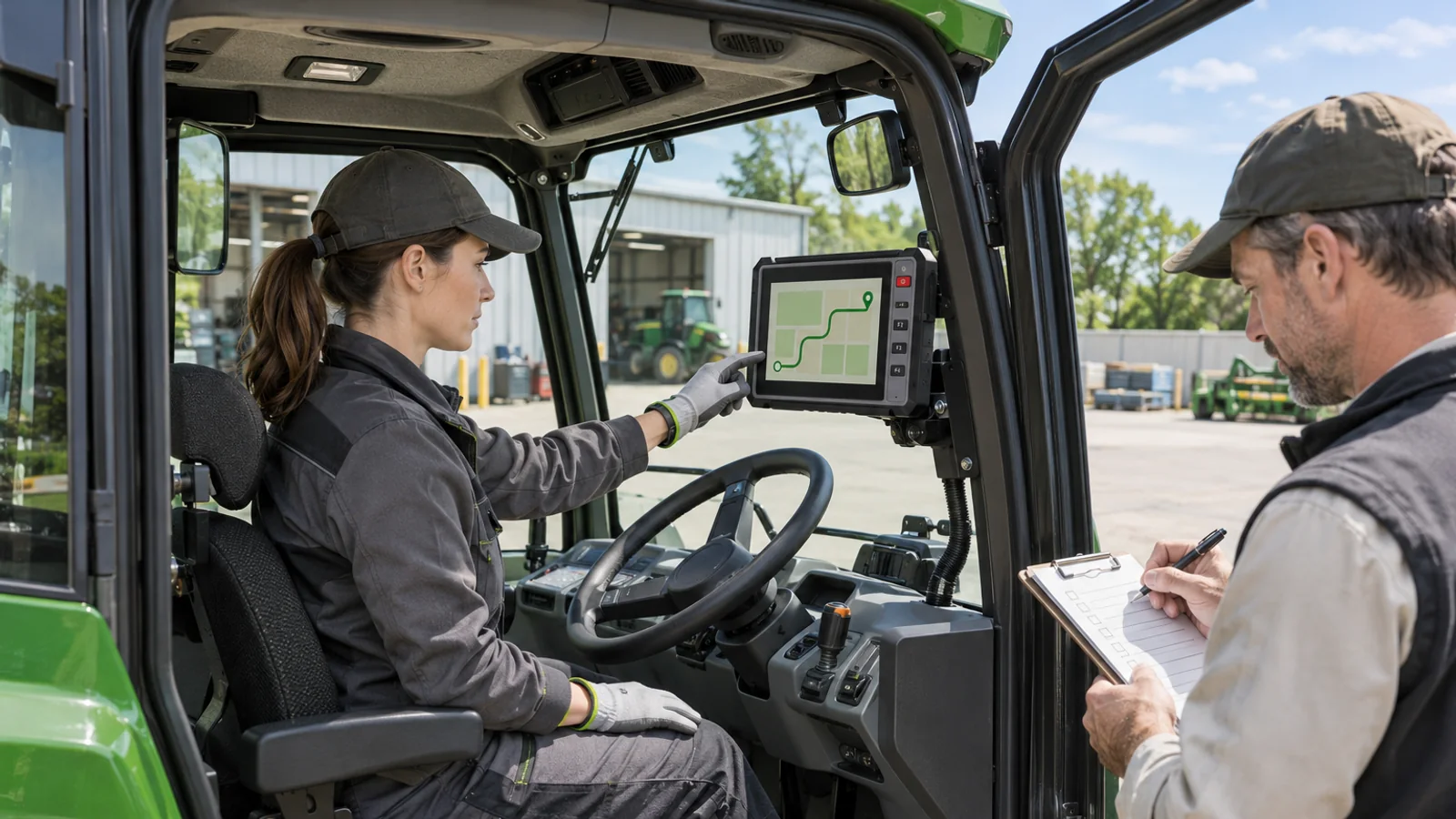
Put it at the proposed screen and bracket position, close the door and move the seat through its travel.
At the rear position, can the operator see the lower display edge?
At the front stop, does the wheel hit the template? Photograph the view from the driver's eyes.
For a tablet, measure the docked envelope. Add the latch, handle, cable boot and room for a hand.
A slate that fits can still fail when another 30 mm sits behind it.
The installer should also reach the plug and service latch without removing trim.
Run the machine over a rough ordinary section. Tape small flags near both cable ends.
If the flags separate as the armrest moves, strain is reaching the connector.
Give power behavior one responsible owner
A tablet has backup energy, but the fleet gains a charging routine.
At the end of a shift, someone must inspect the level, clean the dock and replace a worn pack.
A fixed computer uses the vehicle harness. The drawing should show input range, fuse, ground and delayed shutdown.
A bench supply is not proof that starter crank behavior is acceptable.
Test four states under the approved vehicle procedure:
- Accessory power on.
- Engine crank with a job open.
- Normal shutdown with an unsent record.
- A controlled interruption followed by restart.
Write the expected result before the sample arrives. A terminal that returns to its home screen has booted.
That does not prove the operator recovered the job.
Trace interfaces from data source to app
Two devices can have the same ports and need very different integration work.
Pick one CAN value and trace it through wiring, termination, message file, driver, permission and application variable.
Give each step an owner. A live connector with no decoded value is still an unfinished integration.
Repeat the exercise for serial, Ethernet cameras and USB peripherals.
Unplug each device once and define what the operator should see.
A fixed route protects the harness, but only when service access remains.
If a replacement USB plug requires removing the dashboard, a tidy installation has created a new cost.
Docking exposes another test. At the end of a wet shift, wet gloves and poor light are normal.
If the latch needs both hands, expect the contacts to take rushed treatment.
Read sealing and durability as test scopes
An IP rating answers a defined enclosure question.
It does not cover an open flap, a worn gasket or a washer aimed at a service port.
Find the covers and connectors present during the test. Compare that setup with the model drawing and cleaning routine.
Temperature needs the same care. A storage limit is not an operating limit.
If the yard reaches -10 C and machines are preheated before 06:00, test that schedule.
The IEC explanation of IP ratings is useful common language. It does not approve the assembled vehicle terminal.
Keep the report with photos and part numbers for the tested configuration.
Drop and vibration evidence belongs to the mount too.
A tablet carried by hand and the same model clamped to a bouncing armrest do not see the same load.
Write software ownership before release
A fixed fleet image is efficient until one bad package reaches every machine.
Name the application checker, rollout stopper and recovery owner before a release.
A shared tablet fits people-first workflows. It also means one unit may sign into another account before lunch.
Support needs the person, package and charge state together.
Record four identifiers before testing: hardware revision, OS or BSP build, application package and peripheral firmware.
Then record the last successful restore and the person who can perform it.
An image tied to a known recovery path is far more useful than a working screenshot.
Startup branding is also not the same as low-level access. A boot logo may be a packaging step.
Driver changes, signed updates and recovery partitions add engineering and a maintenance duty.
Use a comparison table to expose gaps
Do not score the rows and pick the highest total.
Replace each general answer with a drawing number, test date or owner.
| Decision area | Favors a rugged tablet | Favors a vehicle-mounted computer | Evidence to keep |
|---|---|---|---|
| Use pattern | The same person moves between vehicles | The device stays with one machine | Job script and assignment policy |
| Mounting | A portable dock fits the workflow | A fixed bracket and cable route fit the cab | Photos, drawing and installer sign-off |
| Power | Battery operation is necessary | The terminal follows ignition states | Approved sequence and measured result |
| Interfaces | Docking can tolerate adapters | Several vehicle inputs run continuously | Interface map and tested peripheral list |
| Software | An existing mobile management model applies | A controlled fleet image is required | Build IDs, release owner and rollback |
| Service | A spare can be issued to a person | A spare can be configured for a machine | Replacement process and support route |
Turn the trial into a purchase decision
Give both candidates the same job, app build, data and peripherals.
Then time sign-in, current GNSS, first saved record and recovery after a reboot.
Run the trial in the vehicle at the real seat position. Ask the intended operator to wear gloves.
Invite the installer who will approve the bracket.
A decision gate needs evidence another person can audit. “Mounted correctly” is an opinion.
A signed drawing, photo and measured result can be reviewed.
| Decision gate | Pass condition | Record |
|---|---|---|
| Operator job | The ordinary task and recovery can be completed | Script, times and observed result |
| Installation | The full assembly fits the approved position | Photo and installer sign-off |
| Power | The agreed four states behave as specified | Sequence, build and results |
| Interfaces | Every required data path works after reconnect | Interface map and test evidence |
| Service | A second person can restore the working build | Recovery procedure and record |
A failed gate may call for another bracket, harness or software owner.
It does not automatically eliminate the whole product category.
For a fixed installation, review the PDS vehicle computer models and OEM/ODM process.
Send the vehicle, job, ports and mounting envelope through the project contact page.
FAQ
Is a vehicle-mounted computer always more durable than a rugged tablet?
No. Durability belongs to the installed assembly. Check the enclosure, mount, connectors and cleaning routine.
When is a rugged tablet the better choice?
It often fits when people move among machines and need the same screen with them. Check battery and device assignment.
Can a tablet replace a fixed terminal for guidance work?
It can be tested. Compare visibility, positioning input, interface access and restart behavior in the real cab.
Which device is easier to connect to CAN or serial equipment?
The exact hardware, driver and protocol permission matter more than the device category.
Should the mount and harness be supplied with the terminal?
One scope can reduce interface gaps. Vehicle fit, electrical protection and installer approval still need an owner.
How many devices should be tested?
Use enough samples to cover the build, installation variants and operators in the acceptance plan.
Is IP66 enough for every vehicle installation?
No. The model configuration, covers, cleaning practice and test report must match the real use.
Can both options run a custom application?
Compatibility depends on the OS, SDK, hardware access, dependencies and package. Review the supplied build.
What belongs in the commercial comparison?
Include terminal, mount, harness, power accessory, software work, documentation and service terms.
Does a fixed computer remove the need for backup energy?
Not always. Ask what happens during a short interruption and how the application saves or restores the job.
Contact us
Email: [email protected]
Tel: +86 13421822024
Website: www.szpds.com
About PDS Technology | Contact PDS Technology | Privacy and terms inquiries
Disclaimer
The information in this article is for reference only. PDS Technology Co., Ltd. assumes no responsibility for errors, omissions, or suitability of the content for specific applications. Product specifications are subject to change without notice. Buyers should verify all technical details with our team before use.
About PDS Technology
PDS Technology is a leading OEM/ODM manufacturer of high-precision RTK GNSS terminals and vehicle computers, serving agriculture, construction, mining, taxi, and logistics markets since 2011.
With 15+ years of automotive-grade R&D experience, we offer rugged, multi-OS (Android/Linux/OpenHarmony) devices featuring RTK centimeter-level positioning, IP66 protection, and AI-ready performance. Our IATF16949-certified factories have produced over 100,000 units deployed globally, holding 30%+ of China's agricultural auto-steering terminal market. We export to Japan, the US, UK, Turkey, Russia, and beyond.