
Mining Vehicle Computer Pilot Testing
"The terminal is running." That is the first line of a pilot note, not the final one. It says the unit booted. It does not say what happened on the route, after a weak signal, or when the next shift had to recover a problem.
For mining vehicle computer pilot testing, the question is whether this exact installation can handle the buyer's intended work, including conditions a workshop demonstration leaves out.
What decision is the pilot for?
Write the question before choosing the vehicle. Is the team checking the mounting? The power path? Machine data? A camera view? A dispatch application? Each one needs different evidence.
Pick the vehicle that can answer the question. It might have the most difficult start, the tightest cab, a different harness or a route with poor coverage. A nearby parked machine is convenient. It is not automatically representative.
One unit can be enough for one question. Say what it does not cover. “Unit A covered the cab installation; the underground route remains open” is a useful boundary. “Pilot passed” hides it.
Keep the tested configuration visible
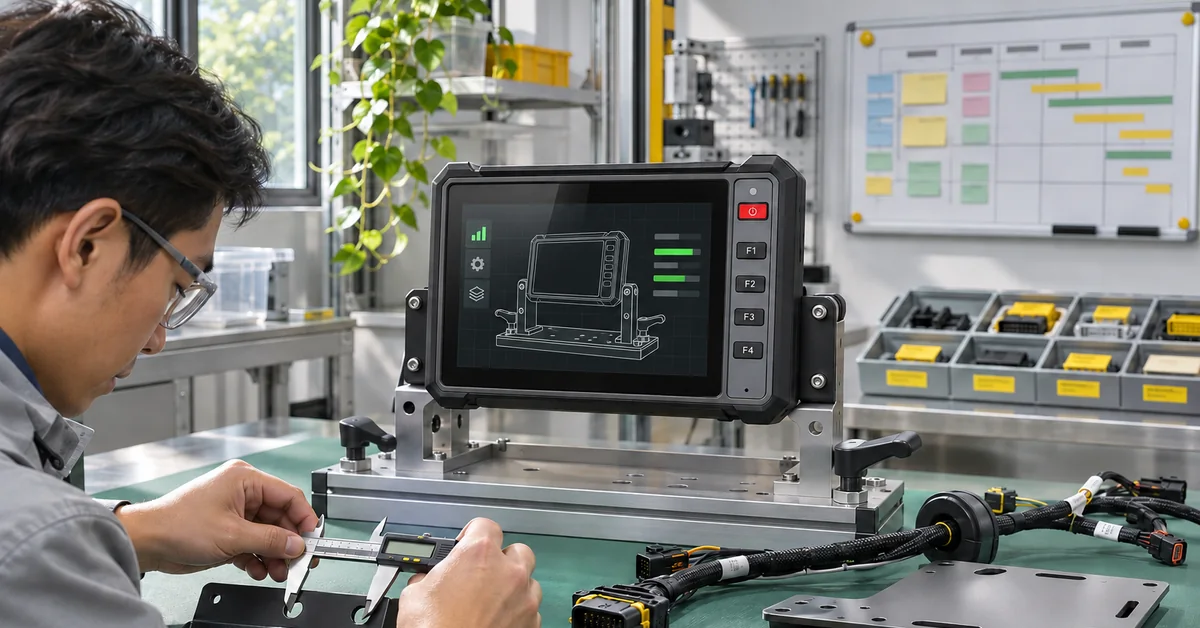
Open a record under the terminal's SKU and serial number, with the machine ID alongside. Add the software and application builds, bracket and harness revisions, camera list, required machine signals, positioning equipment, power source and network path.
When the cable changes, start a new entry. Do the same for a software build or bracket. A later fault investigation becomes guesswork if the old configuration is overwritten.
Product and solution pages can help identify a possible model and its options. They do not replace the quotation or the installed wiring drawing. Keep product reference information beside, but separate from, the result for the unit that was actually tested.
Take the photograph from the seat
Before the shift, sit where the operator sits. Is a control blocked? Does the terminal cover a mirror or part of the required view? Can the screen be read at the normal seat adjustment? A photograph taken from outside the cab will miss some of this.
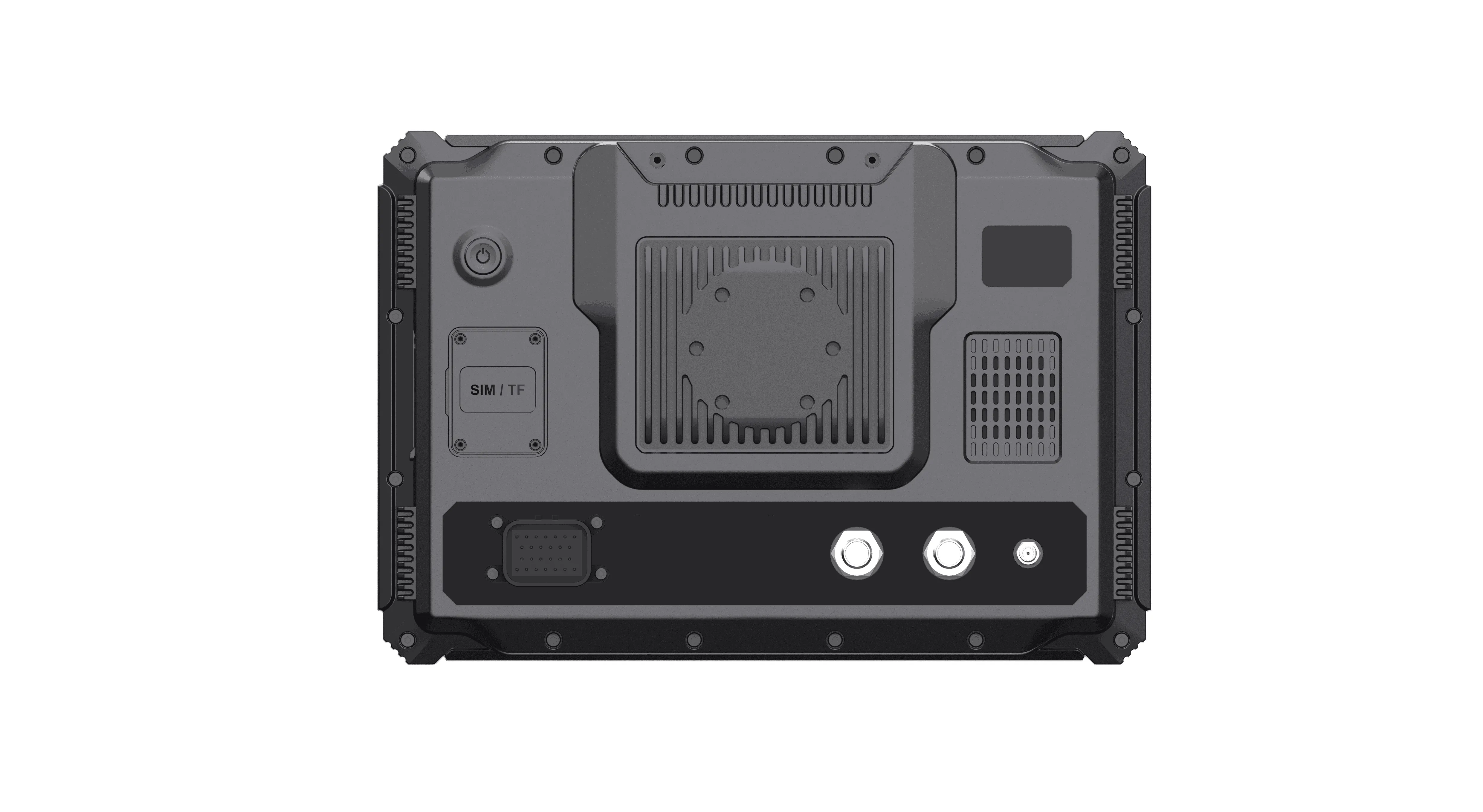
Take another photograph behind the terminal. Show the cable support, connector locks, strain relief and the service points. Ask maintenance: which connector would you reach first, and what would have to move to reach it?
Repeat the inspection after representative work. Compare the bracket and cable route. Look for rubbing, loose hardware, dust paths and moisture. Use the approved cleaning and ingress method. Do not turn a product rating into an improvised pressure-washing test.
The screen returned. Did the record return?
For a power run, qualified personnel should use the approved test connections. Cover key-on, crank, normal operation, key-off and restart. Keep the main supply, ground and ACC observations with the logs. Note accessory loads that changed during the event.
“It restarted” is not enough. The whole terminal may have restarted. The application may have stopped. A planned shutdown may have taken place. The issue owner will need different evidence in each case.
Choose a test record before the run. Find it after the next boot. Compare the identifier and contents, not only the number of records on screen. A home page proves that the display returned, not that the work survived.
A number on the screen needs a reference
List the values the machine actually needs. For each one, write the source, unit, scaling, update behavior and missing-data indication. An engine-hours value can look right and still be stale.
Compare the displayed value with an agreed reference while the machine is in a known state. Keep the raw observation. A CAN connector is only the beginning of this check; the message, conversion and application field must also agree.
Decide what positioning means for the job. A route history is not the same requirement as a current location or a higher-accuracy working position. Name the receiver, antenna and correction service in the tested setup. Record signal loss and recovery.
For a camera, write the intended view and trigger beside the result. Check startup and the missing-feed state. A frozen image, an empty panel and an explicit warning give the operator different information.
Test the route, not just the office
Mark the workshop, loading area, operating route, parking point and weak-coverage sections. The office connection is a good baseline. It cannot stand in for the route where telemetry or dispatch is needed.
Before a planned offline check, agree what should continue and what needs a live service. Give the test records clear identifiers. After reconnection, find each one at the receiving end and compare the content. A correct total can hide one duplicate and one missing record.
Ask the operator what the screen showed while a record was waiting. Could they tell? Could they continue the agreed task? “It arrived later” needs a decision, not an assumption.
Let someone else use the procedure
The installer knows the shortcuts. The useful question is what happens when that person is not there. Hand the instructions to an operator who did not write them, using the normal gloves and lighting for the work. If the operator gets stuck, ask which step or screen label caused the problem and note any workaround.
A recovery exercise gives maintenance the same opportunity to review the document. The approved task might be collecting a log, restarting the application, cleaning a camera or reseating an approved connection. Connector work still follows the safe service procedure. Note any help the installer has to give. That missing explanation belongs in the instructions, followed by another attempt at the affected step.
Mining vehicle computer pilot testing record
| Check | Evidence | Question |
|---|---|---|
| Configuration | Build sheet and dated changes | Which unit was tested? |
| Installation | Seat view and service photographs | Is it secure and reachable? |
| Power | Trace, logs and record comparison | Did the required work survive? |
| Machine data | Signal definition and reference | Are the values current? |
| Route and camera | Coverage notes and view results | Can the operator work through the condition? |
| Handover | Procedure, assistance and issues | Can the site recover the system? |
Keep one issue record for one event: machine, build, time, expected result, actual result, recovery action and files. Add an owner and a retest date. Keep the failed run when a correction succeeds. An accepted limitation needs a written decision too.
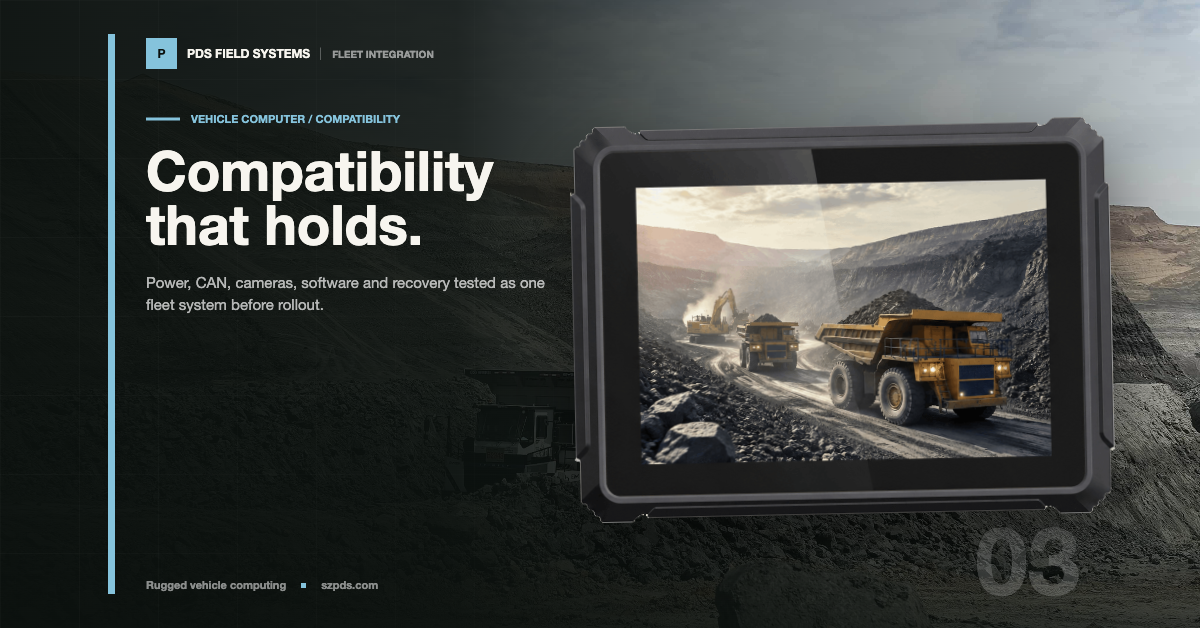
For equipment context, use the PDS construction and mining solution, the selected T10B configuration and the mining-truck computer selection guide with the pilot file. State the tested configuration, conditions and remaining gaps.
FAQ
How many machines should be tested?
Enough to cover the machine, route and operating differences that could change the decision. There is no useful fixed number without that context.
Can a workshop check close the pilot?
It can close workshop questions. It cannot prove behavior on a route, shift or recovery condition that was not tested.
Does a manual restart close a fault?
No. Keep the event and recovery together. Use the agreed retest and acceptance process before closing it or accepting the limitation.
What belongs in the handover?
Include the configuration sheet, photographs, logs, data comparisons, route observations, failed runs, retests and open decisions. State what the pilot did not cover.
Contact us
📧Email: [email protected]
📞Tel: +86 13421822024
🌐Website: www.szpds.com
Disclaimer
The information in this article is for reference only. PDS Technology Co., Ltd. assumes no responsibility for errors, omissions, or suitability of the content for specific applications. Product specifications are subject to change without notice. Buyers should verify all technical details with our team before use.
About PDS Technology
PDS Technology is a leading OEM/ODM manufacturer of high-precision RTK GNSS terminals and vehicle computers, serving agriculture, construction, mining, taxi, and logistics industries since 2011.
With 15+ years of automotive-grade R&D experience, we offer rugged, multi-OS (Android/Linux/OpenHarmony) devices featuring RTK centimeter-level positioning, IP66 protection, and AI-ready performance. Our IATF16949-certified factories have produced over 100,000 units deployed globally, holding 30%+ of China's agricultural auto-steering terminal market. We export to Japan, the US, UK, Turkey, Russia, and beyond.