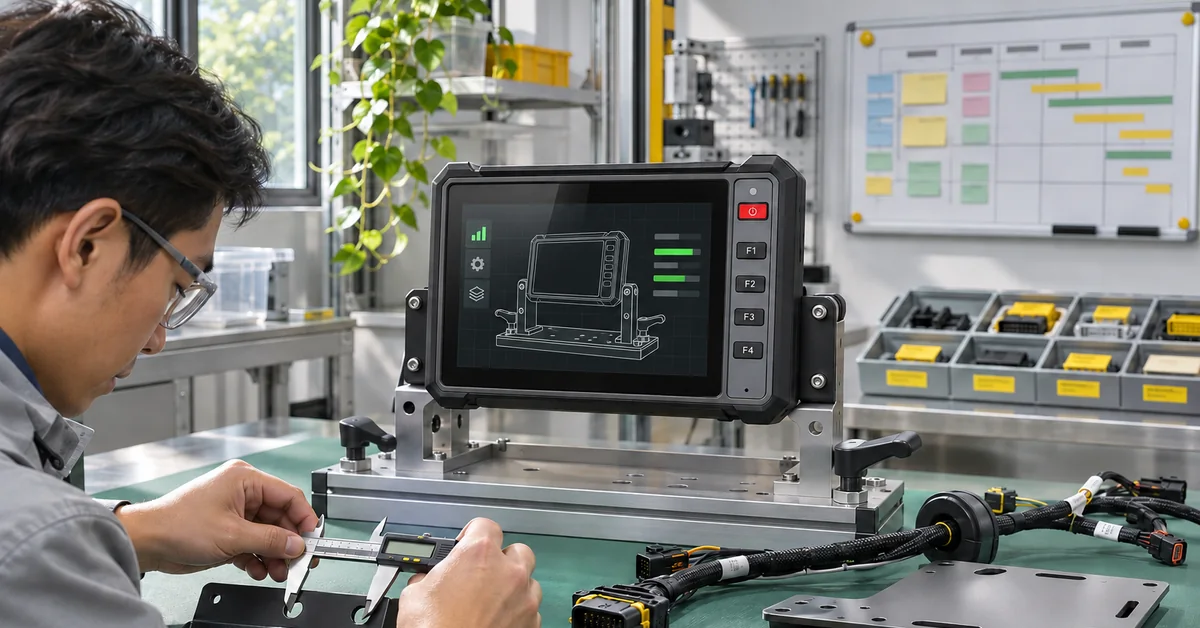

A vehicle computer mass production plan should only move beyond the vehicle computer pilot when the approved build can be identified, reinstalled and supported without the original trial team.
Before releasing a production order, gather the configuration record, the decisions on open findings and the commissioning instructions. For vehicle computer mass production, the approved configuration should travel with every released unit.
Then ask a second installer to use them.
Consider this hypothetical handover: a pilot report says "T10 approved," while the sample uses a revised harness and a different application image.
The purchase order says only "T10." Which combination is the supplier being asked to repeat?
This article proposes a way to resolve that gap. It does not describe a completed PDS customer rollout.
Write the order from the approved build
Start with the terminal's model, hardware revision and selected options. Add the OS image, application version, receiver and other peripherals.
Attach the released harness and bracket drawings. What about the accessories bought elsewhere? Put those on the list too.
A terminal part number will not identify a separately purchased receiver or mounting bracket.
Before the secured installation leaves the workshop, photograph the cable route, plugs and mounting position.
Keep those photographs with the approved drawings.
The service team may need both: a picture to find the cable and a drawing to establish its part number, connections and revision.
If the project retains a reference unit, label its configuration and track its updates.
Do not let it become the convenient machine on which everyone tries the latest firmware.
Once that happens, it no longer provides a stable comparison for a production unit.
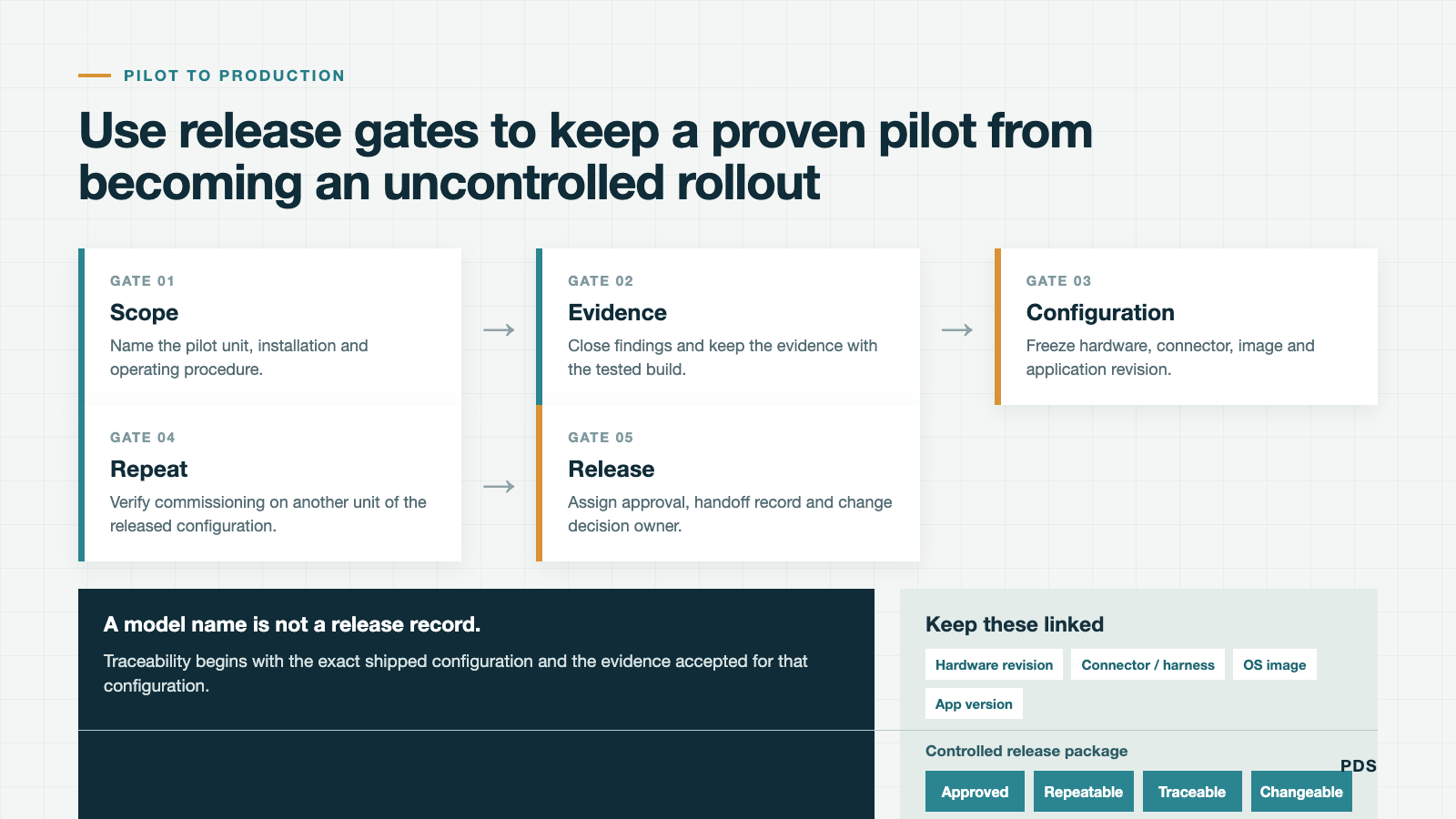
Give every pilot finding a disposition
A finding needs a written outcome. "Corrected and retested" should lead to the retest record.
"Accepted limitation" needs the acceptance owner and scope. "Open" needs an owner for the remaining work.
Leave an intermittent problem on the list until someone resolves or formally accepts it; a clean final demonstration cannot explain an earlier failure.
For a startup finding, keep the build identifier and the logs from the retest together.
"Fixed in new firmware" is too vague for a future support call.
The next engineer needs to know which firmware and what result established the fix.
The project owner must decide which remaining findings prevent release. Their consequence depends on the vehicle and application.
Where a limitation is accepted, identify the affected installation scope and record the acceptance.
A shipment deadline is a date, not a technical disposition.
Let a second installer find the missing steps
Give the package to a qualified installer who did not build the pilot.
When a question comes back, note what prompted it. Was a cable unlabelled? Did a photograph hide the connector?
Did setup depend on a step someone remembered?
Amend the relevant instruction and let that installer try the affected step again.
The catalog lists 9-36 V input for the relevant PDS families.
For the installation instructions, obtain the electrical team's vehicle-specific procedure covering protection, grounding and peripheral supplies.
The input-voltage range belongs in the specification, but it is not a substitute for that wiring review.
End commissioning with a recorded application result.
Identify the unit and software, check the agreed peripherals and complete the test job.
Use the customer's authorized vehicle identifier; there is no need to add personal operator information to prove that the terminal was commissioned.
Use a release package that separates responsibilities
| Release item | Responsible party to name | Record needed before scale-up |
|---|---|---|
| Hardware configuration | Buyer and hardware supplier | Approved model, options and revision |
| Application and OS image | Software owner and platform supplier | Build identifiers and regression scope |
| Installation method | Vehicle owner and installation team | Harness, bracket, routing and safe-work procedure |
| Pilot findings | Project acceptance owner | Disposition, evidence and accepted limitations |
| Commissioning | Deployment team | Unit-level checks and traceable completion record |
| Service and updates | Support and software teams | Escalation route, recovery plan and change notice process |
Replace the roles in this table with project contacts. One organization may own several rows.
Ask specifically who supplies commissioning tools and remote management if either is required.
Leaving a blank responsibility beside an important task does not make that task part of the hardware price.
Choose what the next deployment must prove
List the differences between the pilot vehicles and the next group.
A different cab, harness arrangement or peripheral deserves a review even if the terminal model is unchanged.
Decide which differences require another installation trial before ordering for the whole fleet.
On receipt, compare the production units with the released configuration. Check the accessories, unit identity, OS and app versions.
Use the commissioning result to establish operation.
Opening a settings page is not the same check as completing and saving a job.
Agree a review point before the following group is released.
Its timing and batch size depend on the remaining uncertainty and the support team's capacity.
There is no useful universal number to copy from another fleet.
State the evidence needed to continue, and who can pause deployment when a new finding appears.
Try the replacement-unit procedure
While the installation still works, have the support team identify its build and retrieve the diagnostic record agreed for the project.
Use the access available to an authorized technician.
If the procedure depends on the operator handing over a personal account, revise it.
Remove customer credentials and unrelated records before making a support attachment.
Then walk through the replacement procedure on paper.
The spare needs an app, an assigned identity and whatever approved configuration the original unit used.
Establish who supplies each item. Note any license or record tied to the old terminal and who handles that transfer.
A spare on the shelf and a usable replacement are not yet the same thing.
Use mining pilot-testing guidance for the site-trial questions, then keep the production-release package separate.
For the supply discussion, bring that package to the PDS OEM/ODM review or project contact team.
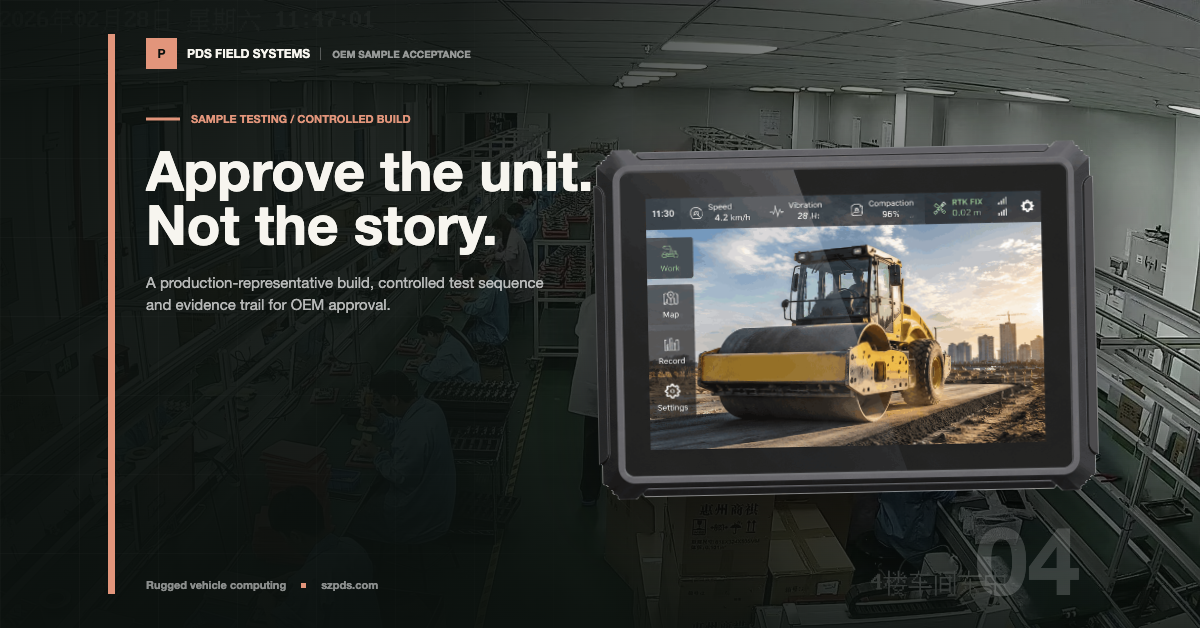
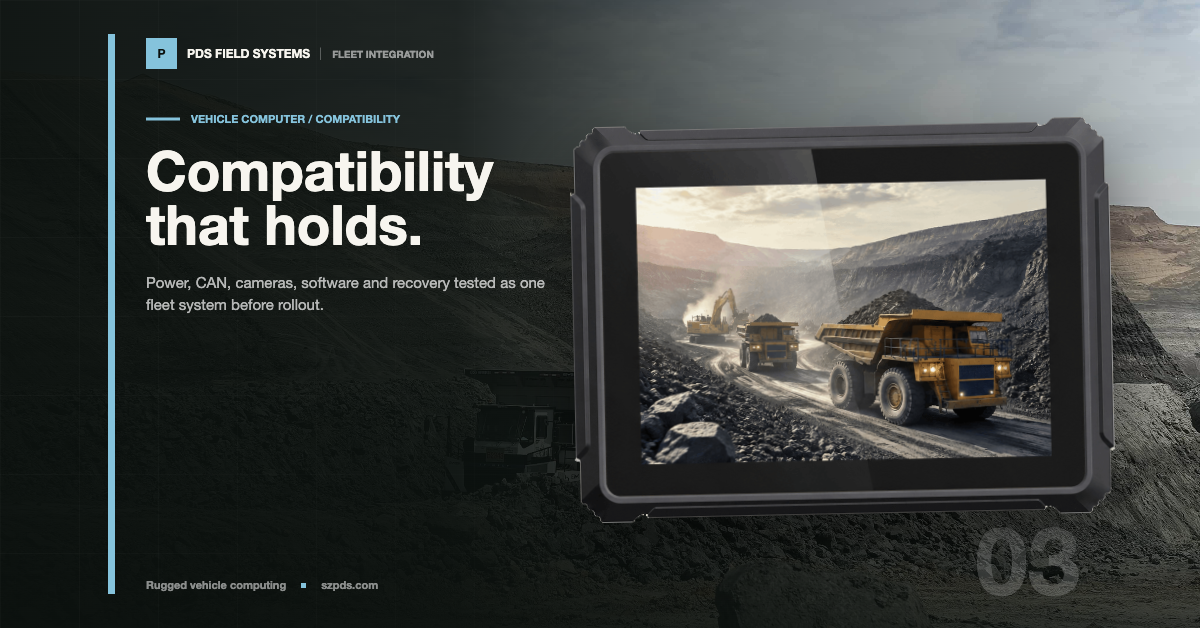
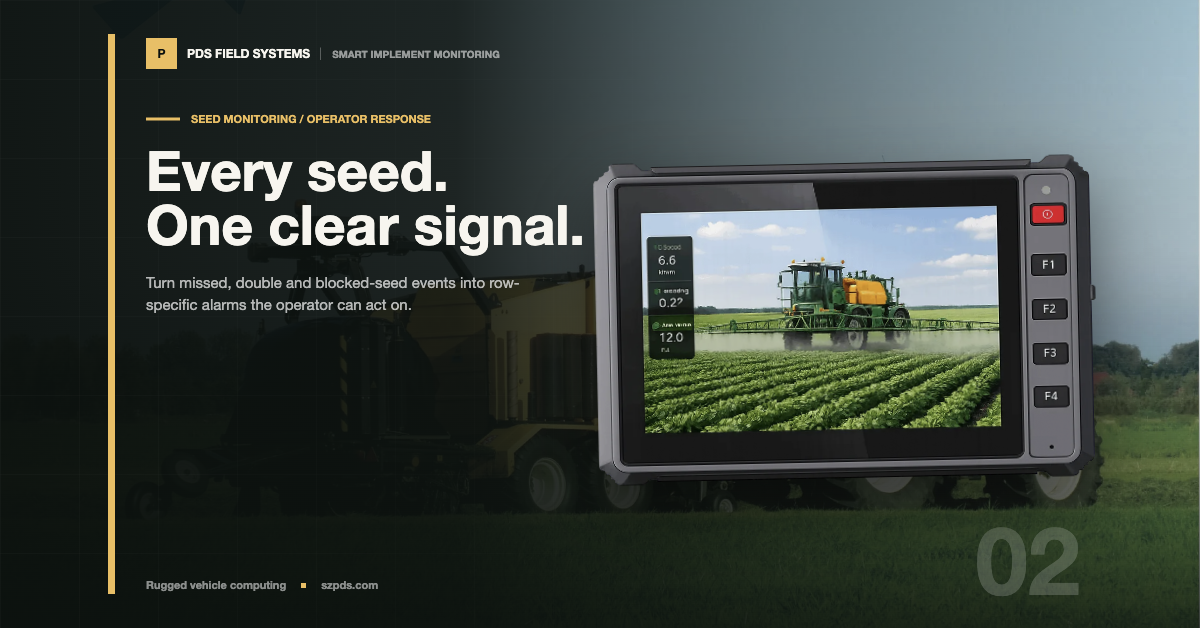
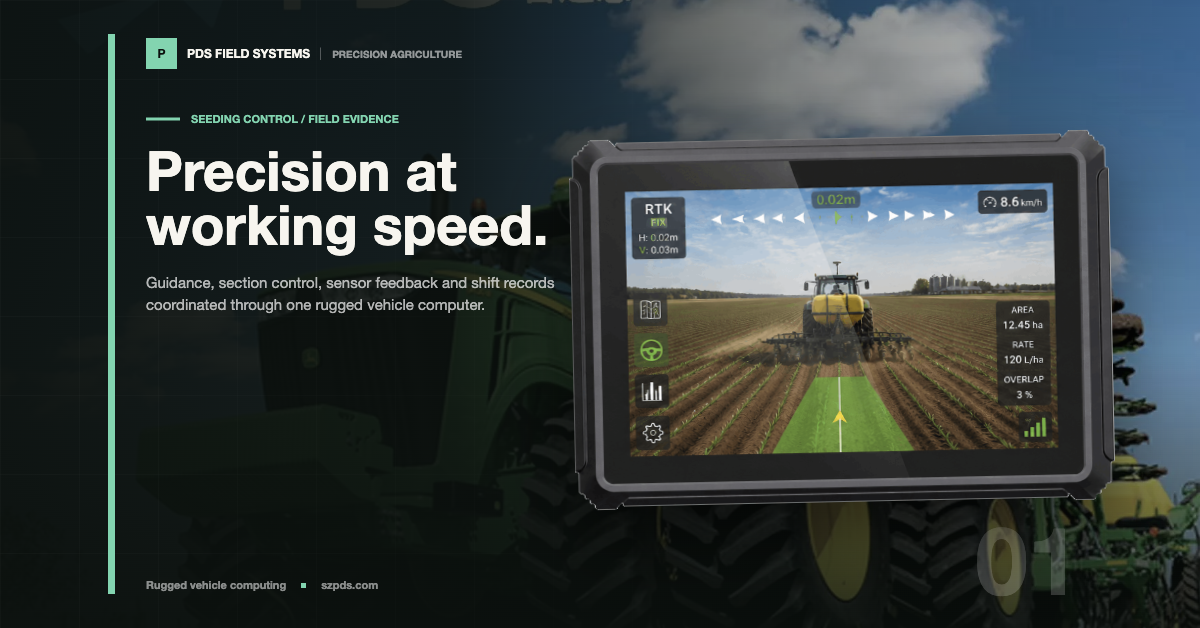
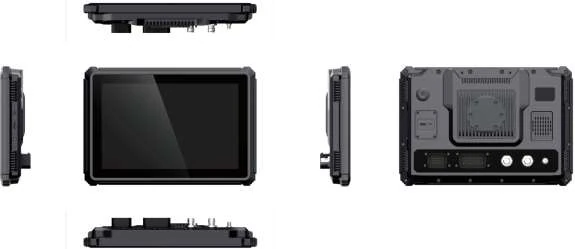
The product and application illustrations cited here are from the PDS October 2026 English Catalog V3.1, pages 5–10 and 11–15.
FAQ
Does a successful pilot mean a fleet is ready for mass deployment?
Not by itself. Identify the approved configuration first.
A vehicle computer mass production release also needs every pilot finding closed or formally accepted, with installation, commissioning and support prepared for the intended rollout.
What should be frozen before placing a production order?
Freeze an identified configuration: the terminal and options, the software builds, and the installation drawings and accessories.
Attach the acceptance criteria and any approved exceptions. That is the reference for checking the next shipment.
How many units should the next deployment contain?
The project has to choose. A new vehicle installation or unresolved finding may call for another limited trial.
Set the next group's scope and review point around what still needs to be established, with installation and support capacity taken into account.
Can production units use a newer software image?
Only through the agreed change process.
Review the differences, repeat affected tests and update the approved configuration record before treating the new image as equivalent to the pilot build.
Contact us
📧Email: [email protected]
📞Tel: +86 13421822024
🌐Website: www.szpds.com
Disclaimer
The information in this article is for reference only. PDS Technology Co., Ltd. assumes no responsibility for errors, omissions, or suitability of the content for specific applications. Product specifications are subject to change without notice. Buyers should verify all technical details with our team before use.
About PDS Technology
PDS Technology is a leading OEM/ODM manufacturer of high-precision RTK GNSS terminals and vehicle computers, serving agriculture, construction, mining, taxi, and logistics industries since 2011.
With 15+ years of automotive-grade R&D experience, we offer rugged, multi-OS (Android/Linux/OpenHarmony) devices featuring RTK centimeter-level positioning, IP66 protection, and AI-ready performance. Our IATF16949-certified factories have produced over 100,000 units deployed globally, holding 30%+ of China's agricultural auto-steering terminal market. We export to Japan, the US, UK, Turkey, Russia, and beyond.